34
Operating
Using the EDGE BLENDING features
1. MODE (MANUAL)
OFF:
Disables the Blending function.
ON: Allows you to adjust Blending Region or Blending Level by using menu.
2. BLENDING LEVEL
[1-25] can be selected with
◄/► buttons
.
Adjust the brightness of Blending Region according to the settings.
3. BLENDING REGION
3.1 Specifying Blending Region
Blending Region can be speci ed for left and right sides with
◄/► buttons
and
for top and bottom sides with ▲/▼
buttons
.
Specify Blending Region for each projector.
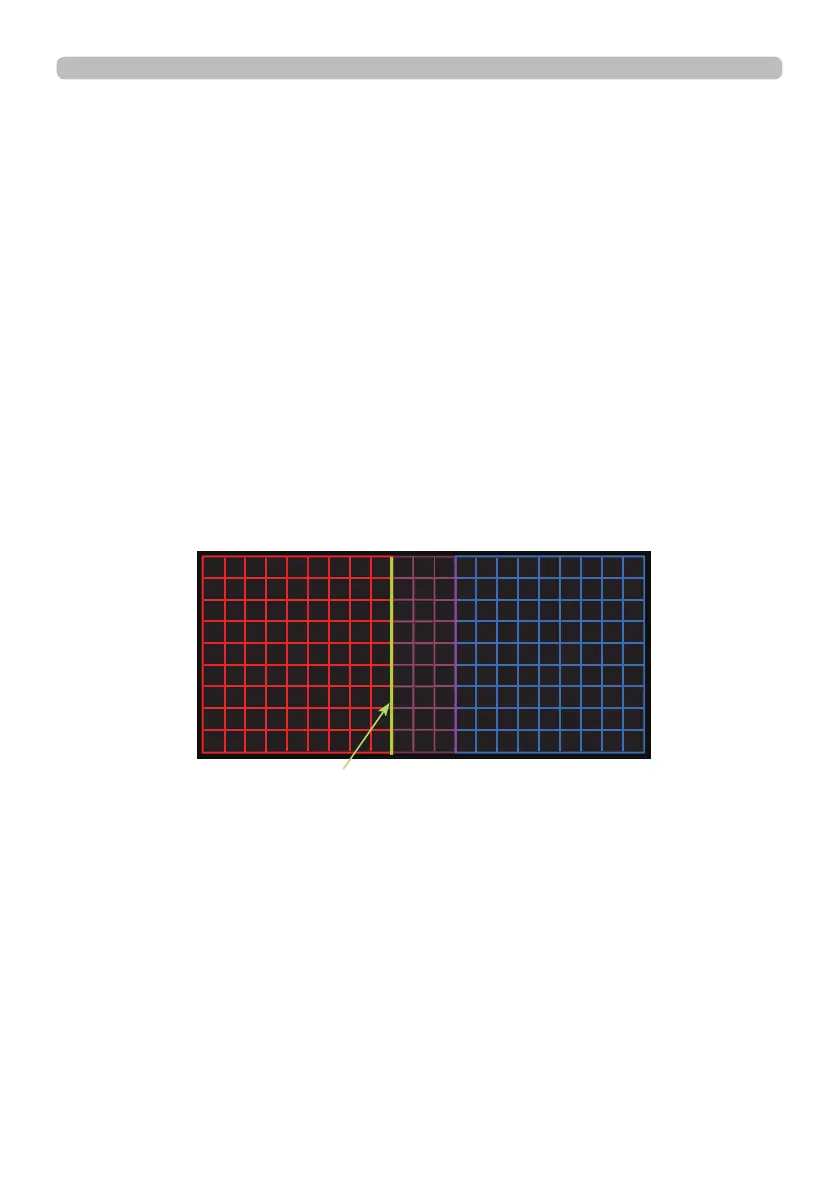
Adjust them referring to the guide displayed during the adjustment of Blending
Region.
* 20% of resolution is recommended for blending region.
(continued on next page)
Guide line















 To Next Page