35
Operating
(continued on next page)
4.1 Displaying Cropping Menu
Select CROPPING with ▲/▼ buttons and press
►
, ENTER button to display
Cropping Menu.
4.2 Setting Cropping
Select MODE with ▲/▼ buttons and select ON with
◄/► buttons
.
Input image is automatically cut out according to the settings of Blending
Region.
4. CROPPING
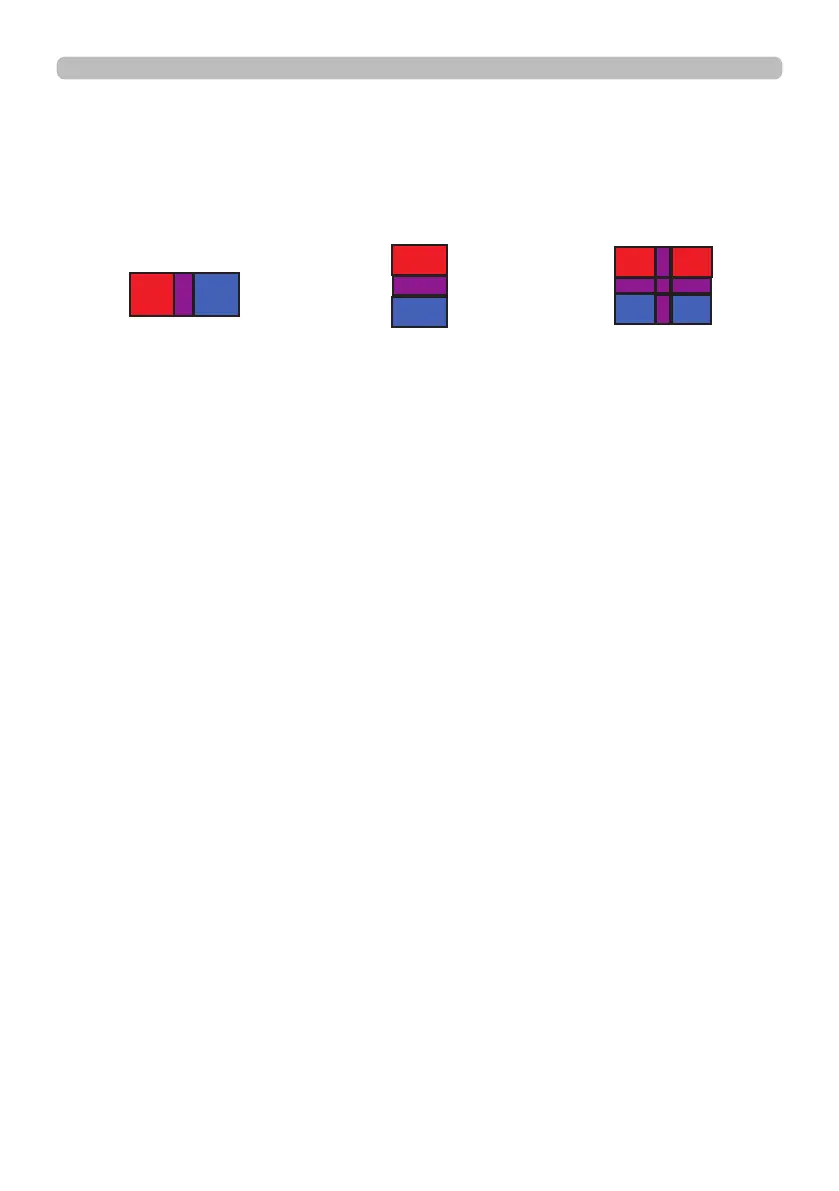
When inputting the same image to each projector, Cropping function enables
projector to cut out a part of input image and display one image on a large
screen. The following patterns are supported.
1 x 2
2 x 2
2 x 1















 To Next Page