39
Operating
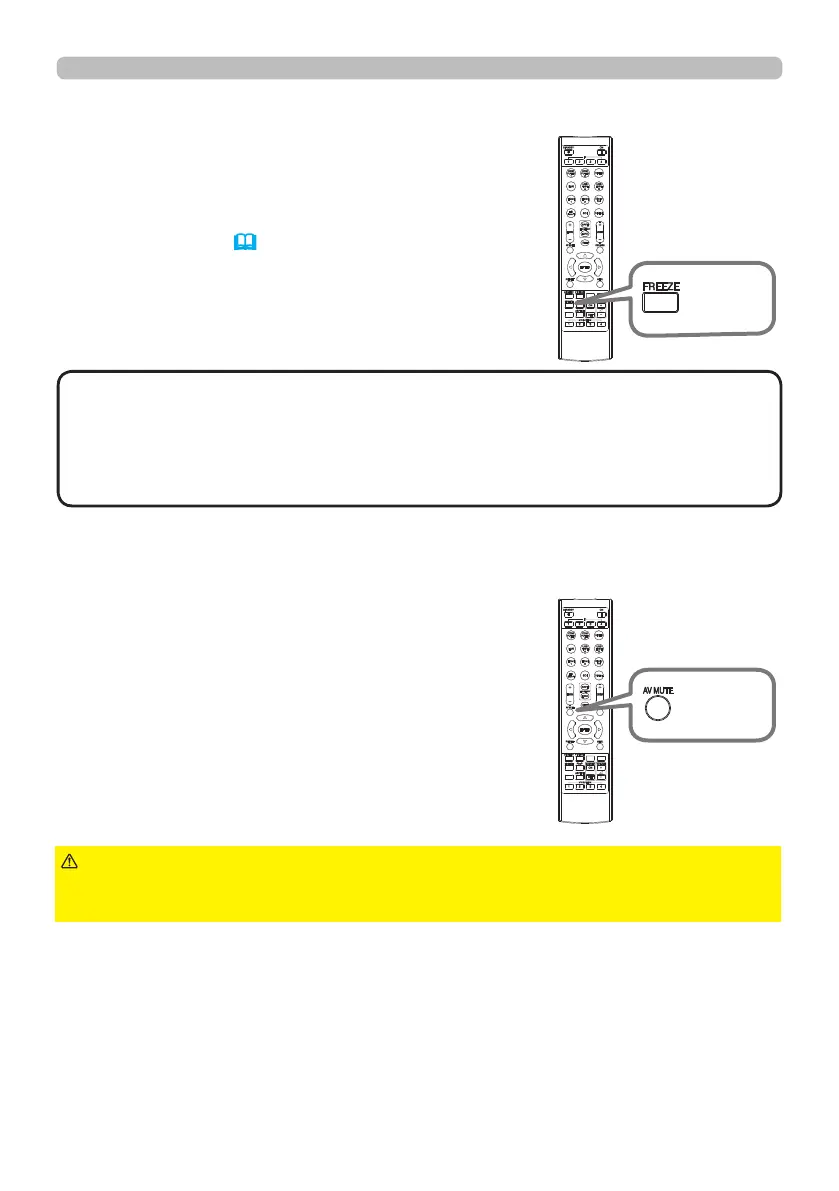
Press the FREEZE button on the remote control.
The “FREEZE” indication will appear on the screen
(however, the indication will not appear when
SILENT or INHIBIT is selected for the OSD MESSAGE
item in the SETUP (56)), and the projector will go
into the FREEZE mode, which the picture is frozen.
To exit the FREEZE mode and restore the screen to
normal, press the FREEZE button again.
Temporarily freezing the screen
• The projector automatically exits from the FREEZE mode when some
control buttons are pressed.
• Do not leave the projector in the FREEZE mode for too long.
• Images might appear degraded when this function is operated, but it is not a
malfunction.
NOTE
Press AV MUTE button on the remote control.
The BLANK screen will be displayed instead of
the screen of input signal.
To exit from the BLANK screen and return to the
input signal screen, press AV MUTE button again.
Temporarily blanking the screen
►If you wish to have a blank screen while the light source is lit,
use the BLANK function above.
Taking any other action may cause the damage on the projector.
CAUTION
INFO
NETWORK
INTERACTIVE
INFO
NETWORK
INTERACTIVE
FREEZE
button
AV MUTE
button















 To Next Page