40
Operating
INFO
NETWORK
INTERACTIVE
The PbyP / PinP is a function for displaying two different picture signals on a
screen that is separated into main and sub areas for each signal.
PbyP (Picture by Picture) / PinP (Picture in Picture)
•
There are certain functions that cannot be used when in the PbyP /
PinP mode.
• A message will be displayed when buttons that cannot be used are pressed
(70). However, note that there are certain unusable buttons for which
messages are not displayed.
• The functions on the OSD menu that cannot be used are displayed in gray
and cannot be selected.
NOTE
(continued on next page)
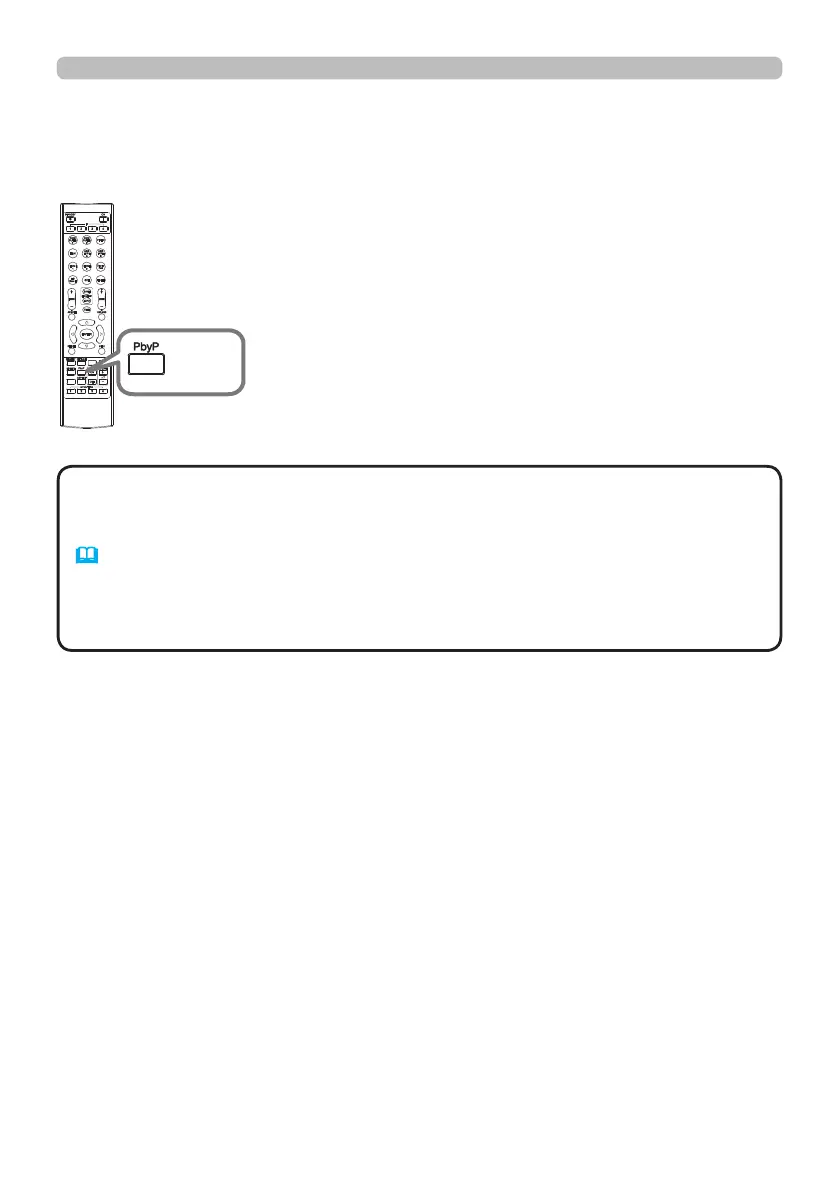
Press the PbyP button on the remote control. This activates
the PbyP / PinP mode.
The screen displayed before the
PbyP button was pressed will be displayed as the main
area. Most of operations are effective for the main area
only. To quit the PbyP / PinP mode, press the PbyP button
again.
PbyP
button















 To Next Page