38
Operating
1.
Using the magnify feature
2.
3.
4.
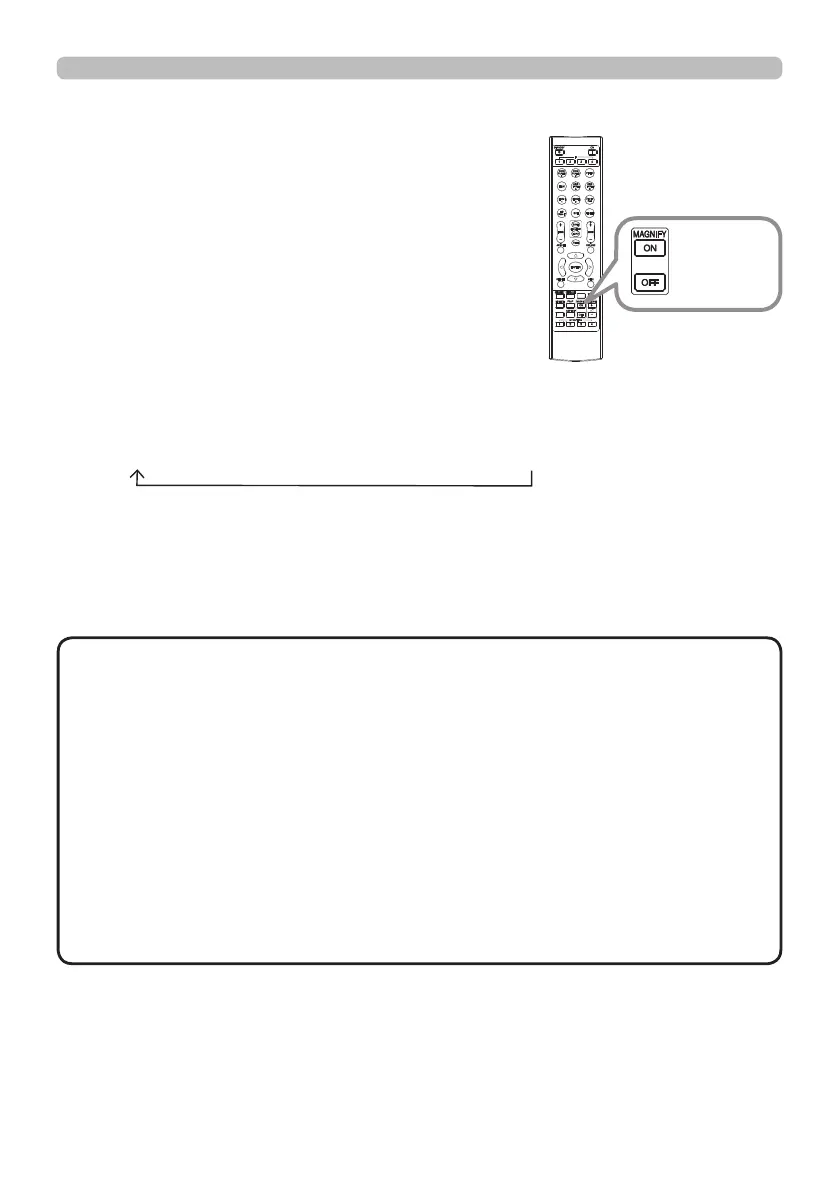
Press the MAGNIFY ON button on the remote
control.
The picture will be magnied, and the MAGNIFY
dialog will appear on the screen. When the
MAGNIFY ON button is pressed for the rst time
after the projector is turned on, the picture will
be zoomed by 1.5 times. On the dialog, triangle
marks to show each direction will be displayed.
The display magnication of the projector switches in order with every press
of the MAGNIFY ON button.
1.5 times 2 times 3 times 4 times 1 time
While the triangles are displayed on the dialog, use the ▲/▼/◄/► cursor
buttons to shift the magnifying area.
Press the MAGNIFY OFF button on the remote control to exit magnication.
• The MAGNIFY dialog will automatically disappear in several seconds
with no operation. The dialog will appear again if the MAGNIFY ON button is
pressed when the dialog has automatically disappeared.
• The magnication is automatically disabled when the displaying signal or its
display condition is changed.
• While the magnication is active, the keystone distortion condition may vary.
It will be restored when the magnication is disabled.
• Some horizontal stripes might be visible on the image while magnication is
active.
• This function is not available in the following cases:
- A sync signal in the range not supported is input.
- There is no input signal.
- EDGE BLENDING is set to ON.
NOTE
INFO
NETWORK
INTERACTIVE
MAGNIFY
ON/OFF
button















 To Next Page