4.2.4.3 Info
4.2.4.3.1 Info
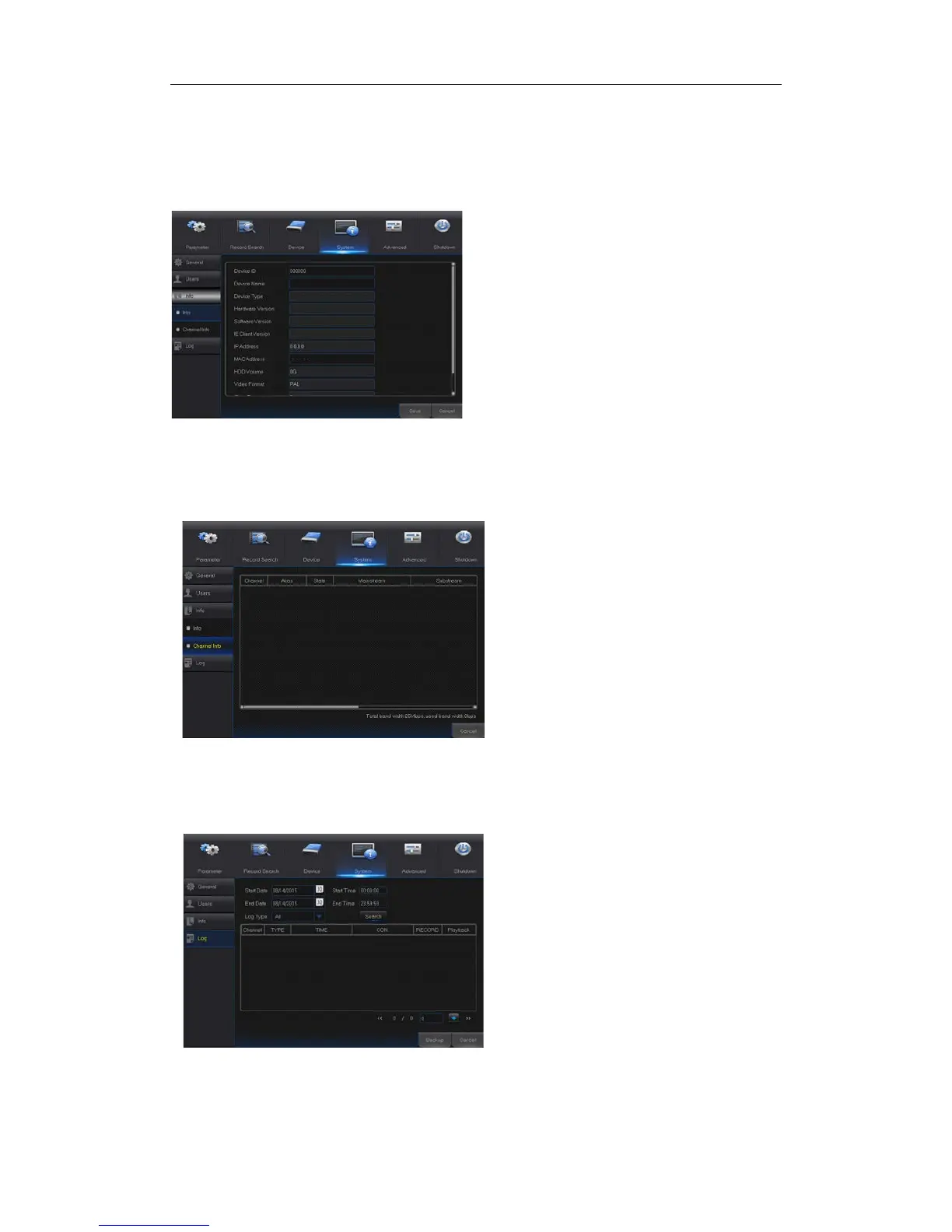
Go to “Main Menu” → “System” → “Info” to enter into the interface shown as Picture 4-36.
4.2.4.3.2 Channel Info
Go to “Main Menu” → “System” → “Info” → “Channel Info”,as shown in Picture 4-37
Picture 4-37
4.2.4 Log
Go to “Main Menu” → “System” → “Log”, as shown in Picture 4-38.
Picture 4-38
User may search log information in different period of time. Click “Backup” to save all the log
information, as shown in Picture 4-38.
User can view system information, including
Device ID, Device Name, Device Type,
Hardware Version, Firmware Version, IE Client
Version, IP Address/Domain, MAC Address,
HDD Capacity, Video Format, Media Port, Web
Port, etc.
User may view the information of various
connected IPC, including state,
mainstream, substream, motion
detection, privacy zone, cruise, etc.


 To Next Page