5.2 Web Application Manager Login
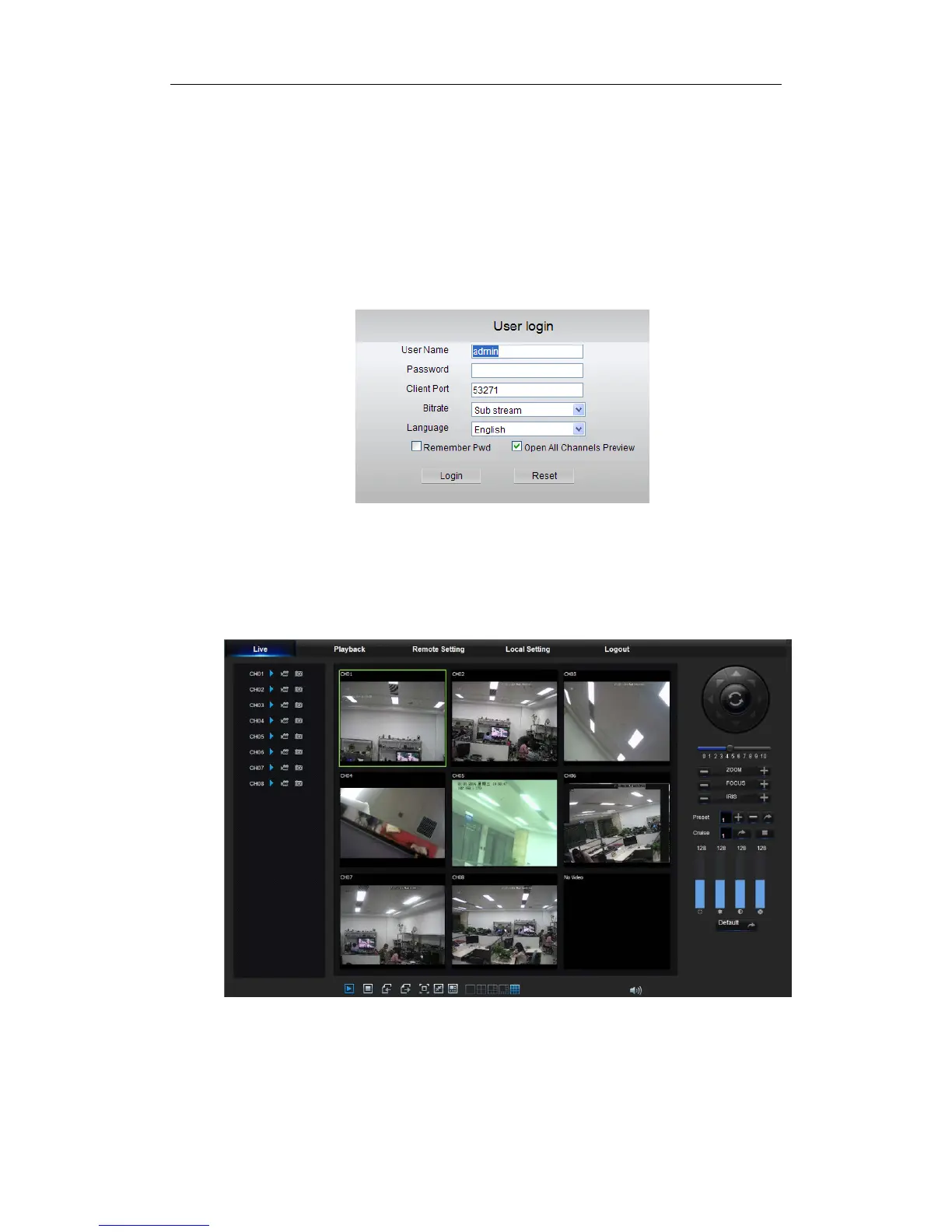
After ActiveX controls installation, please input user name and password, select Main
Stream or Sub Stream (In general, select main stream for intranet and sub stream for outer
net), and select language in the interface shown as picture 5-2. There is an option for
opening all channel preview, select it to open all live pictures. Press Login to log in client
and remotely visit NVR. The default password is admin and administer is authorized to
modify the password. Set password as per introductions of user management in system
setting.
5.3 Live Interface
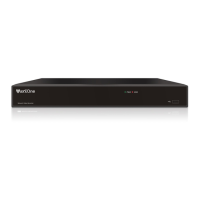
Log in and enter into the live interface to establish video link, as shown in Picture 5-3.
Picture 5-3
Picture 5-2


 To Next Page