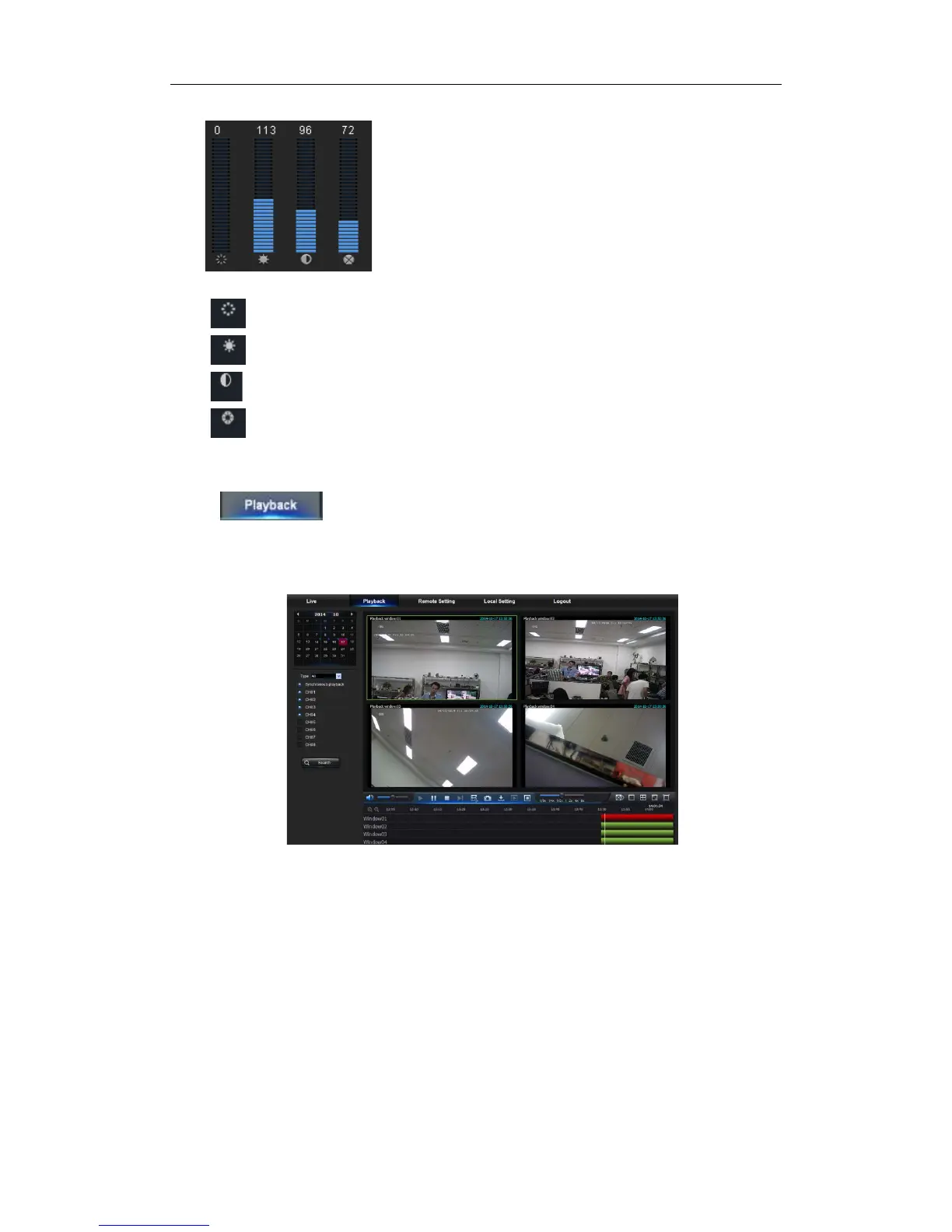
5.3.1.2 Video Control
Picture 5-5
:Adjust the chromaticity of video
:Adjust the brightness of video
:Adjust the contrast of video
:Adjust the saturation of video
5.3.2 Playback
Click to enter into Playback interface to remotely view the records in NVR
HDD, as shown in Picture 5-6. Supports 4 channels playback.
Picture5-6
5.3.2.1 Record Search
Record playback procedure
Firstly, select the date you want to check and select 4 channels. Any record files in current
channel at current date will be displayed in the status bar of the interface.


 To Next Page