173
Controls in detail
Control system
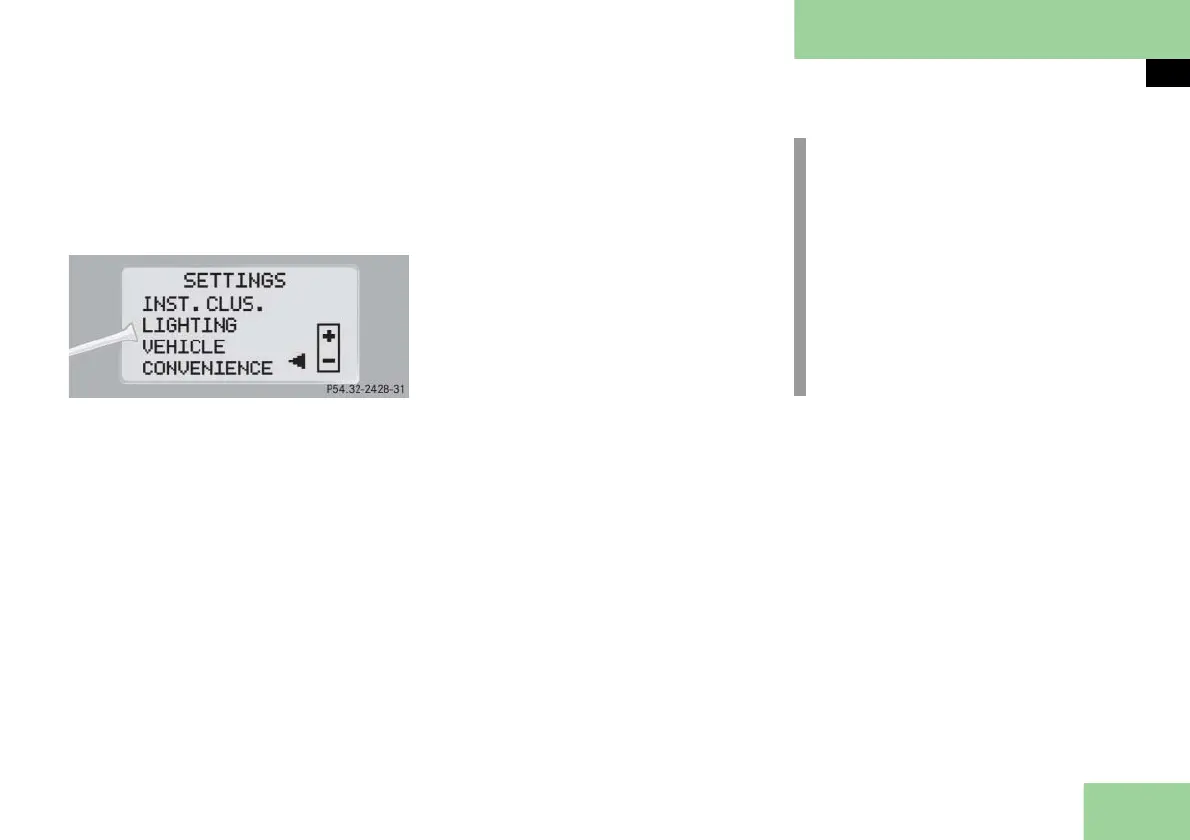
Submenus in the Settings menu
Press button k or j.
The various submenus appear in the
display.
Press button æ or ç.
The selection marker moves to the
next submenu.
The submenus are arranged by hierar-
chy. Scroll down with button ç, scroll
up with button æ.
Move within the submenus with
button k or j to the individual
functions.
The settings themselves are made with
button æ or ç.
Resetting the functions of a submenu
For each submenu you can reset all the
functions to the factory settings.
Move to a function in the submenu.
Press reset button J ( page 25) in
the instrument cluster for approxi-
mately three seconds.
In the display you will see the request
to press reset button J again to con-
firm.
Press reset button J again.
All functions of the submenu will re-
set to factory settings.
i
The settings you have changed will
not be reset unless you confirm the
action by pressing reset button J
a second time. After approximately
five seconds, the
SETTINGS
menu ap-
pears again.
Due to safety reasons, resetting all of
the settings while driving will not re-
set all of the values in the
LIGHTING
or
the
VEHICLE
menu.



 To Next Page