McHale Fusion Vario Baler & Wrapper
86
7.5.5 Crop moisture sensor (if fitted)
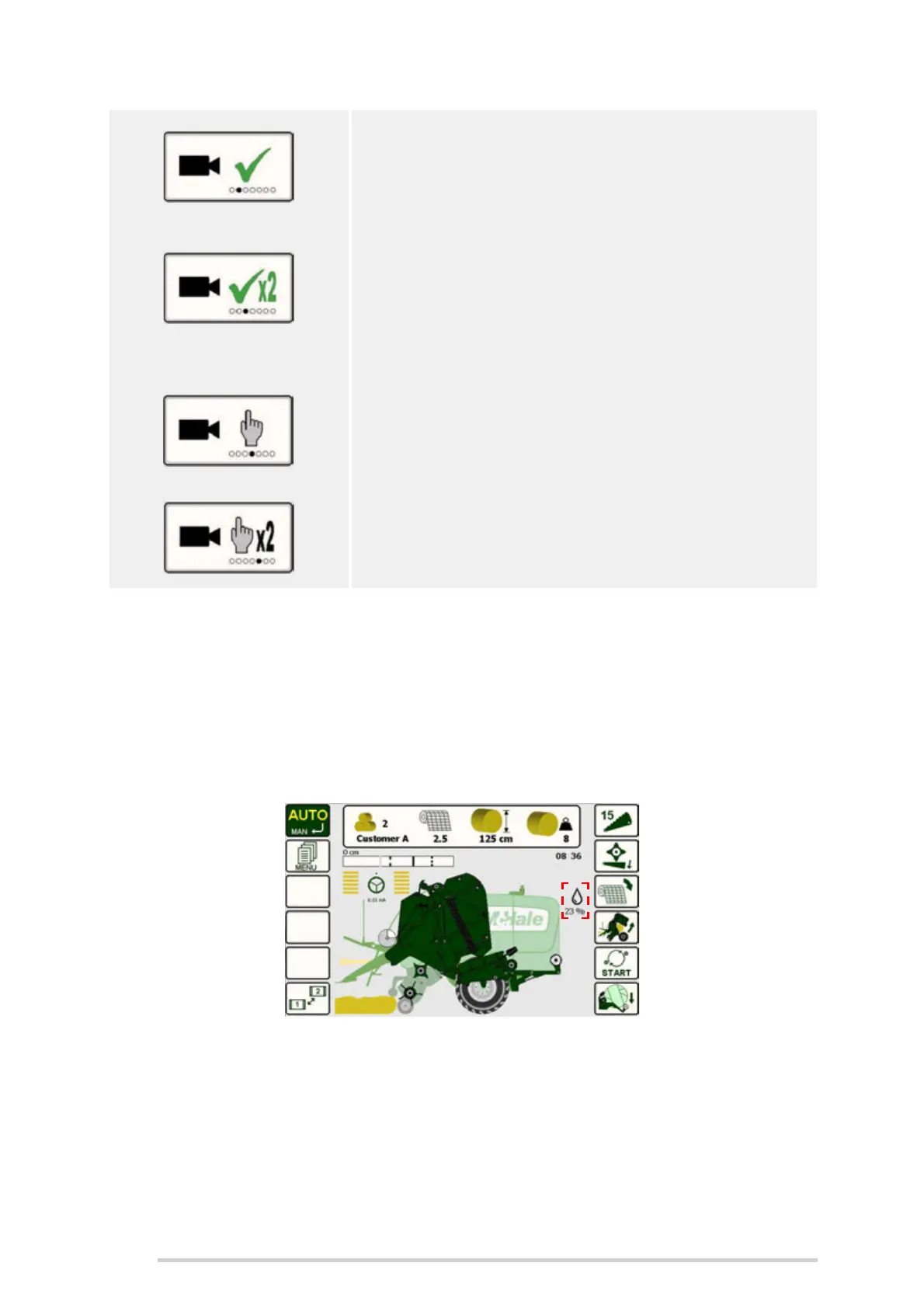
The machine can be fitted with an optional crop moisture sensor. When fitted, the
moisture icon is shown on the main screen and a live moisture reading is displayed.
Because of the numerous variables which affect the recorded bale moisture, the
indicated values should only be used as a guideline. Crop type, bale density and field
conditions will have an effect on the displayed moisture content.
Auto
The screen will automatically toggle between the main
screen and camera 1 during various stages of the
machine cycle. The toggle button can also be used to
manually switch between camera and main screen.
Auto (x2)
The screen will automatically toggle between the main
screen and camera 1 during various stages of the
machine cycle, exactly as it does on the previous
AUTO option. But the toggle button can also be used to
manually view camera 1 or 2 when required.
Man
The camera toggle button will toggle from the main
screen to camera 1, then back to the main screen.
Man (x2)
The camera toggle button will toggle from the main
screen, to camera 1, to camera 2, then back to the
main screen.



 To Next Page