McHale Fusion Vario Baler & Wrapper
90
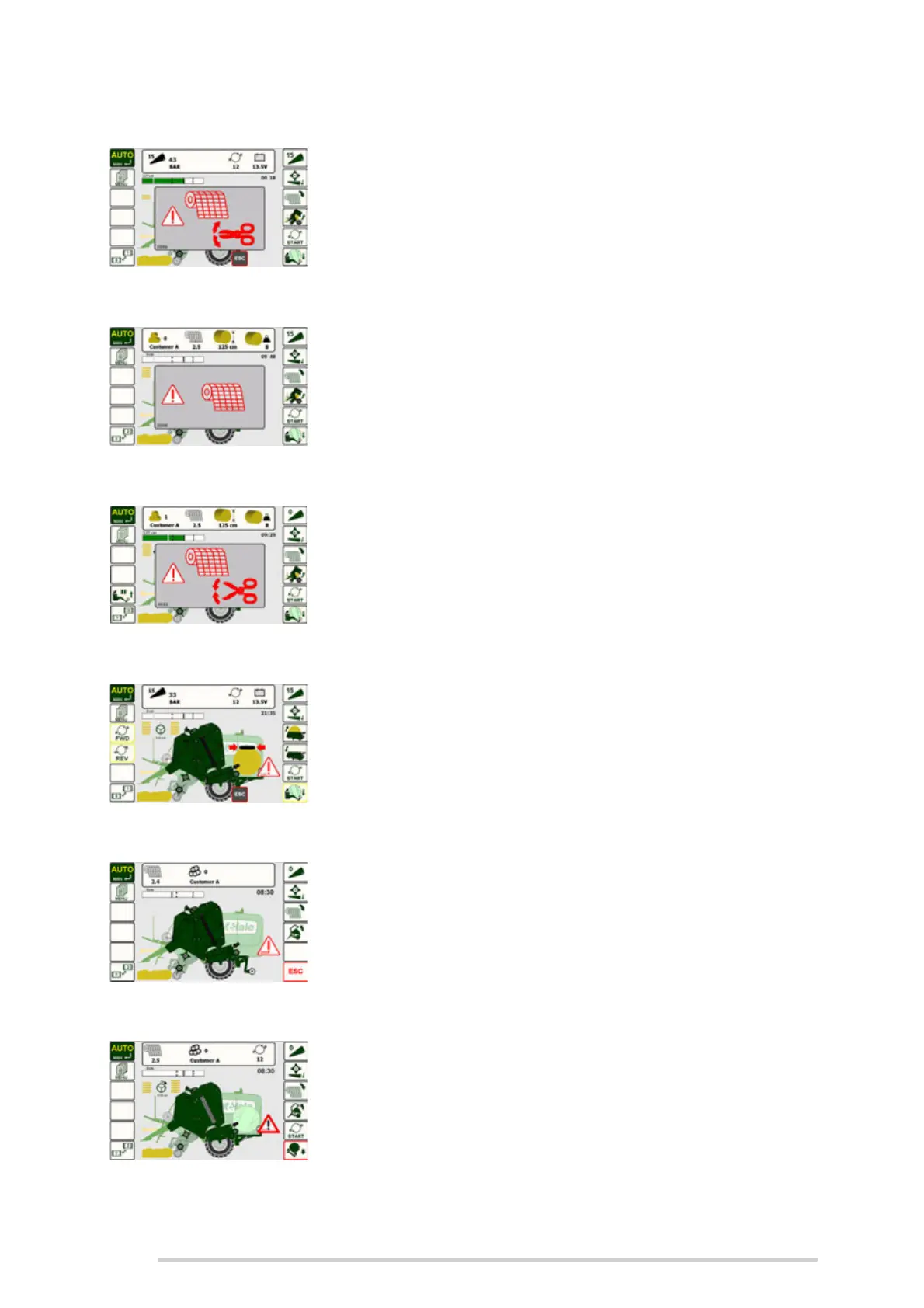
Net cut position
If the net is in the wrong position, this warning message will
be displayed. The net needs to be reset manually. (See
‘Loading & operating the netter system’). Then press ‘Net
Feed’ (Button R3) to resume.
(2004)
Net error
If the roll of net has run out or is torn this message will be
displayed. The net needs to be reset/reloaded manually.
(See ‘Loading & operating the netter system’). Then press
‘Net Feed’ (Button R3) to resume.
(2006 & 2035)
No net cut
If the net doesn’t cut or the machine hasn’t detected it was
cut, this message is displayed.
Contact your McHale dealer if you see this.
(2022)
Dispenser position error
This message is displayed when the dispenser is in the
wrong position for tipping the bale. Use buttons L3 & L4
(Screen 1) to rotate the wrapper to rotate it back to its home
position.
(2005)
Tip arm position
The tip arm is in the wrong position. This is shown if the arm
is down when ‘AUTO’ is selected.
Switch back to Manual Mode. Manually raise the tipping
arm by pressing ‘Tip arm up’ (Button R5, Screen 1).
(2009)
Tip bale
This message shows the bale on the wrapper flashing and
prompts the operator to tip off the previous bale on the
wrapping table, which is preventing transfer of the netted
bale. If ‘Auto tip’ is selected, the wrapped bale is
automatically tipped. ‘Tip bale’ (Button R6), is pushed to
complete the tipping cycle.
(2017)



 To Next Page