McHale Fusion Vario Baler & Wrapper
91
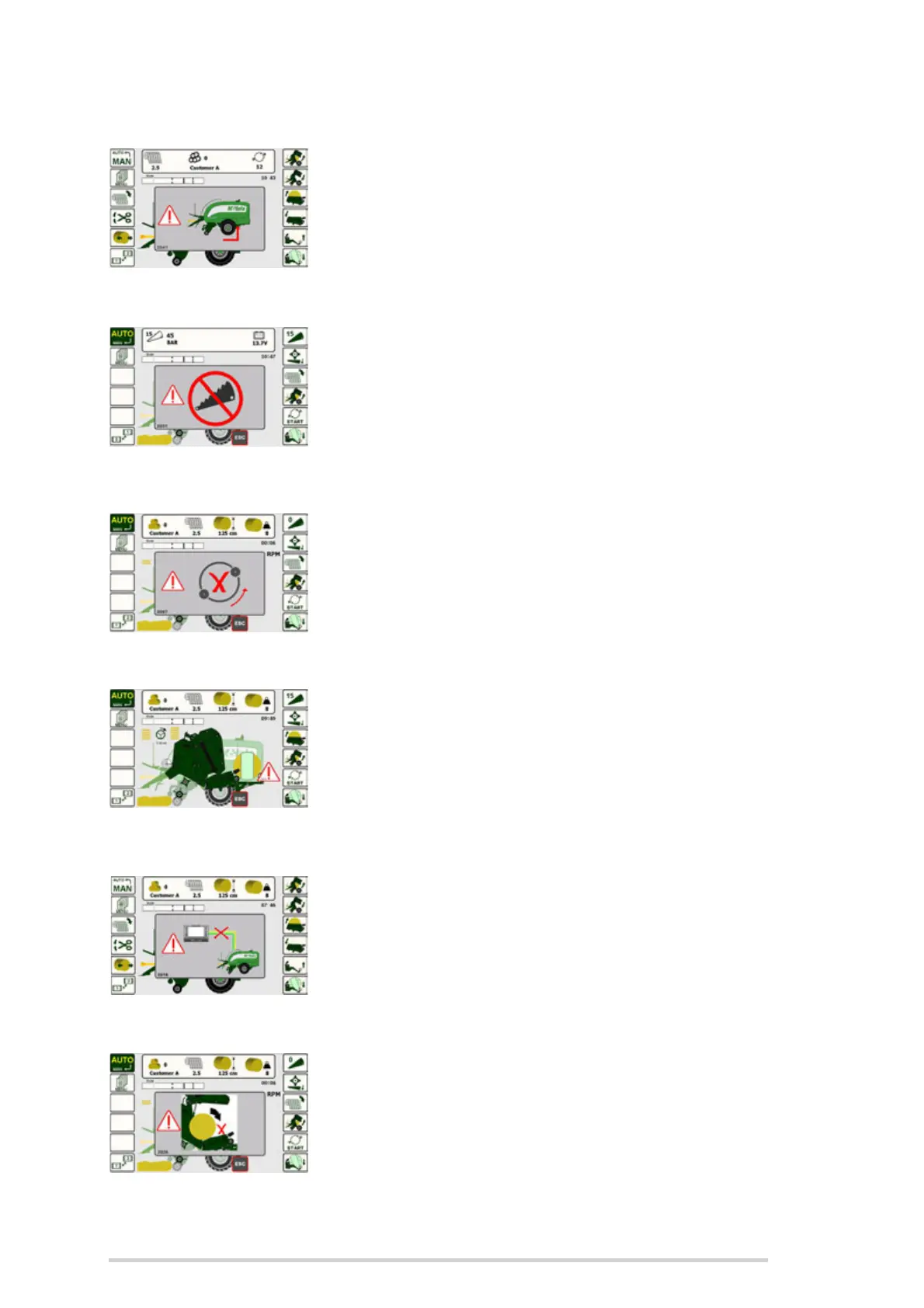
External tip control
This screen is shown when the external tip control button is
pressed, at the rear of the machine. (See ‘Side-tip’)
(2041)
Knife down warning
This warning is activated if the sensor detects that the
knives have dropped even slightly during baling. Press the
“ESC” button to cancel the warning.
This is usually an indication that the knives need to be
sharpened.
(2030 & 2031)
No wrapper rotation
This indicates that wrapping has started but the wrapper
ring is still not turning.
Check that the tractor oil supply is connected and turned on.
Contact your McHale dealer, if the problem is not resolved.
(2007)
Wrap not complete
If ‘Stop’ (Button 11) is pushed during wrapping of a bale, this
error is displayed when the control box is next switched to
‘Auto’. To correct the error push ‘Resume/Re-wrap’
(Button R5) to complete the wrapping cycle. Pushing ‘ESC’
on the control box will cancel the error warning.
(2010)
No CANBUS warning
This message indicates that there is no communication
between the control unit and the machine ECU.
Contact your McHale dealer if you see this.
(2015)
Bale detect sensor
This message is shown if the bale is not detected in the
transfer cradle during transfer.
(2026)



 To Next Page