Page 29
SMS programming and control
SMS Commands [**][UUUU][XXX][##]
(available when GSM or SMS formats are enabled Function 67 = 2, 5 or 6
** = is the header…all commands start with 2 asterisks
UUUU = is a valid user code that is programmed in the panel
XXX = is the command can be 1 to 3 characters long
## = is the footer….all commands must end with 2 hashes
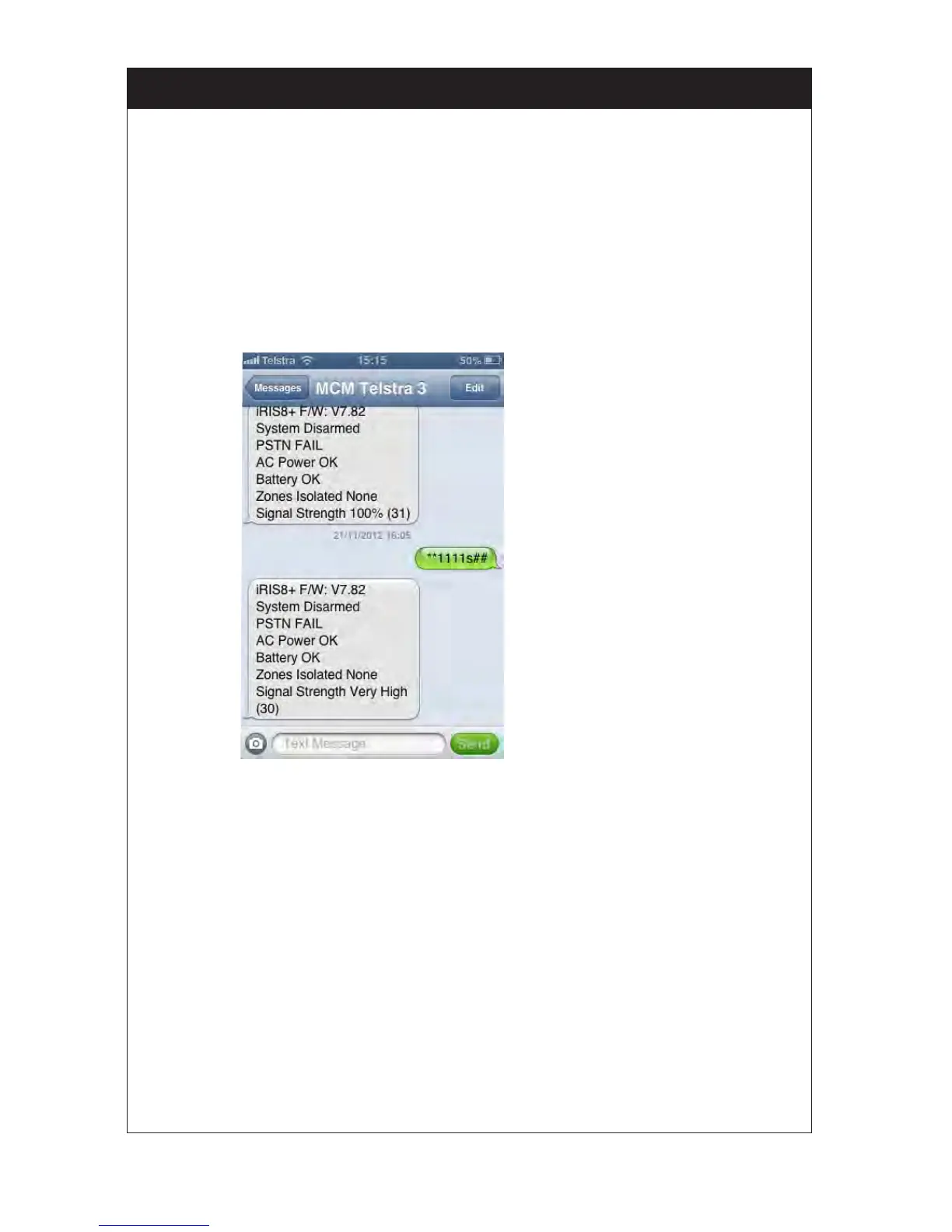
Status Status = **1111S## ;Request Status
The response will show
Software version
Panel Arm/Disarm status
PSTN status
AC power status
Battery status
Zones isolated
GSM signal stregnth
Arm/Disarm Full Arm = **1111A## ;Full arm the panel
Part Arm = **1111P## ;Partial arm the panel
Disarm = **1111D## ;Disarm the panel
Isolate Isolate = **1111IA 1,2,3,4,5,6,7,8## ;Isolates section 1 – 8 and full arms
Isolate = **1111IP 1,2,3,4,5,6,7,8## ;Isolates section 1 – 8 and part arms
Output Control Turn ON PGM/OP5 = **1111O5T## ;Turn on PGM output. T = Toggle
Turn OFF PGM/OP5= **1111O5T## ;Turn off PGM output. T - Toggle
Note: - Both upper case and lower case letters are supported.
- To control the PGM output via SMS program Function 80 = 7.
- To control the PGM output use the letter ‘O’ not digit zero ‘0’
- No spaces between characters…..however the isolate command will support one space after the
command and before the rst section number.



 To Next Page