page 11
If you suspect that your ALC loadcell or ‘Smart’ sensor has
sustained an overload it is possible to check the status of the
sensor immediately.
Symptoms of overload may be (a) OL in display (b) buzzer
sound (c) probe not aligned perpendicularly to gauge (d)
load indicator bar present even under zero load.
See CALIBRATION section of Advanced Menu Options on
page 24 to check load cell status.
All the features and advanced menu options of the AFG are
also applicable whilst using the ‘Smart’ range of peripheral
devices.
The AFG Advanced Menus are accessed using the red text
on the keys.
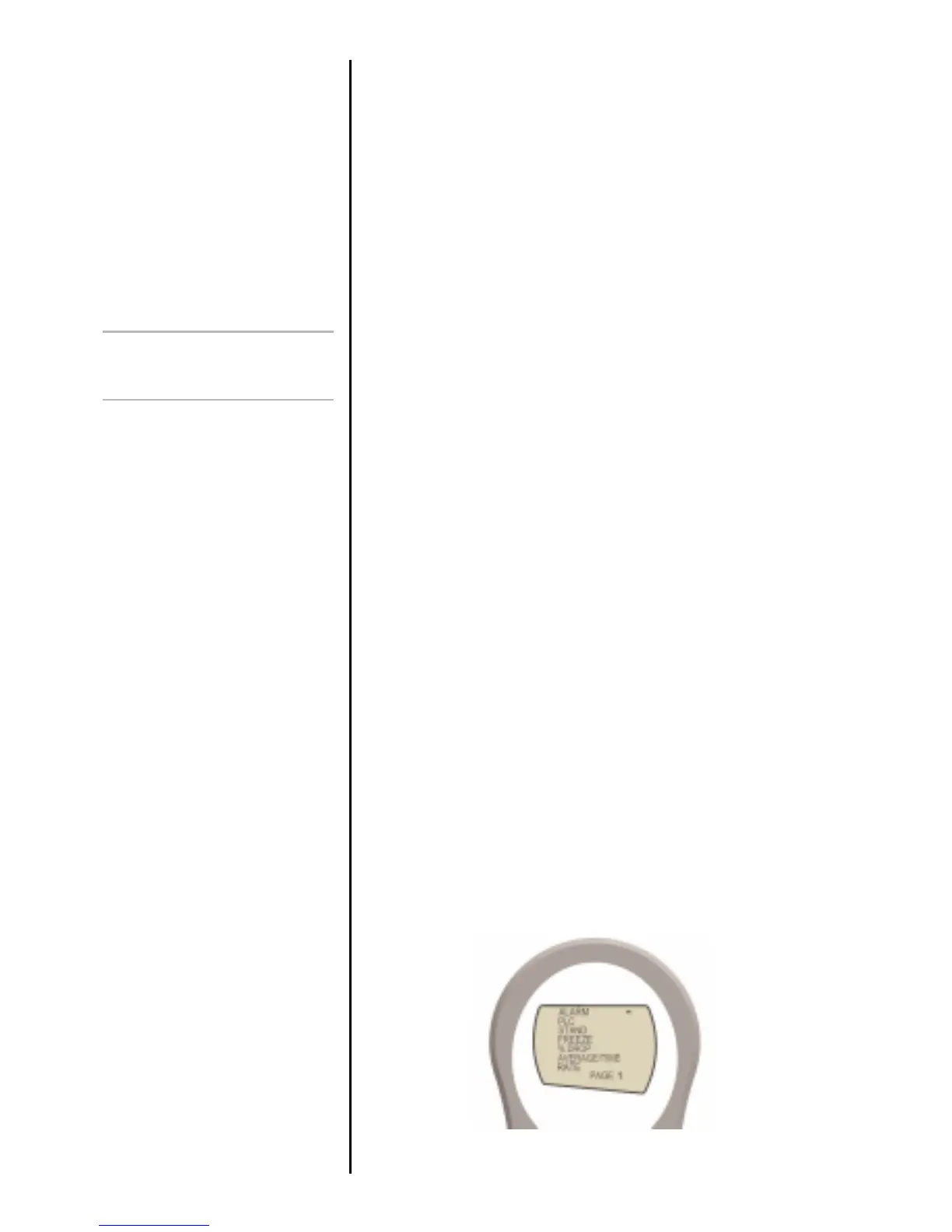
Press and hold the MENU key for approximately 2 seconds to
access page 1 of the main-menu. To move between the
options listed on the 2 main-menu pages, press UP and
DOWN to move the cursor. Press ENTER to select sub-menus,
activate features and enter values. Within sub-menus UP and
DOWN will also change numerical values. Press ESC to
return to page 1 of the main-menu page.
If ALARM is selected in page 1, by pressing ENTER the status
of all the other functions can be seen by consecutively
pressing the MENU key to scroll through the functions one at
a time. Press ESC once to return to the main menu page and
twice to return to the main display.
Loadcell Diagnostic test
An instrument showing an
overload condition cannot be
relied upon to provide accurate,
repeatable measurement –
consult your supplier.
Advanced Menu
Options
Navigating the menus
Fig. 6
MAIN MENU
PAGE 1



 To Next Page