page 2
POWERING THE
GAUGE
Fitting and charging of
rechargeable batteries
Low Battery Warning
Mains operation
The AFG is supplied with a set of 5 Nickel Metal Hydride
AAA rechargeable batteries. For safety reasons during
transportation the batteries are shipped discharged. To obtain
maximum battery life we recommend that you charge them
with the charger/adaptor supplied for at least 14 - 16 hours
when you first receive the AFG.
To insert the batteries you must first remove the battery cover
on the upper part of the rear of the gauge by undoing the 3
retaining screws. Fit the 5 batteries in the battery holder
ensuring that you observe polarity and the batteries are
placed on top of the ‘release tag’.
To remove the batteries simply pull the ‘release tag’ and they
will be freed from the spring-loaded contacts.
Refit the battery cover and tighten the 3 retaining screws.
Connect the mains adaptor/charger to the AFG charger
socket located at the right hand side of the gauge next to the
display and charge the batteries for 14 - 16 hours. Only use
the adaptor/charger supplied. A fully charged battery pack
will provide approximately 20 hours use between charges.
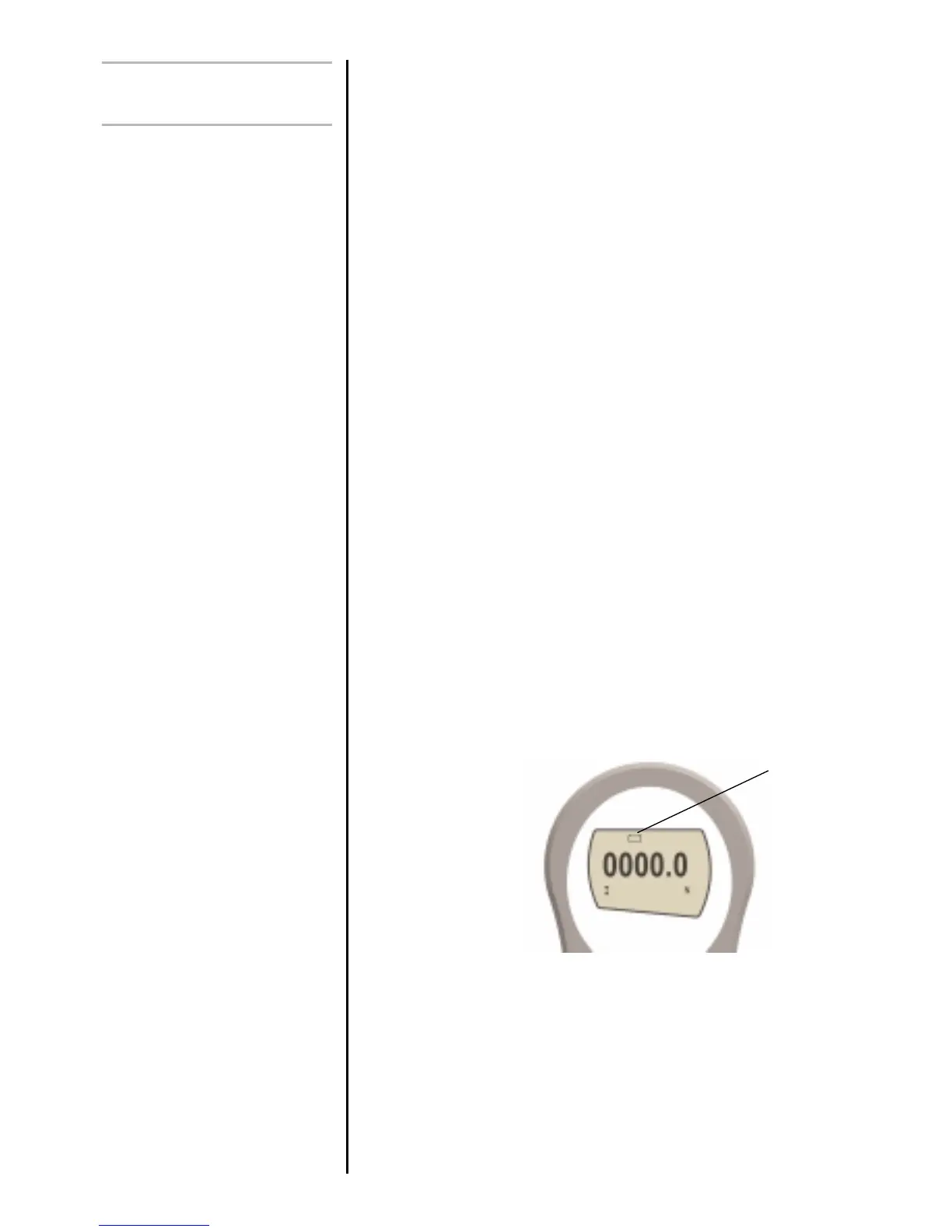
A low battery symbol will appear in the display
approximately 2 minutes before the gauge powers down
automatically. See fig. 1a
The AFG can also be powered directly from the mains. This
can be achieved with or without the rechargeable batteries
being fitted. Connect the mains adaptor/charger to your
mains supply. Only use the adaptor/charger supplied.
Fig.1a
Low battery
warning



 To Next Page