page 16
The AFG has a load output signal which may be used for
PLC applications. This function requires an external cable
with a built-in solid-state relay – see Specifications on pages
26 and 27 for details of the signal.
To configure the signal output from the AFG, press and hold
the MENU key until page 1 of the main-menu appears. Press
DOWN to move the arrow cursor to PLC and press the
ENTER key. The cursor arrow now points to PLC OFF.
The display will show:-
PLC OFF - Indicates PLC function status.
RESET - When the load limit is reached, the output
signal triggers the relay and the RESET key
must be pressed to clear the line before
starting the next test.
CONTINUOUS - The relay will be activated every time the
load limit is reached and the output signal
will remain on.
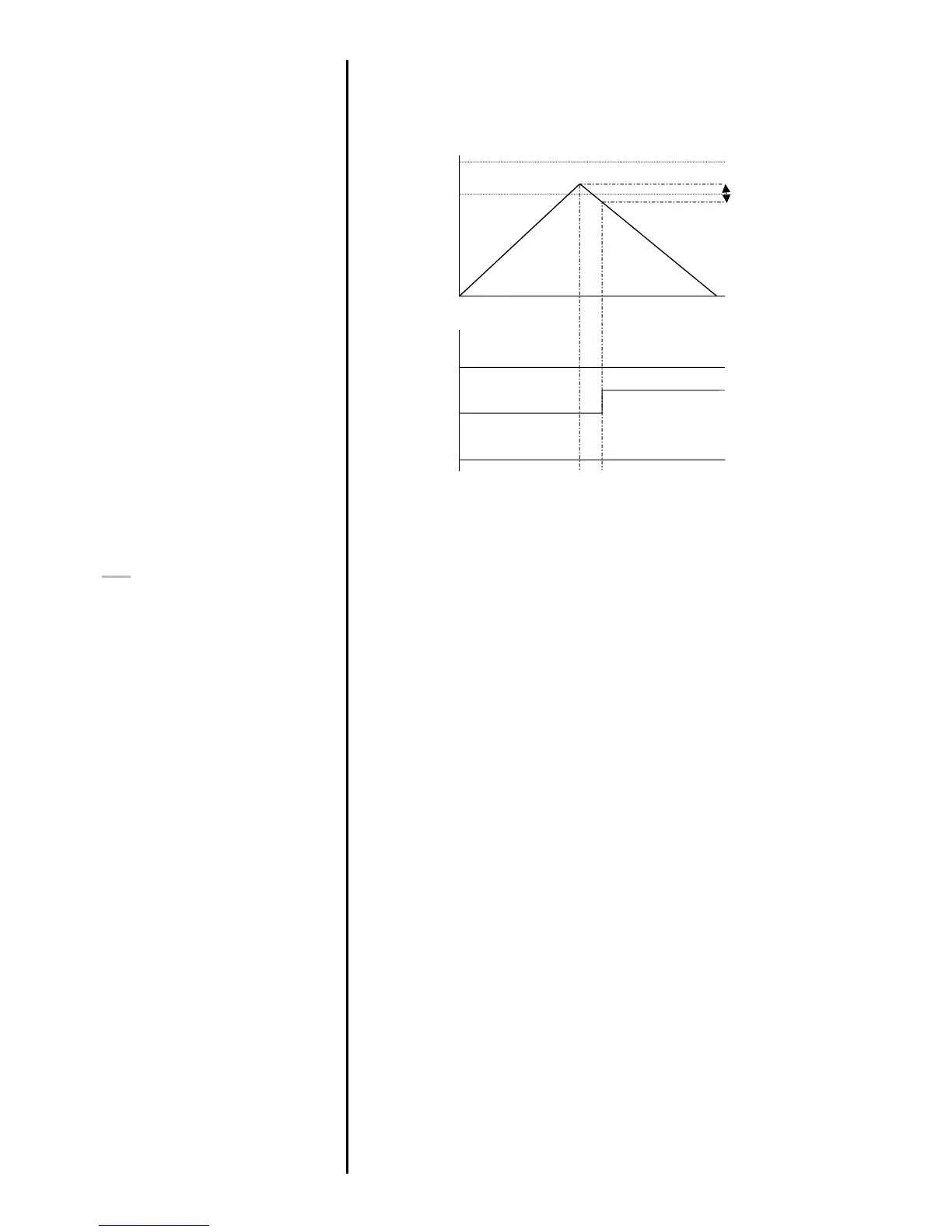
Example 5
Settings: -
- BOTH LED and audio
alarms are active
- Alarm triggers on OUT
BAND
- Alarm is set to FAIL
- % DROP is 10% of full-
scale (e.g. AFG 100N
must register drop of 10N)
Main display is set to 1st
peak tension screen
PLC
(Programmable Limit
Controller)
PLC sub-menu 1



 To Next Page