page 25
Place the gauge (or your external SMART sensor) horizontally
on a flat level surface. By using UP or DOWN keys Select
the CAL option and the display will show 0000. Press ENTER
four times (to enter 0000 as the password), a screen showing
initial (at calibration) load cell offsets and current offset in % is
displayed.
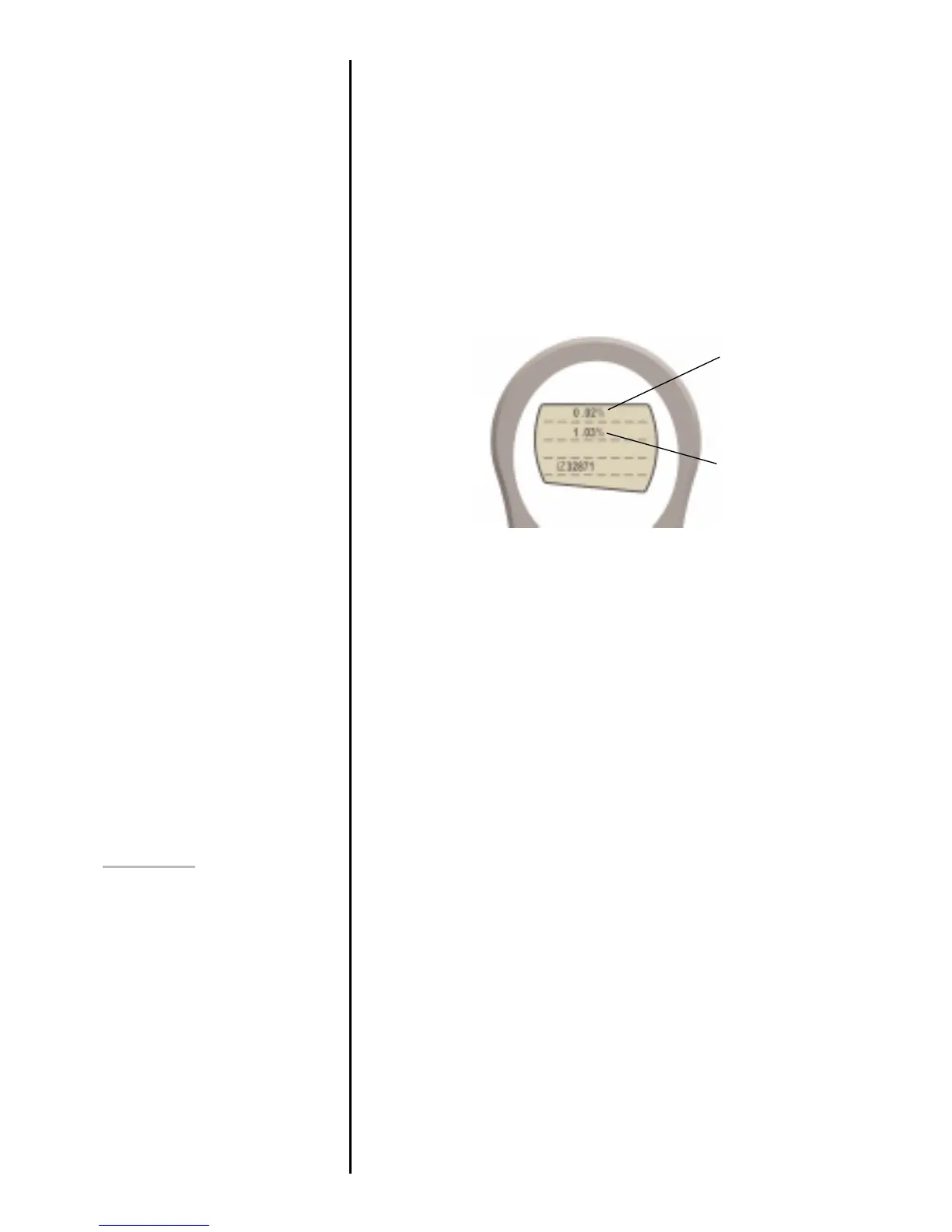
The upper value shows the % offset when the gauge was last
successfully calibrated. The lower value shows the % offset
currently present on the gauge. See Figure 13.
If the current % offset is between 5 and 10% please contact
your supplier to arrange a recalibration of your AFG.
If the current % offset is greater than 10% please contact your
supplier to arrange for a load cell replacement. These values
are given as an indicator only – the need for
calibration/repair may vary according to the individual
characteristics of the load cell.
Press and hold ESC until you return to page 2 of main-menu.
The contrast of the display may be increased and decreased
in this menu.
From page 2 of main-menu press UP or DOWN keys to
position the arrow key on CONTRAST. Press ENTER to select
CONTRAST menu and 1.234 will be displayed. Press UP or
DOWN to adjust the contrast of the display and ENTER to
confirm the setting. You will now return to page 2 of the main-
menu
CONTRAST
Fig. 13
upper value =
offset when last
calibrated
lower value =
offset currently
present on gauge



 To Next Page