page 22
This function allows the selection of the gauge throughput
rate, i.e. the amount of averaging performed by the internal
electronics before the load reading is displayed. There are
three levels HI, MED and LO.
HI - Display updates quickly with little data
averaging
MED - Gauge default.
LO - Maximum data averaging before values are
displayed. Smoothes ‘noisy’ data.
To set RATE, press and hold the MENU key until page 1 of
the main-menu appears. Using UP and DOWN move the
arrow key to RATE.
Using UP and DOWN select the relevant level (HI, MED or
LO) and press the ENTER key.
Press ESC to return to page 1 of the main-menu.
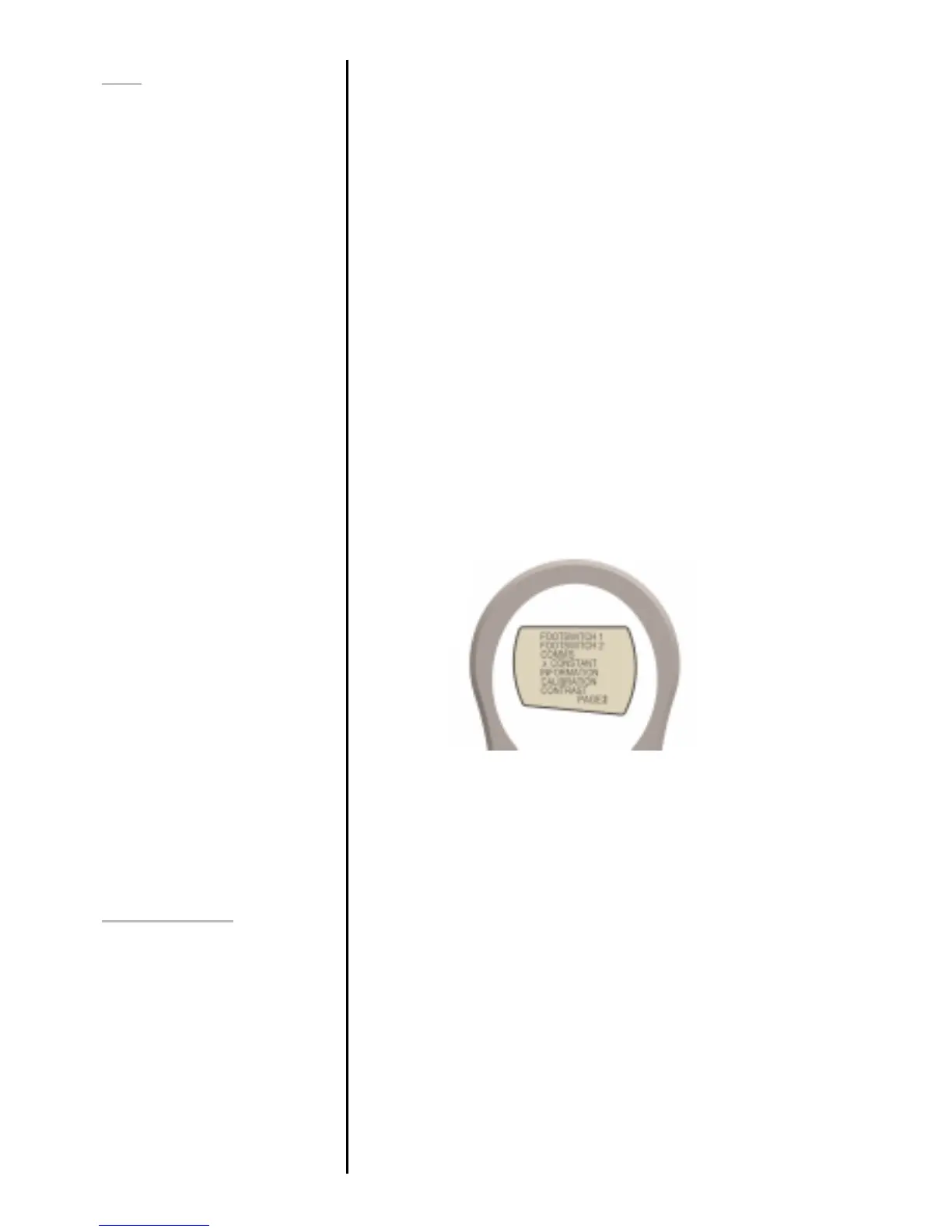
MAIN-MENU PAGE 2
From page 1 of main-menu press MENU to scroll to page 2
of the main-menu.
The AFG has two footswitch input pins on the 15-way D
connector. This allows the footswitch to be assigned to
replicate one of each of the five main key functions, MAX,
UNITS, TXD, ZERO and RESET.
This feature is useful when integrating the AFG into test or
production systems.
To assign the function of a key to FOOTSWITCH 1 use UP
and DOWN to move the arrow key to FOOTSWITCH 1.
Using UP and DOWN select the relevant key (MAX, UNITS,
TXD, ZERO or RESET) and press the ENTER key.
Press ESC to return to page 2 of the main-menu.
RATE
FOOTSWITCH 1
Fig. 12



 To Next Page