Multitest 0.5d, 1d & 2.5d
Service and Repair Manual
15. PCB Replacement
Warning:
General anti-static precautions should be observed whilst handling the PCB
59. Remove the base plate as per 7, Instructions 2 to 6
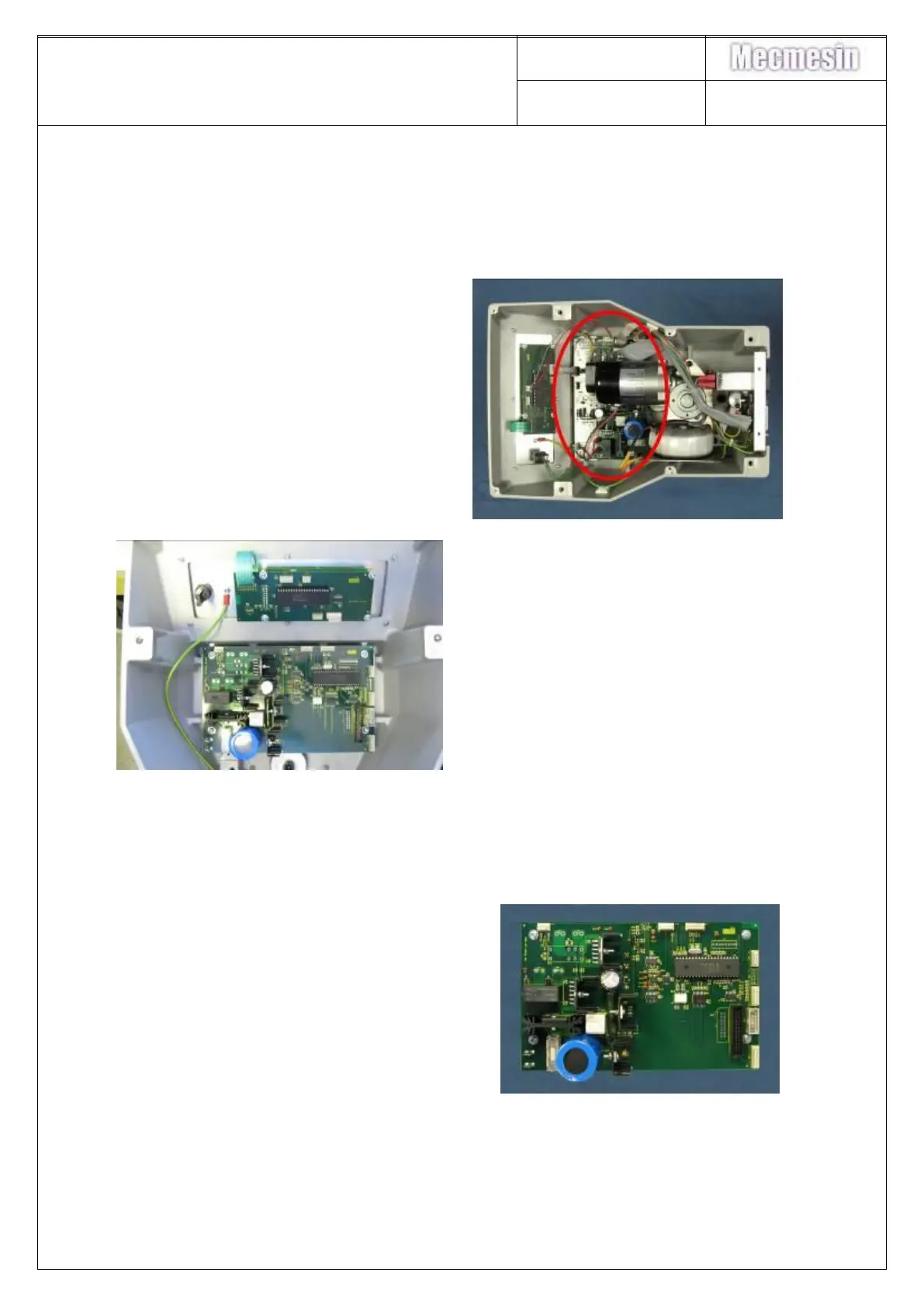
60. Locate the control PCB as
identified in the photograph
61. Parvalux: Remove the
transformer as per 8.
62. Dunker: Remove the transformer
as per Section 9.
63. Parvalux: Remove the motor as
per Section 13
64. Dunker: Remove the motor as per
Section 14.
65. Remove all loom connections to
the PCB
66. NOTE - record the connections
before removing
67. Remove the 4-off M3x6 pan head
pozi drive screws retaining the
control PCB on to the hex pillars
and lift out the PCB.
Refitting the PCBs is the reverse of the above procedure.
Note the following photographs and instructions



 To Next Page