Multitest 0.5d, 1d & 2.5d
Service and Repair Manual
16. Front Panel Replacement
68. Remove the base plate as per 7, Instructions 2 to 6
NOTE: General anti-static precautions
should be observed.
69. Record the wiring loom
connections to all front panel
components, and disconnect.
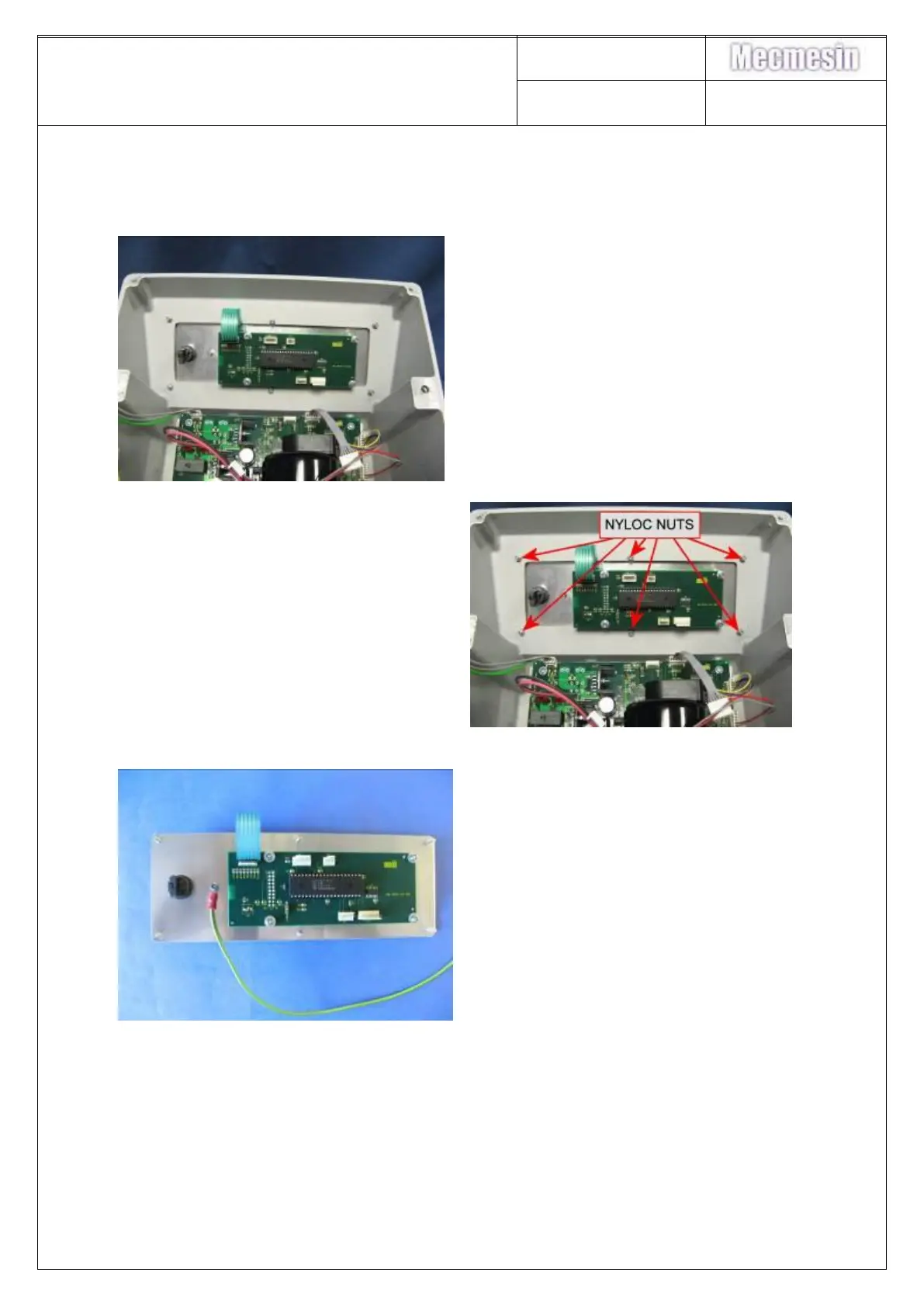
70. Remove earth loom from front
panel by unscrewing Nyloc nut.
71. Remove the 6-off Nyloc retaining
nuts.
72. The front panel may now be
removed from the base casing



 To Next Page