UK/ N. IRELAND HELPLINE 0871 37 61 020
REP. IRELAND HELPLINE 1-800-992508
(calls are charged at 7p per min from a standard landline, calls from mobiles could be higher)
-39-
Safety Handling
Components
Aid Appendix
Data Entry
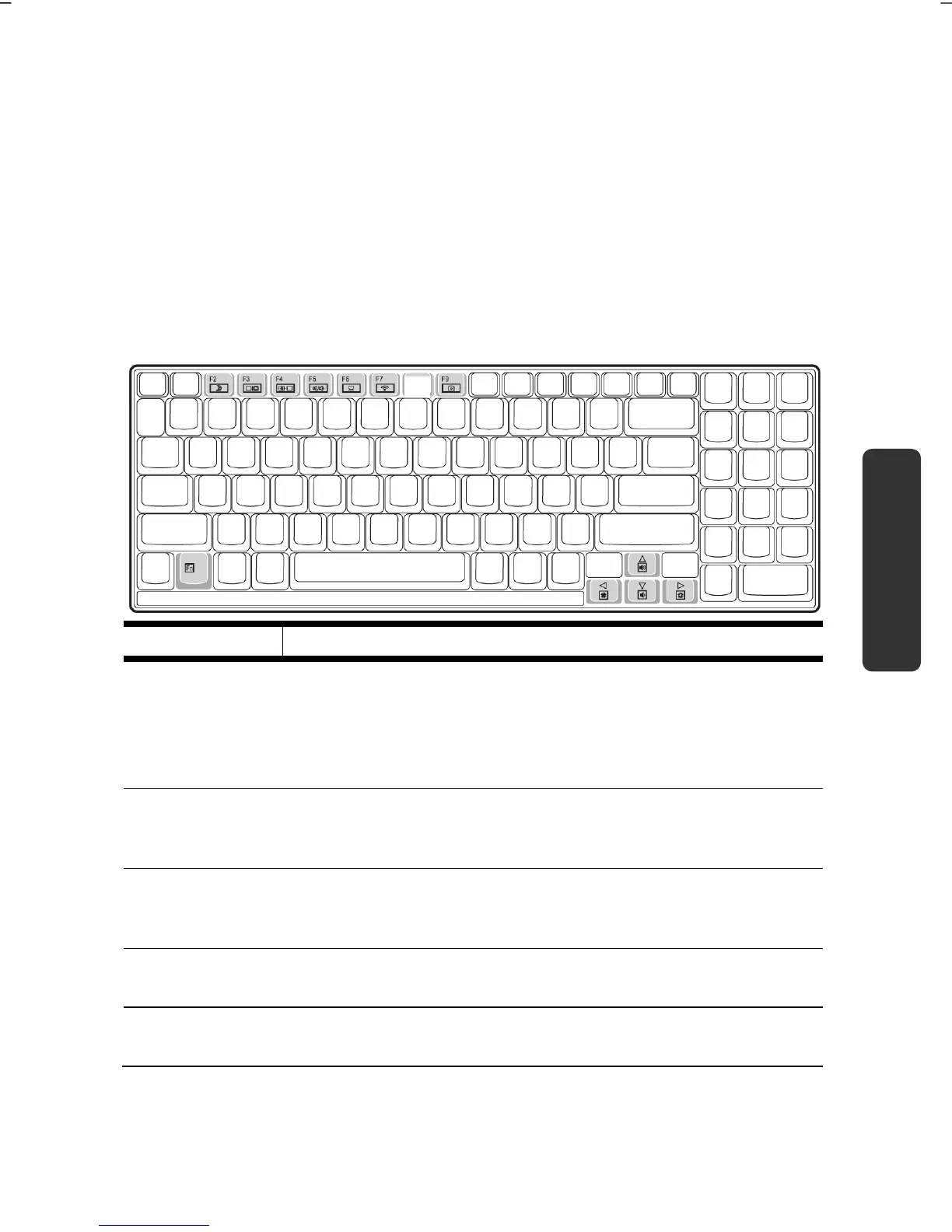
The Keyboard
By dual assignment of certain keys you have the same range of functions available
to you as with a normal Windows® keyboard. Some functions are input using the
Fn key, which is normal on notebook computers.
Notebook-Specific Key Combinations
Combination Description
Fn + F2 Standby
Save energy. This key combination is set to shut down as
standard. Please go through Personalization , Energy
Options, in order to adjust this key combination to your
needs.
Fn + F3 Display
Toggles the display screen between internal monitor, external
monitor and simultaneous display.
Fn + F4 Background lighting
Switches the backlight off to save power. Pressing any key
switches the backlight on again.
Fn + F5 Mute
Switches the loudspeakers on / off.
Fn + F6 Touchpad
Switches the touchpad on / off.



 To Next Page