UK/ N. IRELAND HELPLINE 0871 37 61 020
REP. IRELAND HELPLINE 1-800-992508
(calls are charged at 7p per min from a standard landline, calls from mobiles could be higher)
-69-
Safety Handling
Components
Aid Appendix
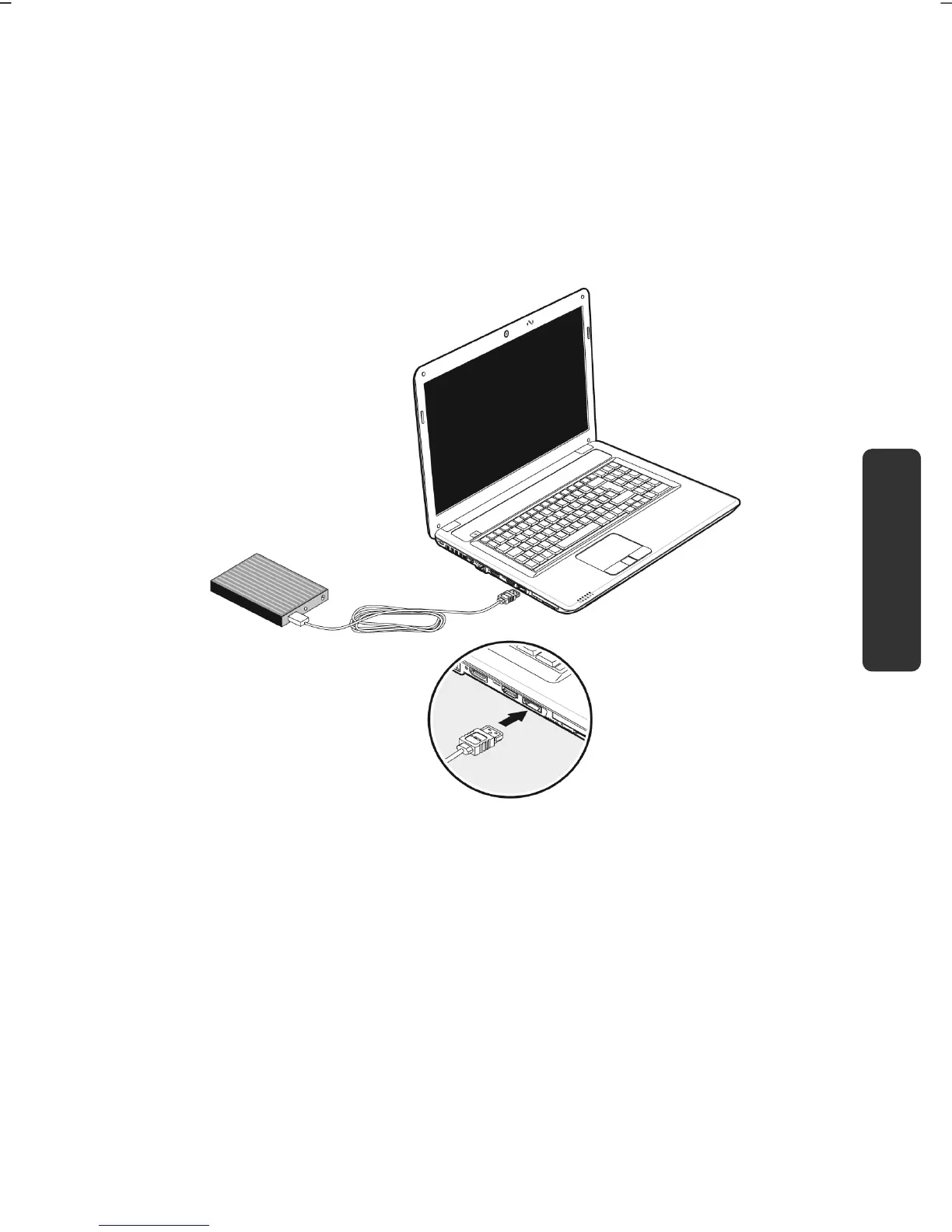
eSATA/USB Port
eSATA stands for "external Serial ATA" and is used for connecting external hard
disks. Unlike common USB standards, the transmission speed of an eSATA
connection is higher than that of external USB hard disks.
This connection is a "combo slot", to which both USB and S-ATA devices can be
connected.
Remove S-ATA Devices
Before removing an S-ATA hard disk from your notebook, click on the icon "Safely
remove hardware" in the task bar and then click on the hard disk to be removed. It
is now safe to remove your S-ATA hard disk.



 To Next Page