UK/ N. IRELAND HELPLINE 0871 37 61 020
REP. IRELAND HELPLINE 1-800-992508
(calls are charged at 7p per min from a standard landline, calls from mobiles could be higher)
-68-
Universal Serial Bus (USB) Port
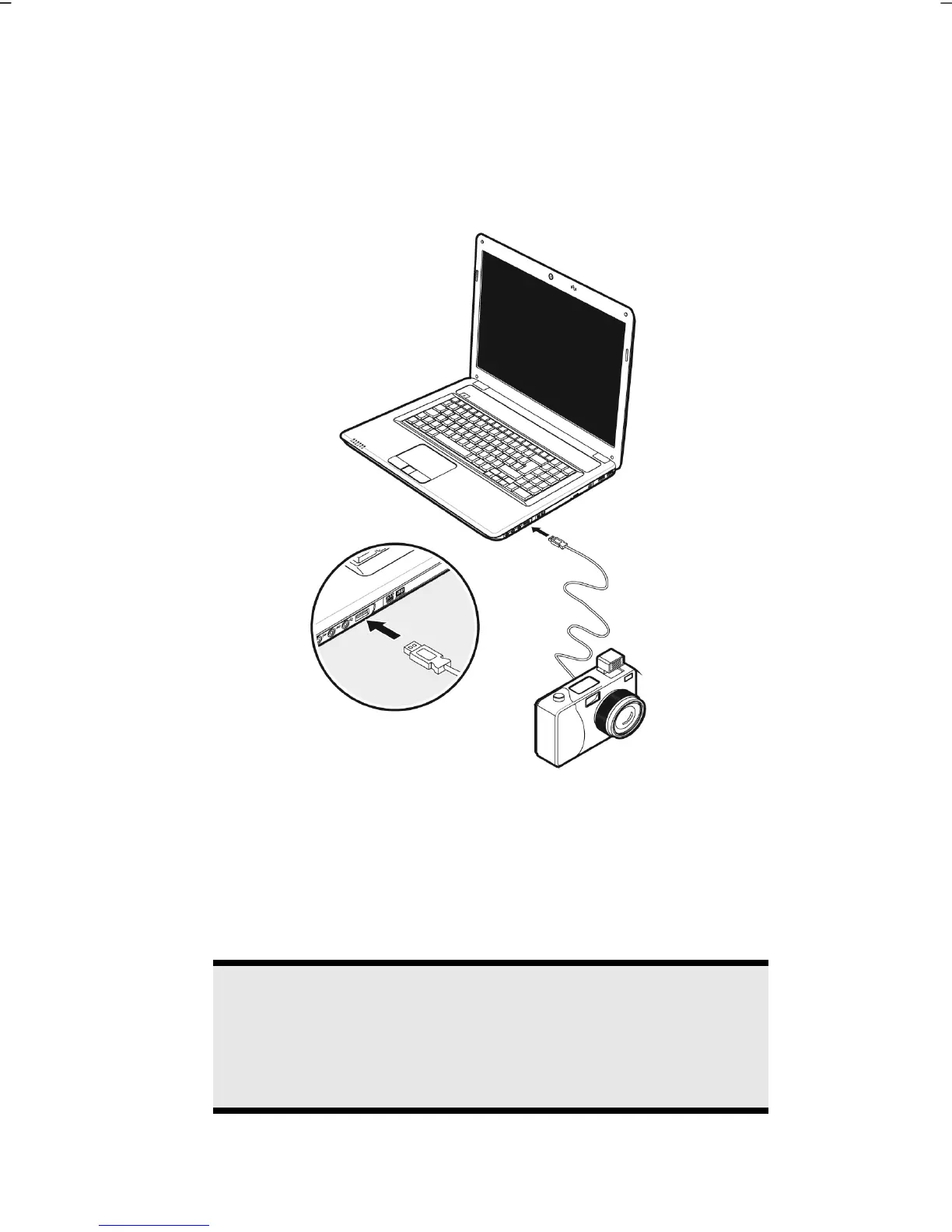
USB ports provide an easy way to connect many peripheral devices to your
notebook (22). You can use any USB device with any USB port. Your notebook has
3 USB 2.0 connection sockets (USB 1.1 compatible).
Some USB devices require that you reinstall software drivers when you connect the
device to a different USB port than the one originally used. This can be avoided by
always using a certain device with the same USB port.
Devices connected directly to the USB port should not draw more than 500 mA.
Should the devices need more power than this, it will be necessary to provide a
powered hub. The data transfer speed is 1.5 Mbit/s or 12 Mbit/s, depending on the
device connected.
Note
Some USB devices require that you reinstall software drivers when
you connect the device to a different USB port than the one
originally used. This can be avoided by always using a certain
device with the same USB port.



 To Next Page