UK/ N. IRELAND HELPLINE 0871 37 61 020
REP. IRELAND HELPLINE 1-800-992508
(calls are charged at 7p per min from a standard landline, calls from mobiles could be higher)
-59-
Safety Handling
Components
Aid Appendix
Express Card
Your notebook supports the Express standard.
Both Express/34 and Express/54 cards (the naming refers to the sizes of the cards)
are available on the market. Your notebook supports both card formats.
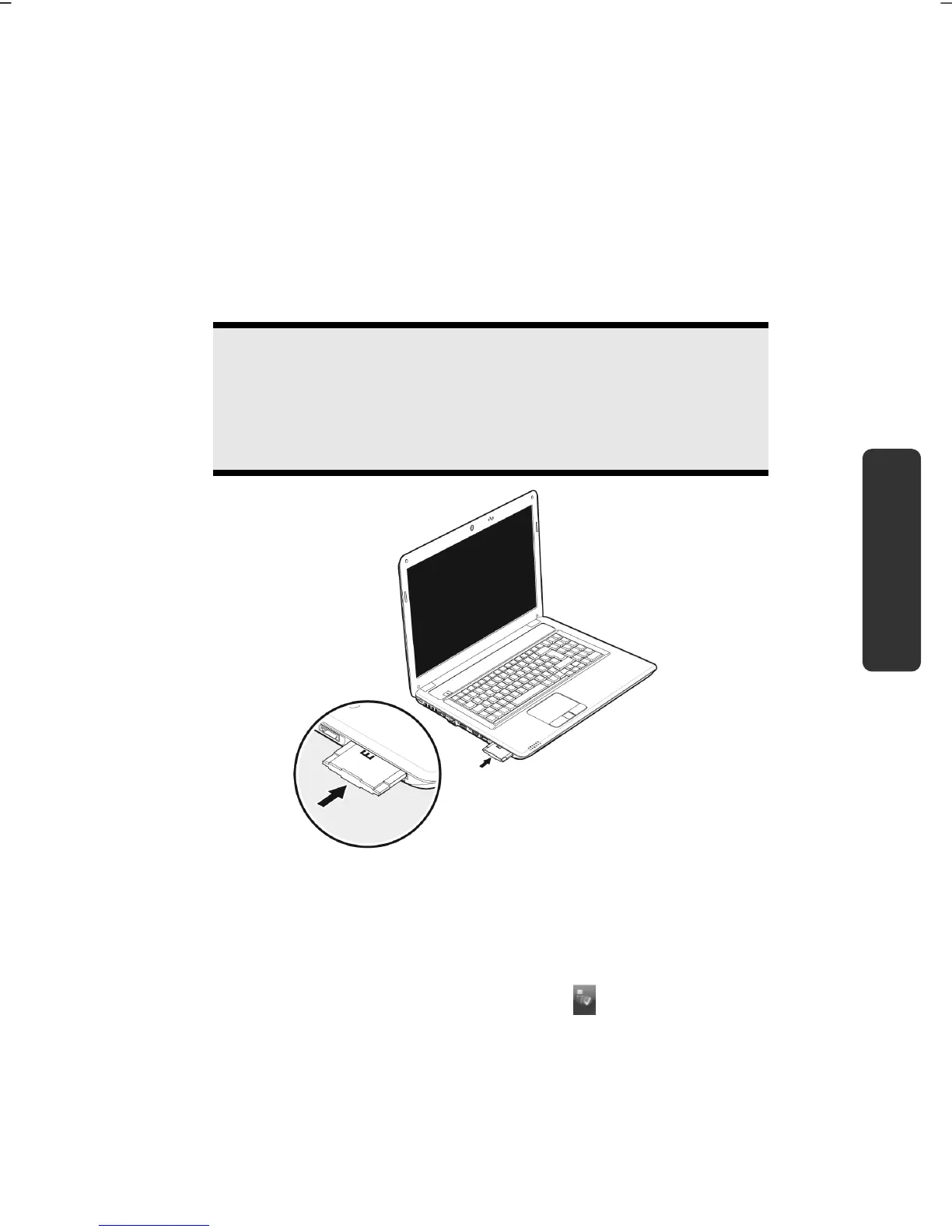
Installing Express Card
Note
Please always read the instructions that come with your Express
card before installation. Remove the dummy card from the slot
before installation. Replace the dummy card to protect contacts
against dirt if the Slot is not used.
Removing Express Card
Please take note of the following before removing the Express card:
Terminate the program which you used with the card.
Left-click on the icon Safely Remove Hardware in the taskbar, select the
card and click on Stop.
In order to remove the card, first push it into the contact to unlock it. Pull the card
from the bay and store it securely.



 To Next Page