UK/ N. IRELAND HELPLINE 0871 37 61 020
REP. IRELAND HELPLINE 1-800-992508
(calls are charged at 7p per min from a standard landline, calls from mobiles could be higher)
-51-
Safety Handling
Components
Aid Appendix
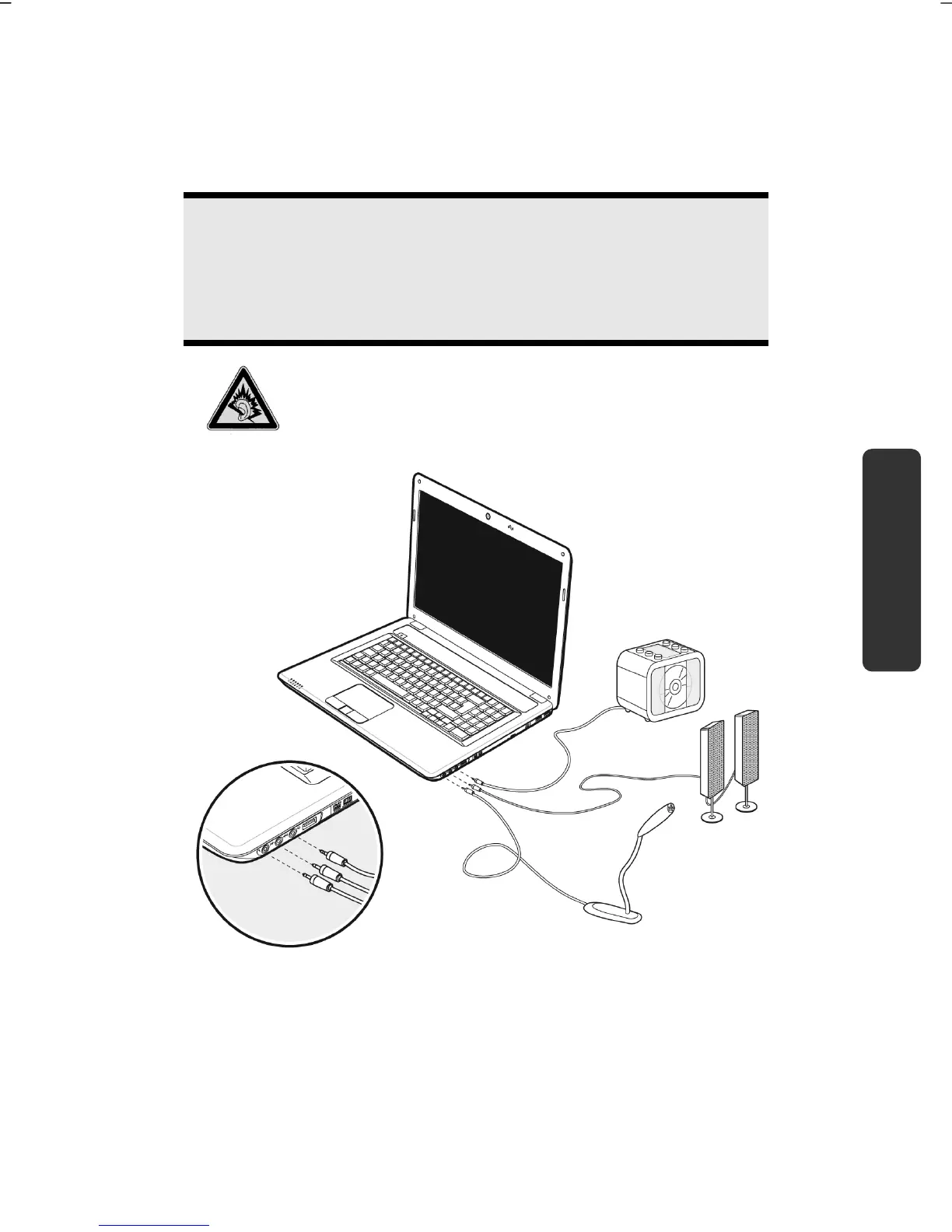
External Audio Ports
Your notebook has a loudspeaker, so you can always playback sounds without
additional equipment. The use of the external connections gives you a good
opportunity to connect your notebook to external devices.
Caution!
The use of earphones with a high volume can lead to lasting damage
to your hearing. Set the volume to the lowest level before
reproducing any sound. Start the sound reproduction and increase
the volume to the level that is comfortable for you.
It can cause damage to the hearing ability of the
listener if a device is operated through earphones with
an increased volume for a long period.



 To Next Page