UK/ N. IRELAND HELPLINE 0871 37 61 020
REP. IRELAND HELPLINE 1-800-992508
(calls are charged at 7p per min from a standard landline, calls from mobiles could be higher)
-50-
The Sound Card
Your notebook has an integrated stereo sound card (on-board) with 16-bit and 3D
spatial sound effects (3D). The sound card is compatible with the industry standard
Sound Blaster and Microsoft Sound System Version 2.0. This guarantees optimal
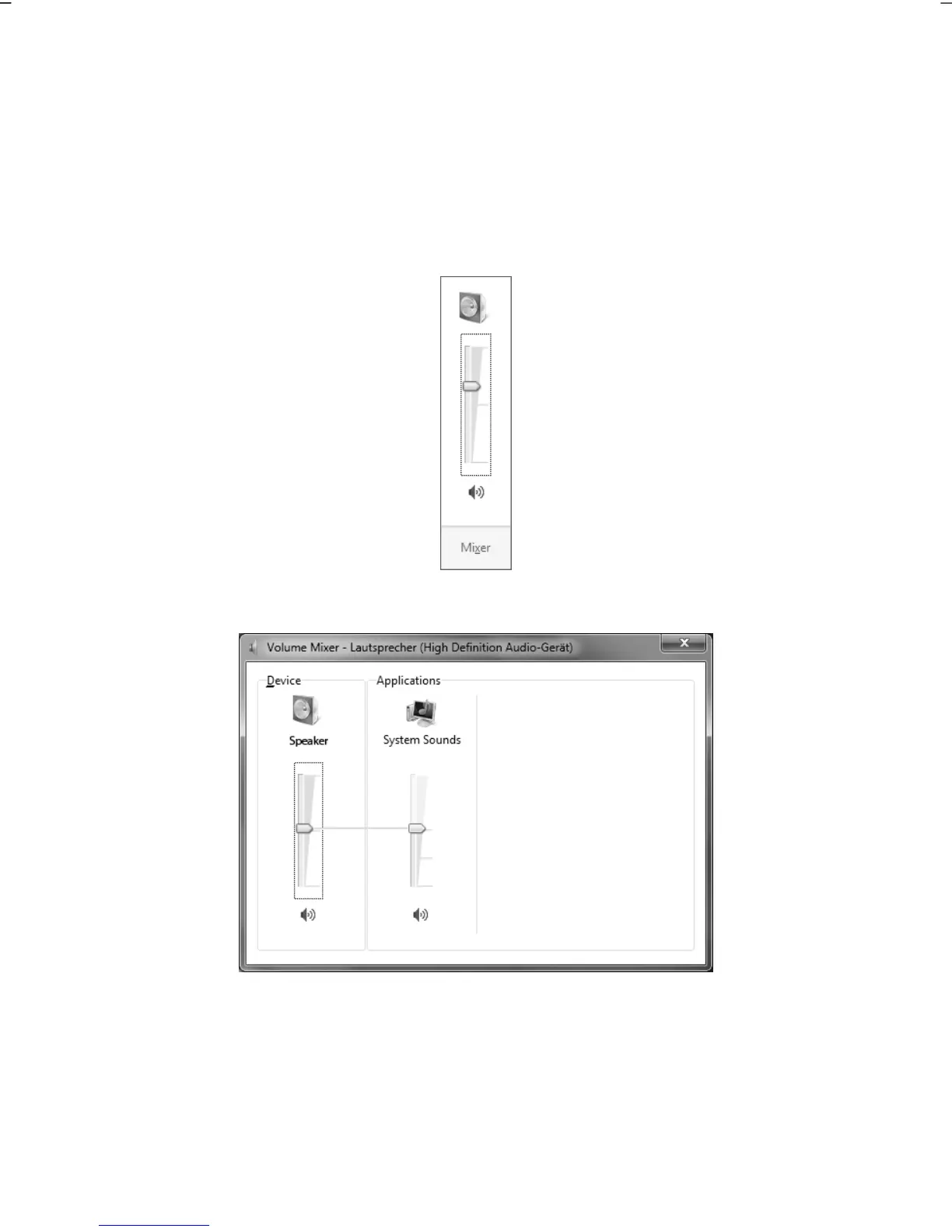
support for all popular programs and games. If you wish to alter the base volume,
click on the loudspeaker symbol in the task bar.
Click on Mixer, in order to open the volume mixer.
By using the keys Fn + and Fn + you have the possibility to regulate the
volume.



 To Next Page