UK/ N. IRELAND HELPLINE 0871 37 61 020
REP. IRELAND HELPLINE 1-800-992508
(calls are charged at 7p per min from a standard landline, calls from mobiles could be higher)
-36-
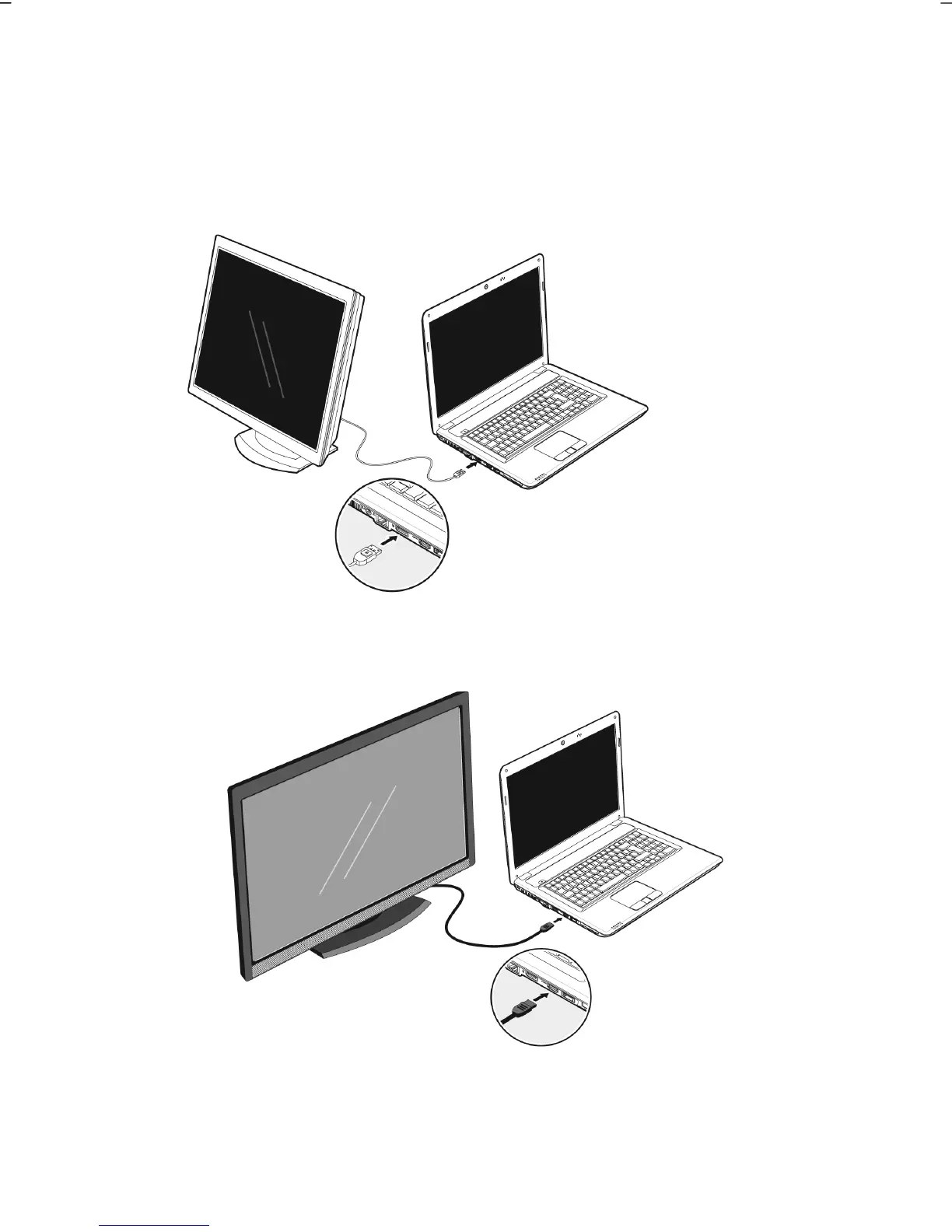
Connecting an External Monitor
The notebook has a Display port (14) for connecting an external monitor.
1. Shut down your notebook.
2. Connect the video signal cable of the external monitor to the Display port of
the notebook (14) or use the optional adapter (Display port to VGA).
Alternatively, you will be able to use the digital HDMI (High Definition
Multimedia Interface) connection (15) for the transmission of image and
sound signals, provided that your output device (a monitor or LCD TV) has a
corresponding input.
3. Connect the external monitor to the electrical socket and power it up.
4. Start your notebook.



 To Next Page