UK/ N. IRELAND HELPLINE 0871 37 61 020
REP. IRELAND HELPLINE 1-800-992508
(calls are charged at 7p per min from a standard landline, calls from mobiles could be higher)
-18-
Getting Started
Before you get started using your notebook, first take a few moments to read the
important section on Safety. This notebook comes with software fully pre-installed. You
do not have to install any of the discs supplied.
How to start:
Step 1
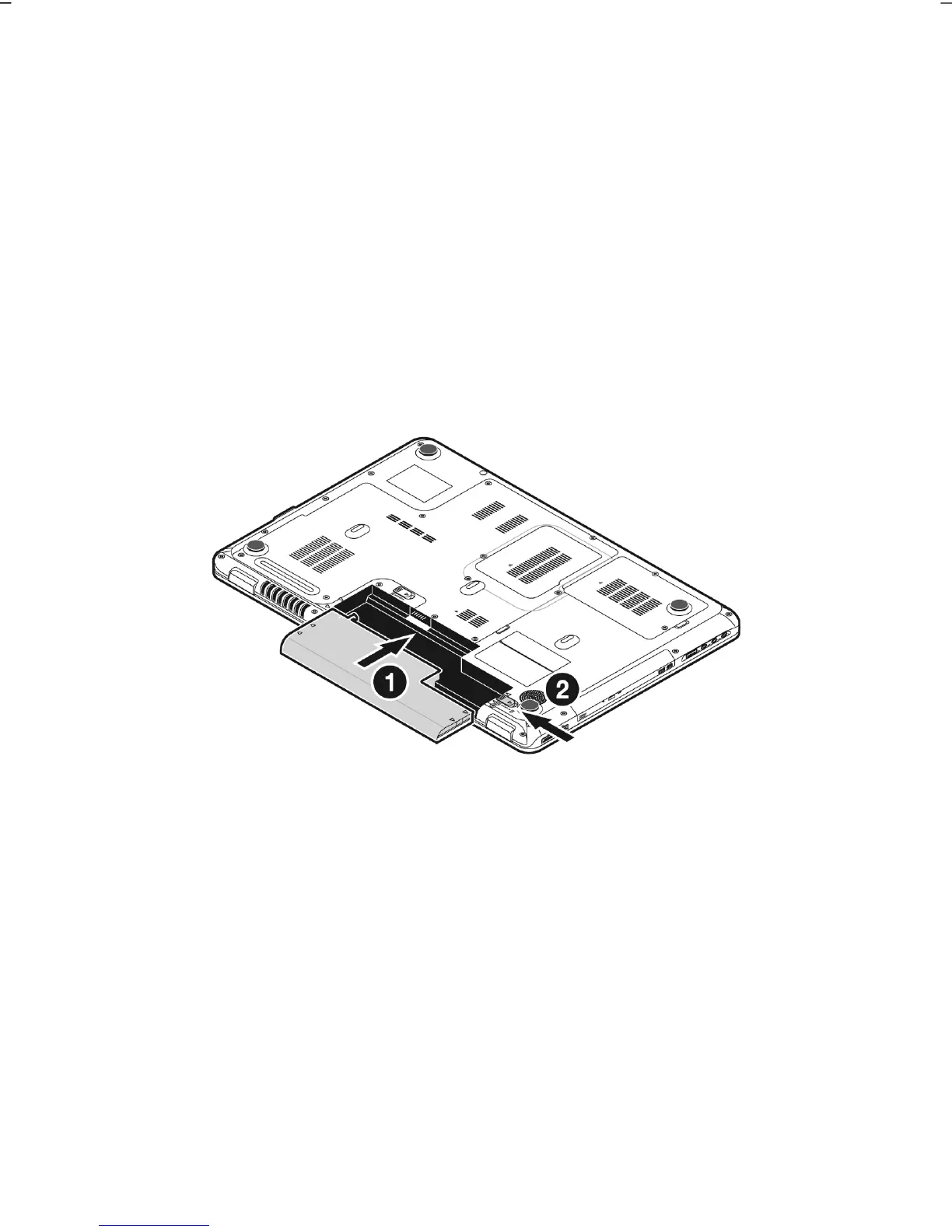
Insert the battery before bringing the notebook into operation by sliding the battery
pack into the compartment(). Lock the battery ()under all circumstances, in
order to avoid it falling out unintentionally.



 To Next Page