6 Settings
29
Setting the IP address
NOTICE
The setting up in the (practice) network will require in-depth understanding of the
network technology.
Handling errors of IP addresses can result in malfunctions and data loss in your user
network.
n IP addresses may only be set by the (practice) network system administrator.
The device is equipped as standard with IP addresses which all belong to a common network with the sub-
net mask stated in the table "Pre-setting of the IP addresses in the device ex works". Observe the following
before integrating the device in a present (practice) network (and only then!):
u The IP addresses listed in the table "Pre-setting of the IP addresses in the device ex works" must not
be assigned to the (practice) network yet.
u The device cannot be automatically administered in a dynamic (practice) network (i.e. a DHCP
network).
Presetting of the IP addresses in the device ex works
Device IP address Remarks
MELAtherm IP 192.168.41.10 Preset works side
Computer IP 192.168.40.140 Preset works side
Log printer 192.168.40.240 Preset works side
[Client3] [192.168.40.144] [..] not yet used / cannot be changed
Gateway IP 192.168.40.244 Not relevant within a network
Subnet mask 255.255.255.0 Possibly to be taken over by customer network
ü
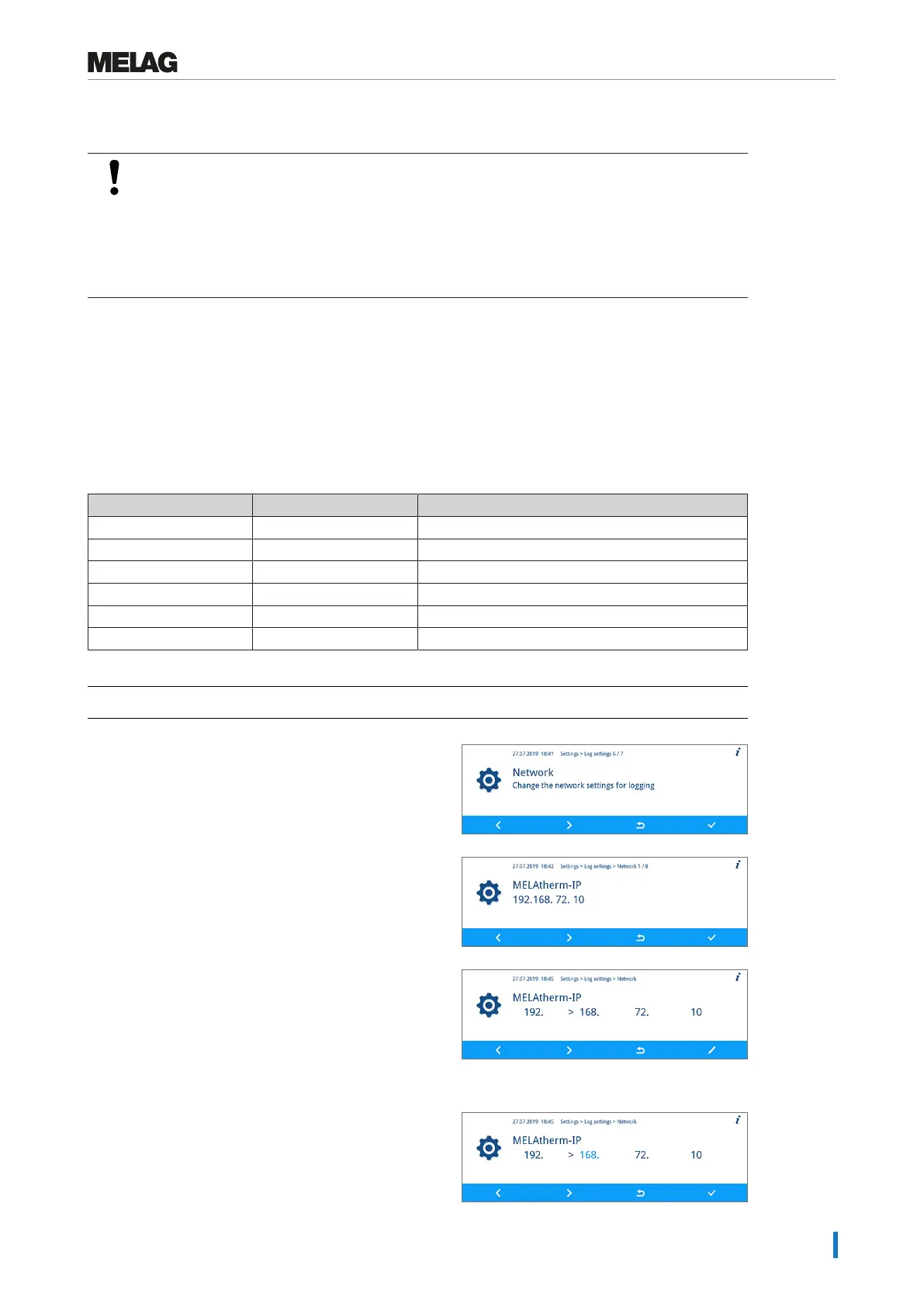
The Settings > Log settings > Network menu is displayed.
1. Press the FORWARD or BACK key to navigate to the
desired output medium e.g. MELAtherm IP.
2. Press the CONFIRM key.
3. Press the FORWARD or BACK key to select the digit to
be changed. The open arrow on the left of the digit
indicates the current selection.
4. Press the EDIT key.
5. Press the FORWARD or BACK key to change the
language.


 To Next Page