3 Setup and installation
14
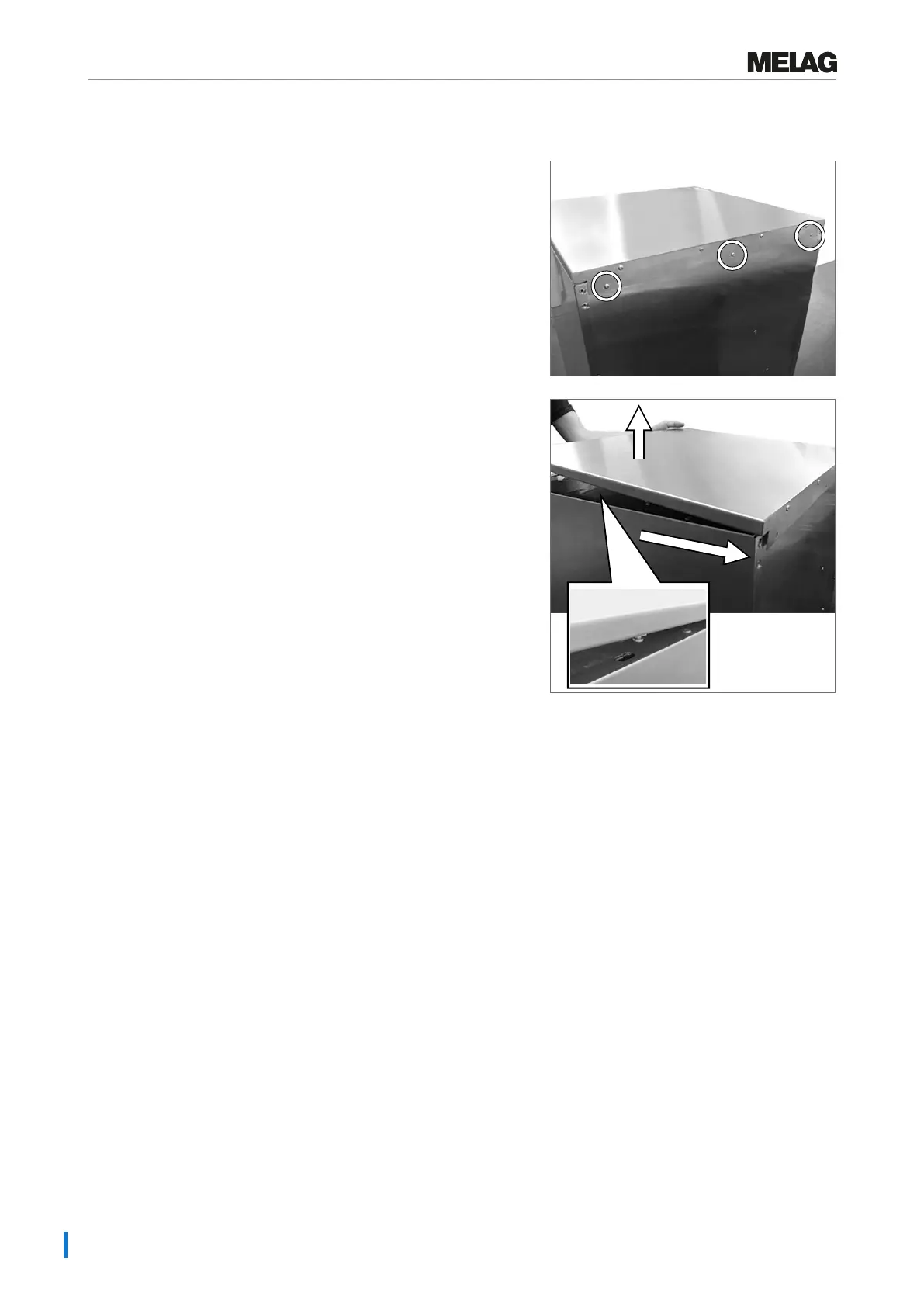
Removing the stainless steel cover plate
1. Unscrew and remove the three TORX screws (TX 20)
on the rear side of the device.
2. Push the stainless steel cover plate approx. 6mm
backwards and remove upwards.
Aligning the device horizontally
Align the device horizontally.
1. Turn the fore device feet in or out with an open-end wrench (size 24). Then tighten the counter nut
with an open-end wrench (size 13).
2. Use an Allen key (4 mm) to adjust the rear device foot in the middle from inside.


 To Next Page