08
Chapter 4 Mercusys Cloud Service
Chapter 1 Mercusys Cloud Service
Mercusys Cloud service lets you remotely monitor your network in real-time, access
and manage your Mercusys devices from the Internet at anytime and anywhere.
1.1 Register a Mercusys ID
When you log in after initial setup, the web page will ask whether you need Mercusys
Cloud service. You can also access the Mercusys Cloud settings as follows:
1. Visit http://mwlogin.net, and log in with the password you set for the router.
2. Go to Basic > Mercusys Cloud.
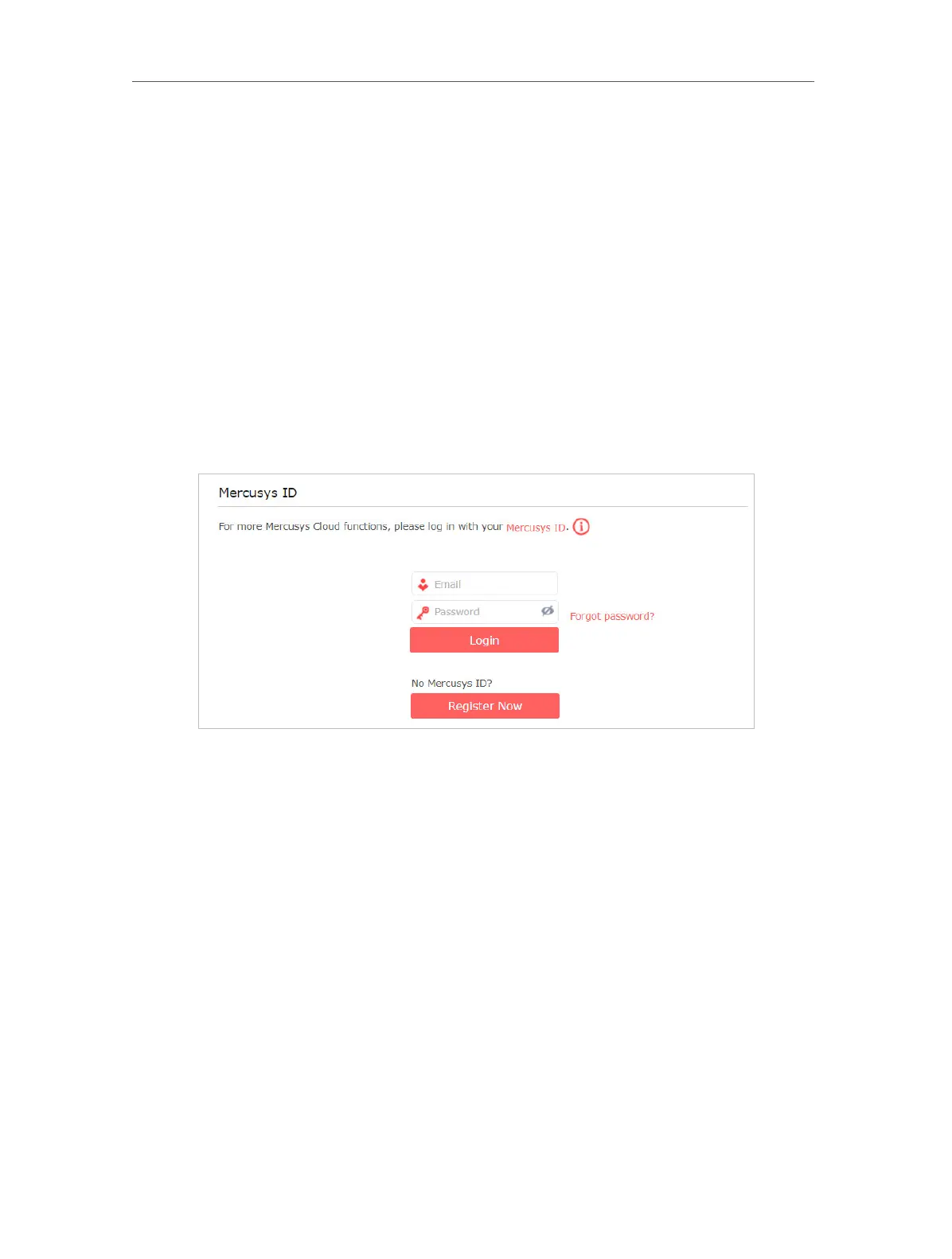
3. Click Register Now and follow the instructions to register a Mercusys ID.
4. After activating your Mercusys ID, come back to the Mercusys ID page to log in.
The Mercusys ID used to log in to the router for the rst time will be automatically
bound as an Admin.


 To Next Page