10
Chapter 4 Mercusys Cloud Service
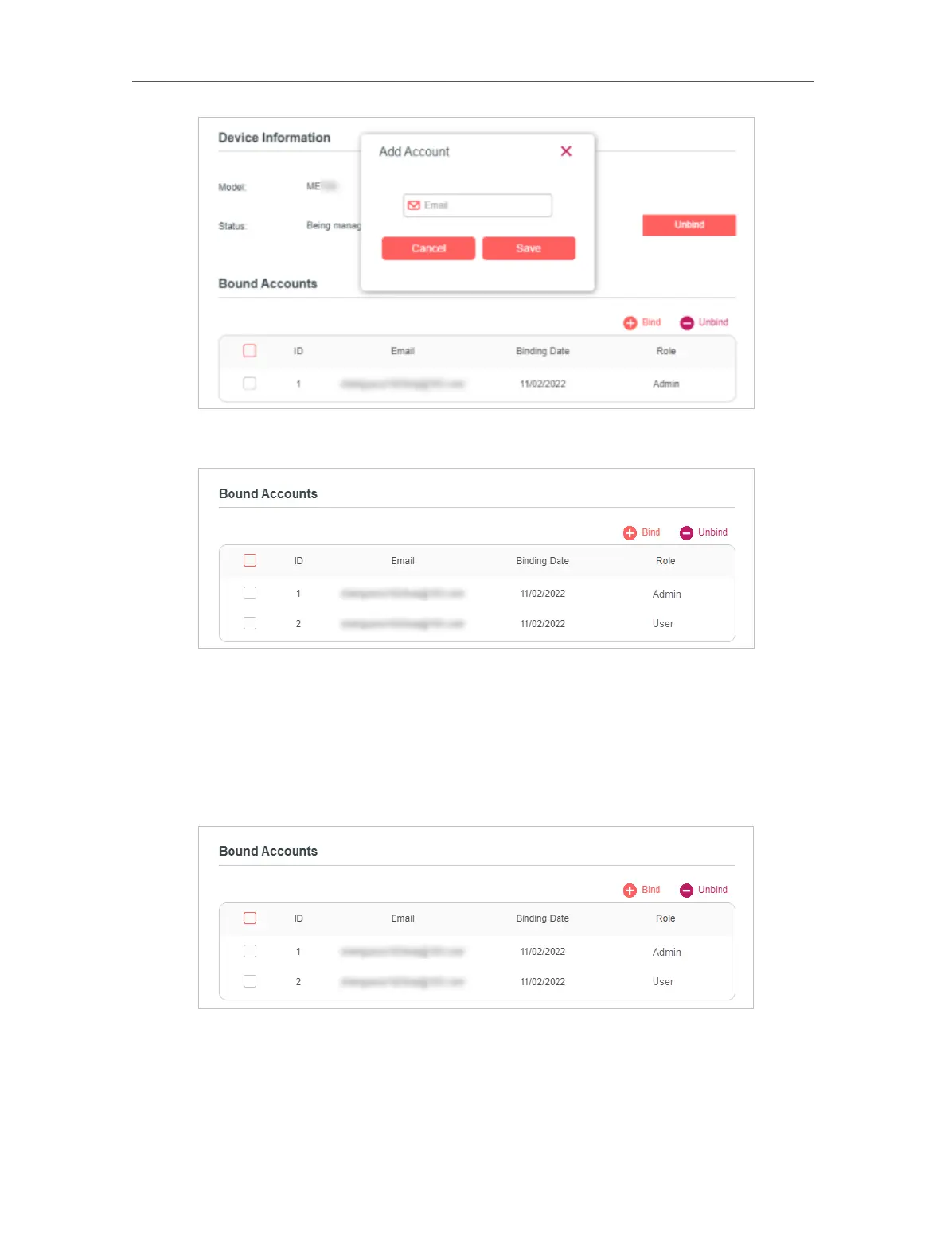
4. The new Mercusys ID will be displayed in the Bound Accounts table as a User.
1. 1. 2. Remove Mercusys ID(s) from Managing the Router
1. Visit http://mwlogin.net, and log in with your Mercusys ID.
2. Go to Settings > Mercusys ID, and focus on the Bound Accounts section.
3. Tick the checkbox(es) of the Mercusys ID(s) you want to remove and click Unbind.


 To Next Page