41
Chapter 10
Specify Your Network Settings
¾ To view the detailed information of the connected wireless clients:
1. Visit http://mwlogin.net, and log in with the password you set for the router.
2. Go to Advanced > Wireless > Statistics page.
3. You can view the detailed information of the wireless clients, including its
connected wireless band and security option as well as the packets transmitted.
Tips:
You can also see the wrieless details by clicking the wireless clients icon on Basic> Network Map.
10. 6. 5. Advanced Wireless Settings
Advanced wireless settings are for those have a network concept. If you are not
familiar with the settings on this page, it’s strongly recommended that you keep
the provided default values; otherwise it may result in lower wireless network
performance.
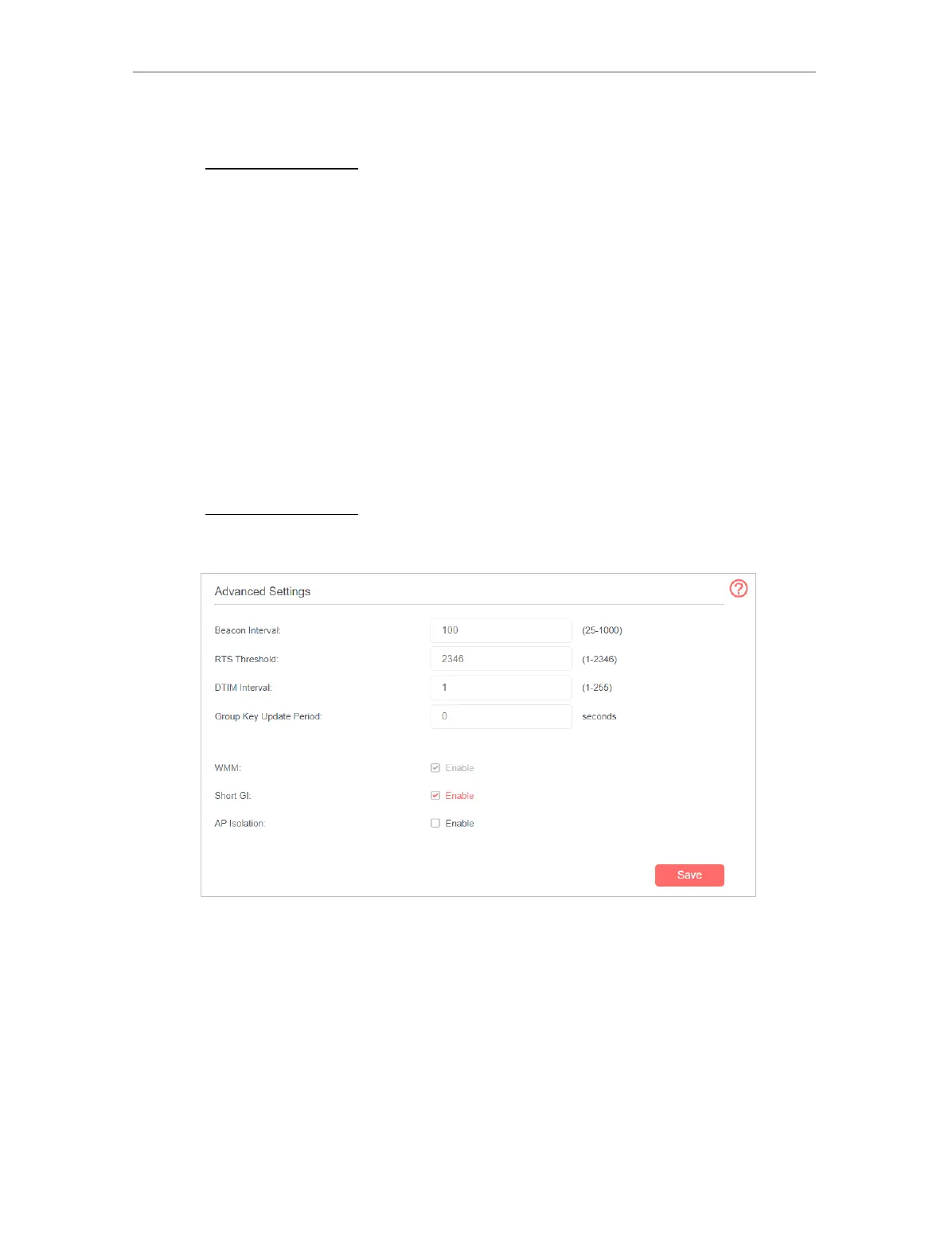
1. Visit http://mwlogin.net, and log in with the password you set for the router.
2. Go to Advanced > Wireless > Advanced Settings page.
• Beacon Interval - Enter a value between 25 and 1000 in milliseconds to determine
the duration between which beacon packets are broadcasted by the router to
synchronize the wireless network. The default is 100 milliseconds.
• RTS Threshold - Enter a value between 1 and 2346 to determine the packet size
of data transmission through the router. By default, the RTS (Request to Send)
Threshold size is 2346. If the packet size is greater than the preset threshold, the
router sends Request to Send frames to a particular receiving station and negotiates
the sending of a data frame, or else the packet will be sent immediately.



 To Next Page