28
Chapter 9
NAT Forwarding
4. Click Save to make the settings take effect.
Tips:
1. You can add multiple port triggering rules according to your network need.
2. If the application you need is not listed in the Existing Applications list, please enter the parameters manually. You
should verify the external ports the application uses first and enter them into External Port field according to the
format the page displays.
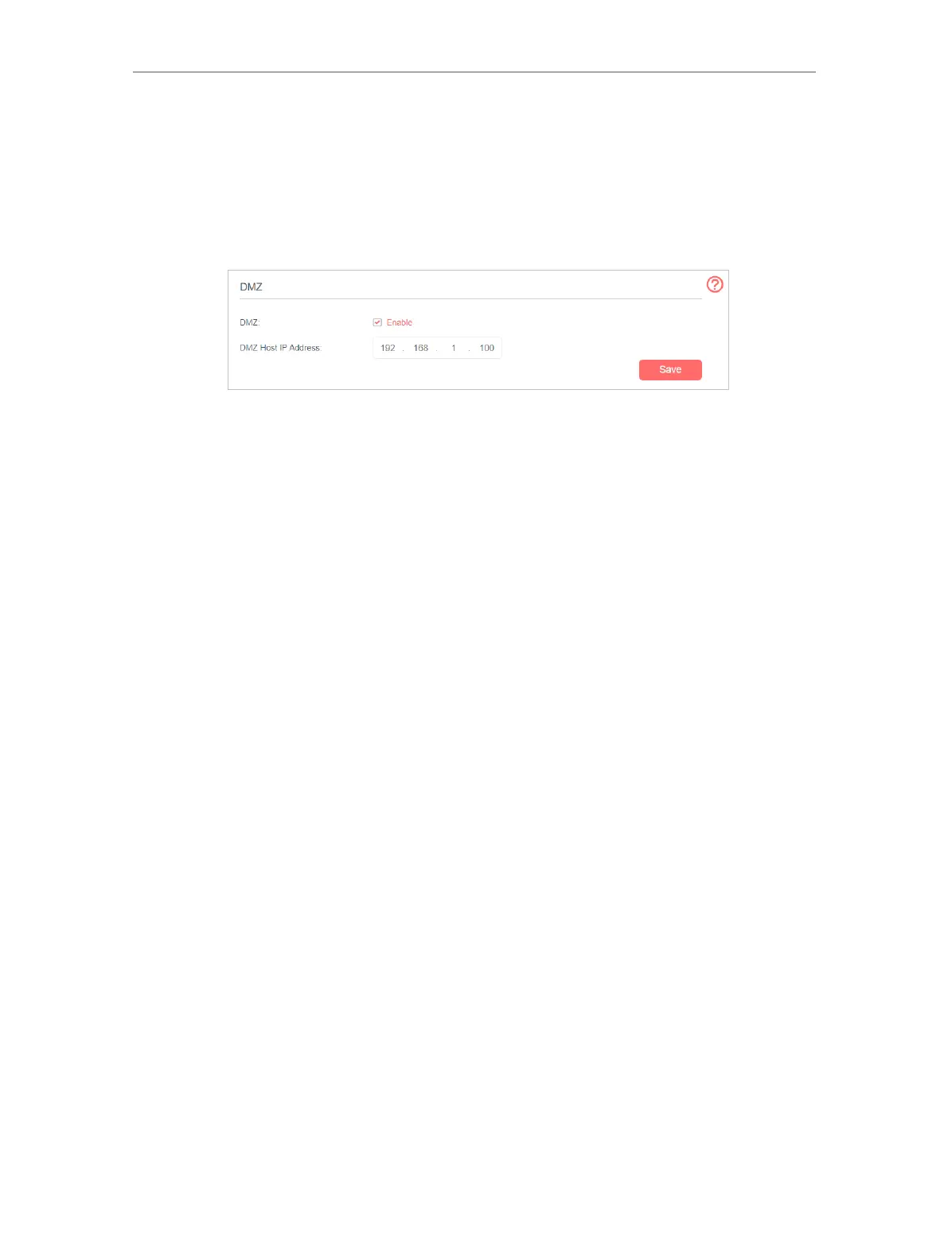
5. Enter the IP address 192.168.1.100 in the DMZ Host IP Address filed.
6. Click Save to save the settings.
Done!
The configuration is completed. You’ve set your PC to a DMZ host and now you can
make a team to game with other players.
9. 4. Make Xbox Online Games Run Smoothly by
UPnP
UPnP (Universal Plug and Play) protocol allows the applications or host devices
to automatically find the front-end NAT device and send request to it to open the
corresponding ports. With UPnP enabled, the applications or host devices in the
both sides of NAT device can freely communicate with each other, realizing the
seamless connection of the network. You may need to enable the UPnP if you want
to use applications for multiplayer gaming, peer-to-peer connections, real-time
communication (such as VoIP or telephone conference) or remote assistance, etc.
Tips:
1. UPnP is enabled by default in this router.
2. Only the application supporting UPnP protocol can use this feature.
3. UPnP feature needs the support of operating system (e.g. Windows Vista/ Windows 7/ Windows 8, etc. Some of
operating system need to install the UPnP components).
For example, when you connect your Xbox to the router which has connected to
the internet to play online games, UPnP will send requests to the router to open the



 To Next Page