105
Chapter 5
Congure the Router in Access Point Mode
5. Click SAVE.
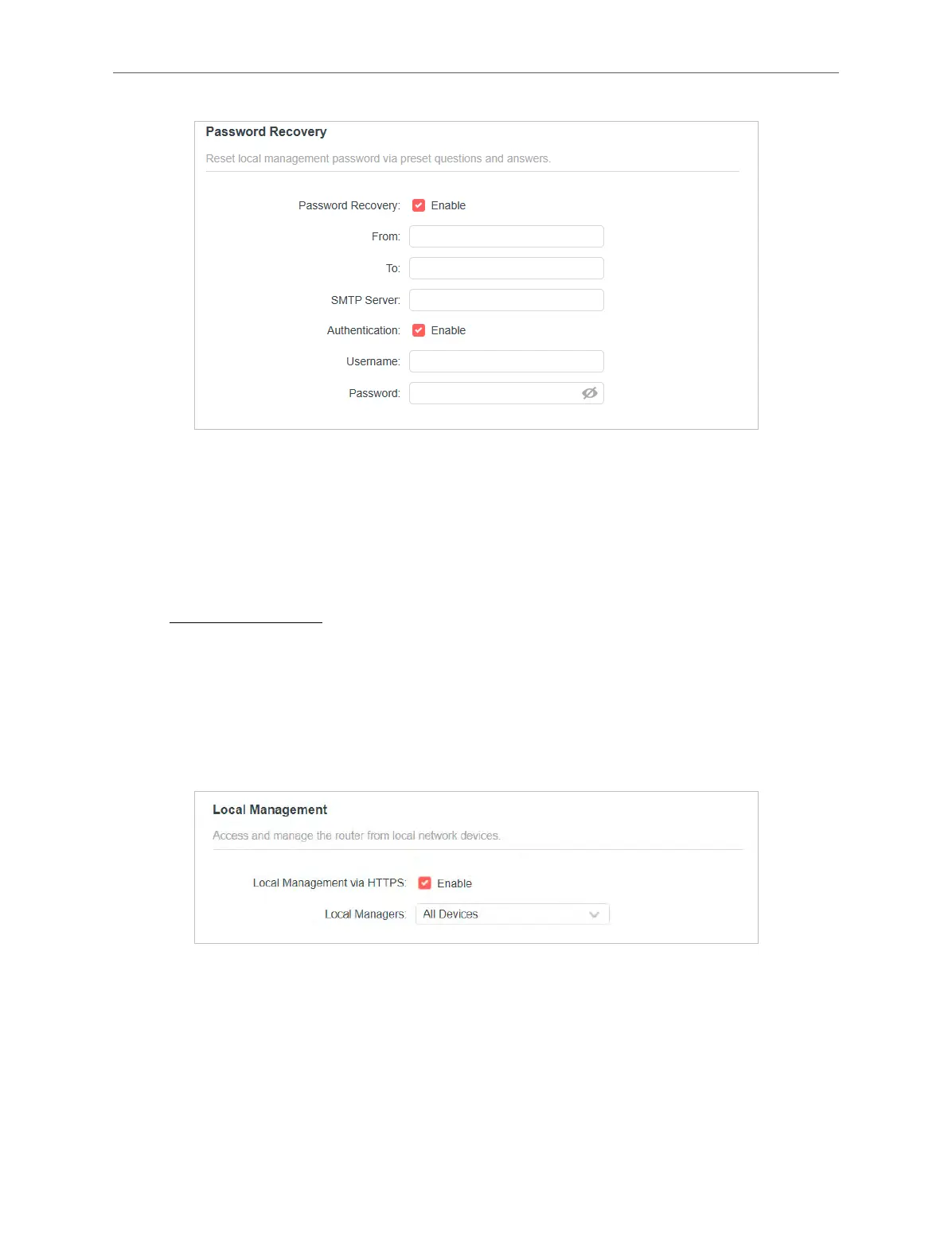
To recover the login password, please visit http://mwlogin.net, click Forgot Password? on
the login page and follow the instructions to set a new password.
5. 6. 3. Local Management
1. Visit http://mwlogin.net, and log in with your Mercusys ID or the password you set for the
router.
2. Go to System > Administration, and focus on the Local Management section.
• Access the router via HTTPS and HTTP:
Tick the Enable box of Local Management via HTTPS to access the router via HTTPS and
HTTP, or keep it disabled to access the router only via HTTP.
• Allow all LAN connected devices to manage the router:
Select All Devices for Local Managers.



 To Next Page