108
Chapter 5
Congure the Router in Access Point Mode
• Email From: Enter the email address used for sending the system log.
• Require Password: Generally, Require Password should be selected if the login of the
mailbox requires username and password.
• Username: Enter the email address used for sending the system log.
• Email Password: Enter the password to login the sender’s email address.
• SMTP Server: Enter the SMTP server address. SMTP server is available for users in most
webmail systems. For example, the SMTP server address of Hotmail is smtp-mail.outlook.
com.
• Email To: Enter the recipient’s email address, which can be the same as or different from
the sender’s email address.
• Mail Log Automatically: If selected, the router will automatically send the system log to the
designated email address.
• Frequency: Specify how often the recipient will receive the system log.
• Mail Time: Specify when the recipient will receive the system log.
5. 8. Diagnostics
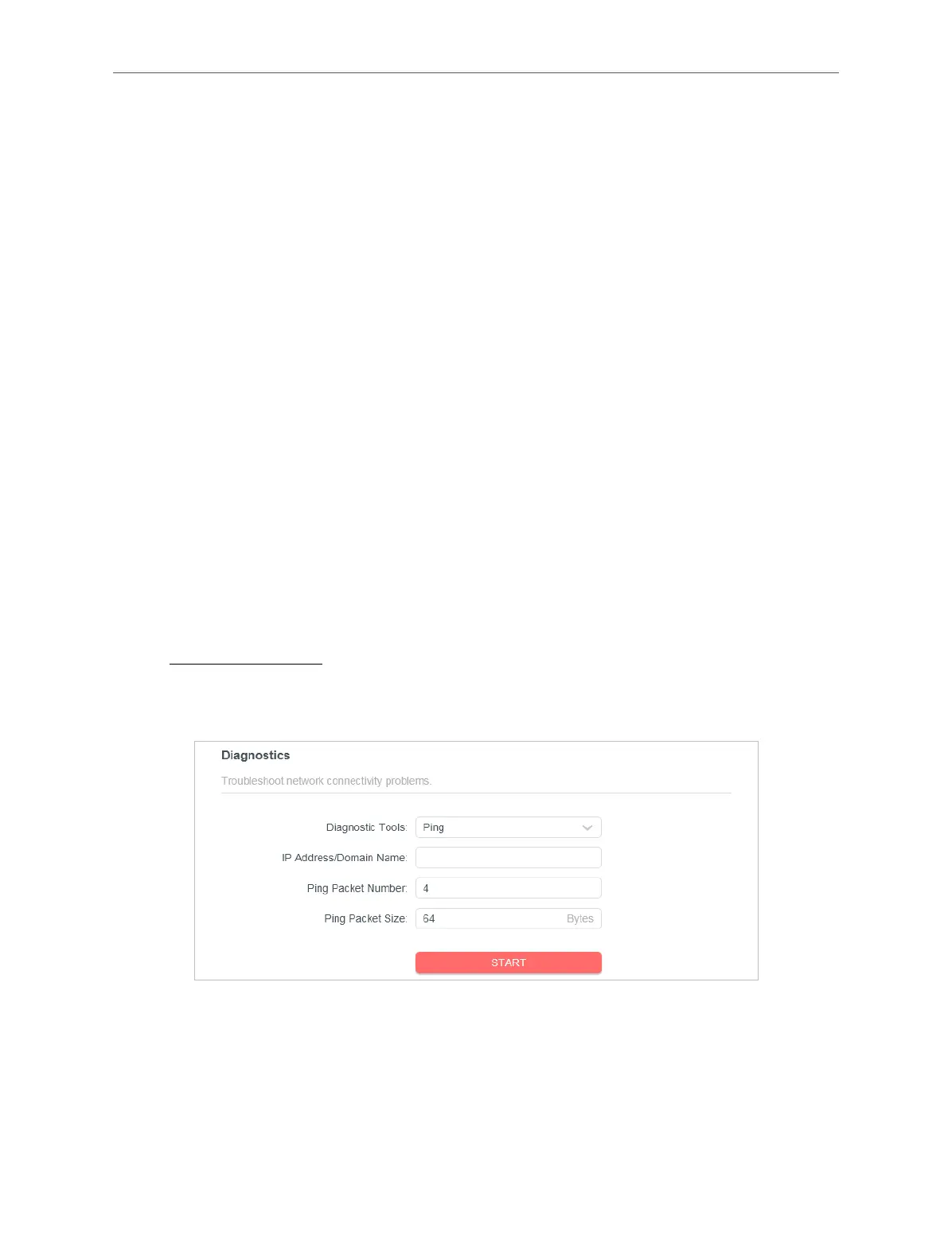
Diagnostic is used to test the connectivity between the router and the host or other
network devices.
1. Visit http://mwlogin.net, and log in with your Mercusys ID or the password you set for the
router.
2. Go to System > Diagnostics.
3. Enter the information:
1 ) Choose Ping or Traceroute as the diagnostic tool to test the connectivity.
• Ping is used to test the connectivity between the router and the tested host, and
measure the round-trip time.



 To Next Page