37
Chapter 4 Congure the Router in Wireless Router Mode
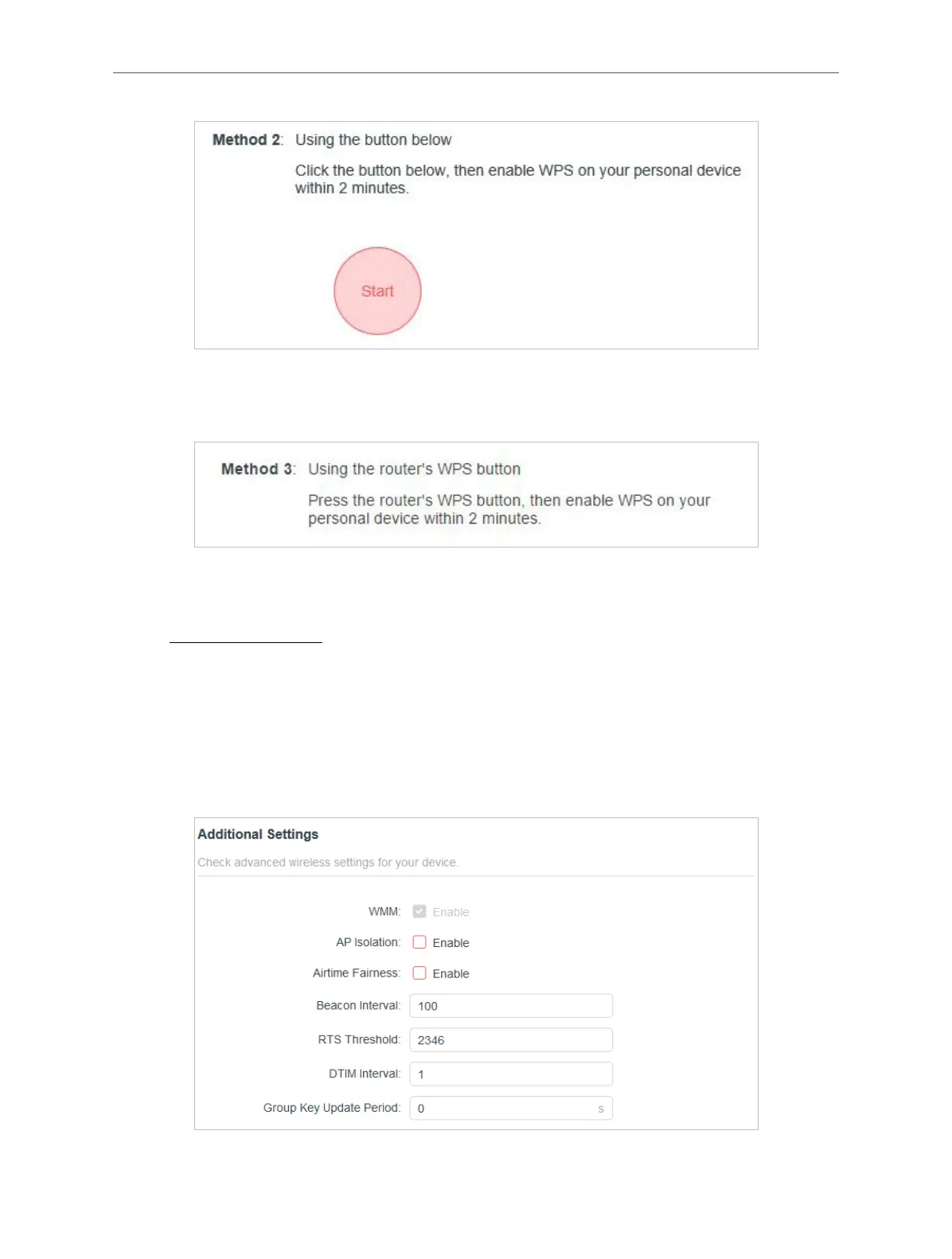
Method 3: Using the WPS Button on the Router
Press the router’s WPS button. Within two minutes, enable WPS on your personal device.
4. 5. 7. Additional Settings
1. Visit http://mwlogin.net, and log in with your Mercusys ID or the password you set for the
router.
2. Go to Advanced > Wireless > Additional Settings.
3. Configure the advanced settings of your wireless network and click SAVE.
Note:
If you are not familiar with the setting items on this page, it’s strongly recommended to keep the provided default values;
otherwise it may result in lower wireless network performance.



 To Next Page