96
Chapter 4 Congure the Router in Wireless Router Mode
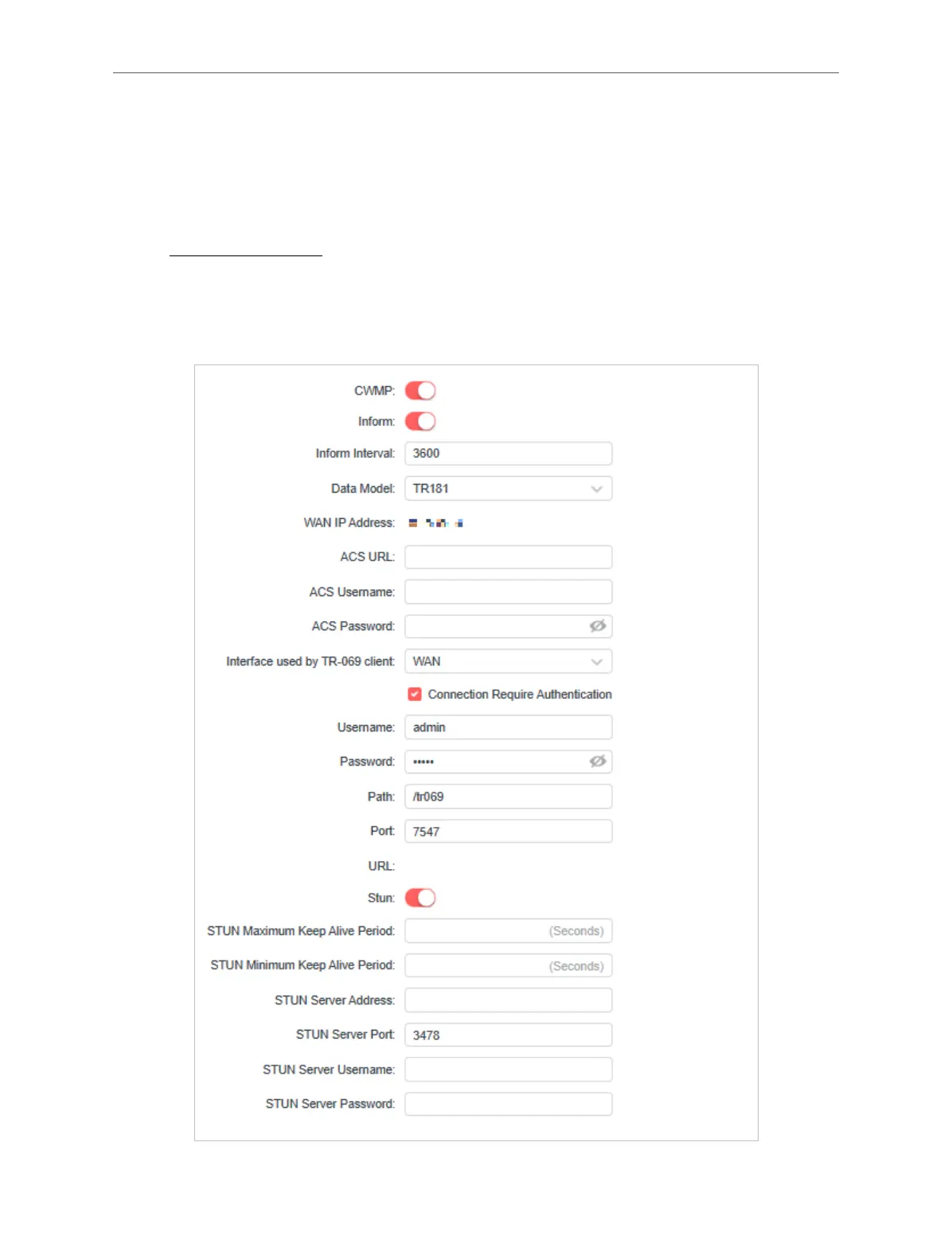
4. 13. 13. CWMP Settings
CPE WAN Management Protocol (also called TR-069) allows Auto-Configuration Server (ACS)
to perform auto-configuration, provision, connection, and diagnostics to this device. You may
configure this function under your ISP’s instructions.
1. Visit http://mwlogin.net, and log in with your Mercusys ID or the password you set for the
router.
2. Go to Advanced > System > CWMP Settings.
3. Configure the parameters according to your ISP’s instructions, and click SAVE.



 To Next Page