34
Chapter 4 Congure the Router in Wireless Router Mode
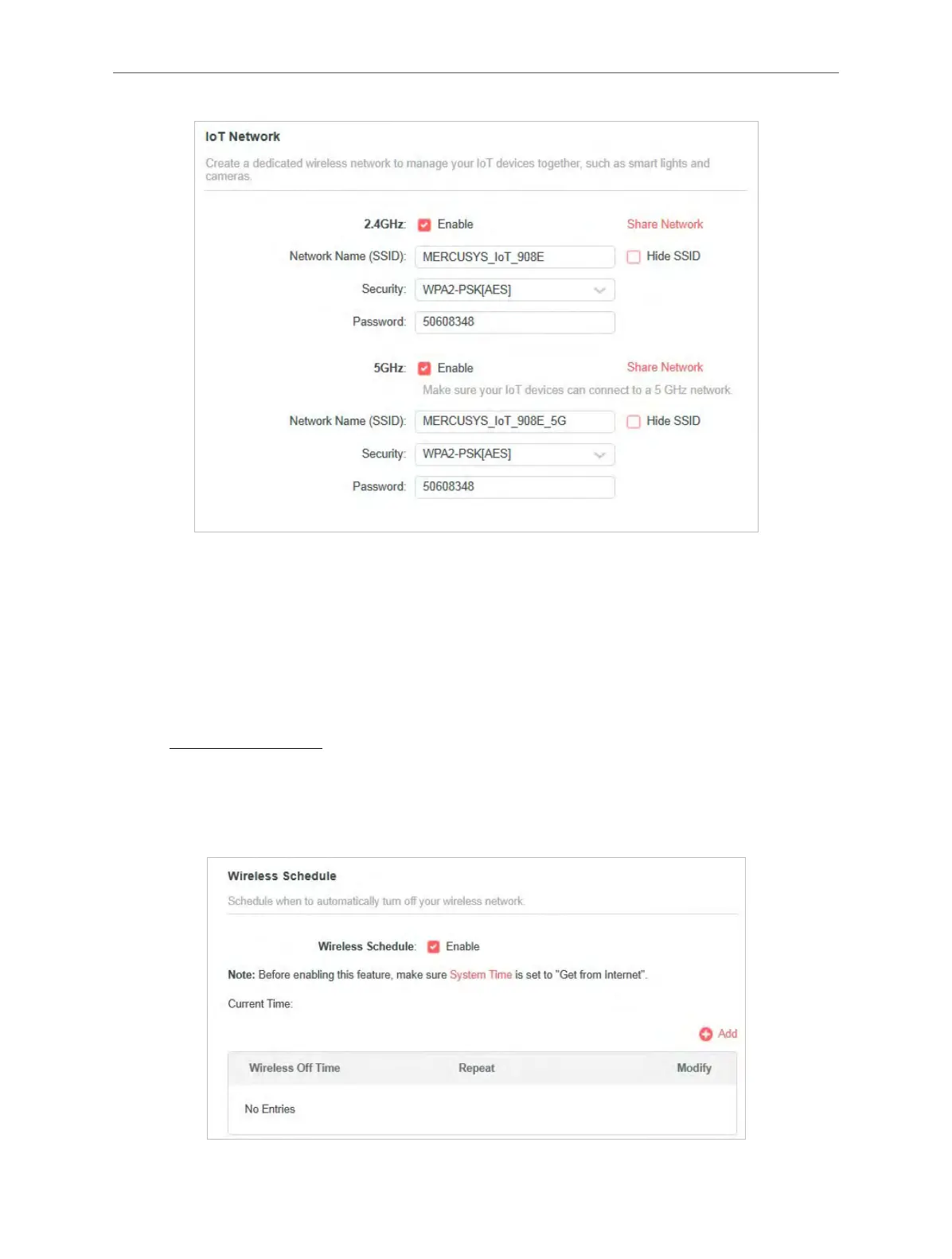
4. Click SAVE. Now you can connect your IoT devices to the dedicated IoT network.
5. You can also click Sharing Network to share the SSID and password to others.
4. 5. 5. Wireless Schedule
The wireless function can be automatically off at a specific time when you do not need the
wireless function.
1. Visit http://mwlogin.net, and log in with your Mercusys ID or the password you set for the
router.
2. Go to Advanced > Wireless > Wireless Schedule.
3. Enable the Wireless Schedule function.



 To Next Page