20
Chapter 4 Congure the Router in Wireless Router Mode
4. 3. 4. NAT
The router’s NAT (Network Address Translation) feature makes devices on the LAN use the
same public IP address to communicate with devices on the internet, which protects the local
network by hiding IP addresses of the devices.
1. Visit http://mwlogin.net, and log in with your Mercusys ID or the password you set for the
router.
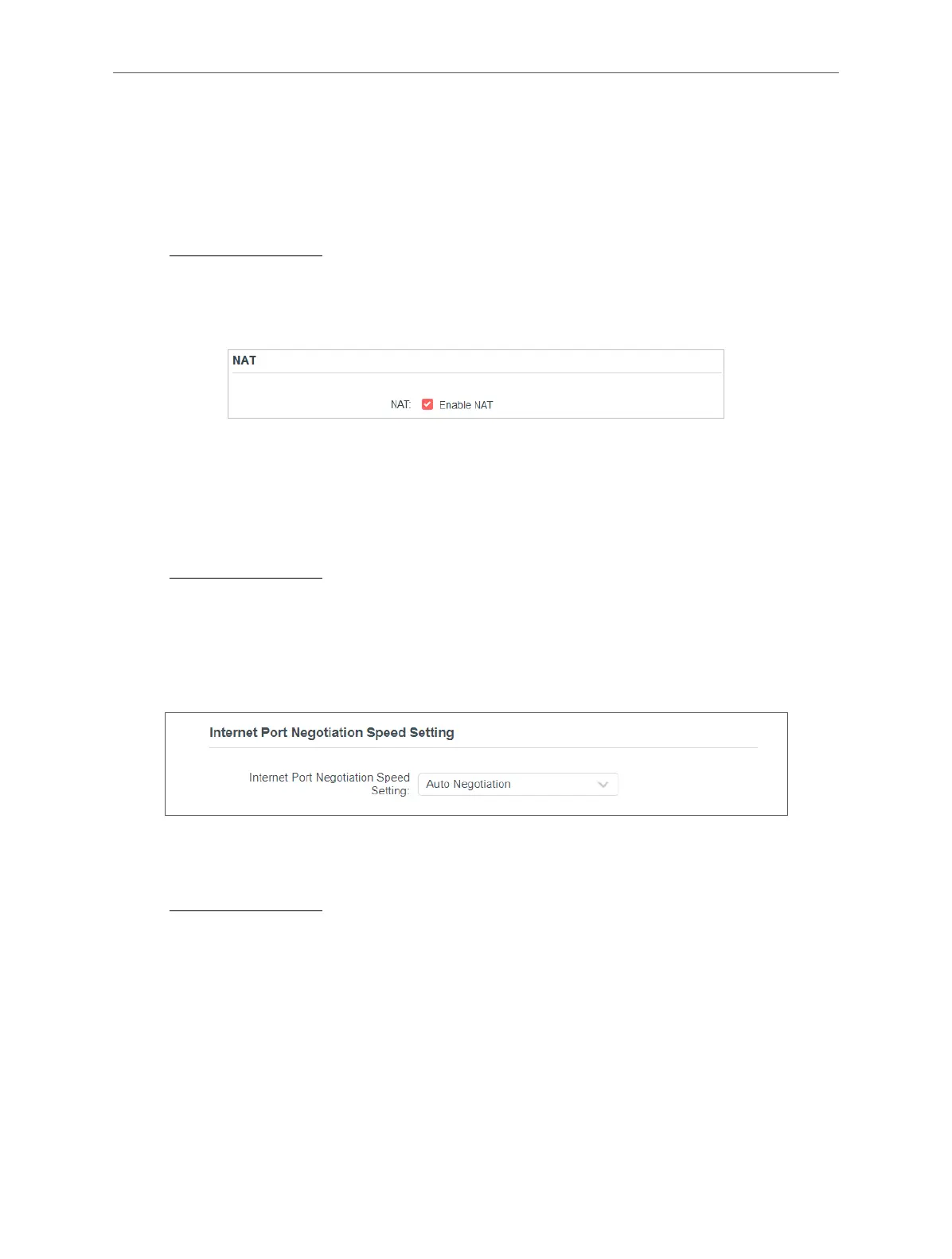
2. Go to Advanced > Network > Internet and locate the NAT section.
3. Configure NAT, then click SAVE.
4. NAT is enable by dafault and it’s highly recommended. If you disable it, you may have no
access to the internet and NAT Forwarding will not take effect.
4. 3. 5. Internet Port Negotiation Speed Setting
1. Visit http://mwlogin.net, and log in with your Mercusys ID or the password you set for the
router.
2. Go to Advanced > Network > Internet and locate the Internet Port Negotiation Speed
Setting section.
3. Select the duplex type from the drop-down list and click SAVE.
4. 3. 6. LAN
1. Visit http://mwlogin.net, and log in with your Mercusys ID or the password you set for the
router.
2. Go to Advanced > Network > LAN.
3. Configure the IP parameters of the LAN and click SAVE.



 To Next Page