70
Chapter 4 Congure the Router in Wireless Router Mode
4. 10. 5. Use VPN Client to Access a Remote VPN Server
VPN Client is used to create VPN connections for devices in your home network to access a
remote VPN server.
To use the VPN feature, simply configure a VPN connection and choose your desired devices
on your router, then these devices can access the remote VPN server. Please follow the steps
below:
*Image may differ from your actual product.
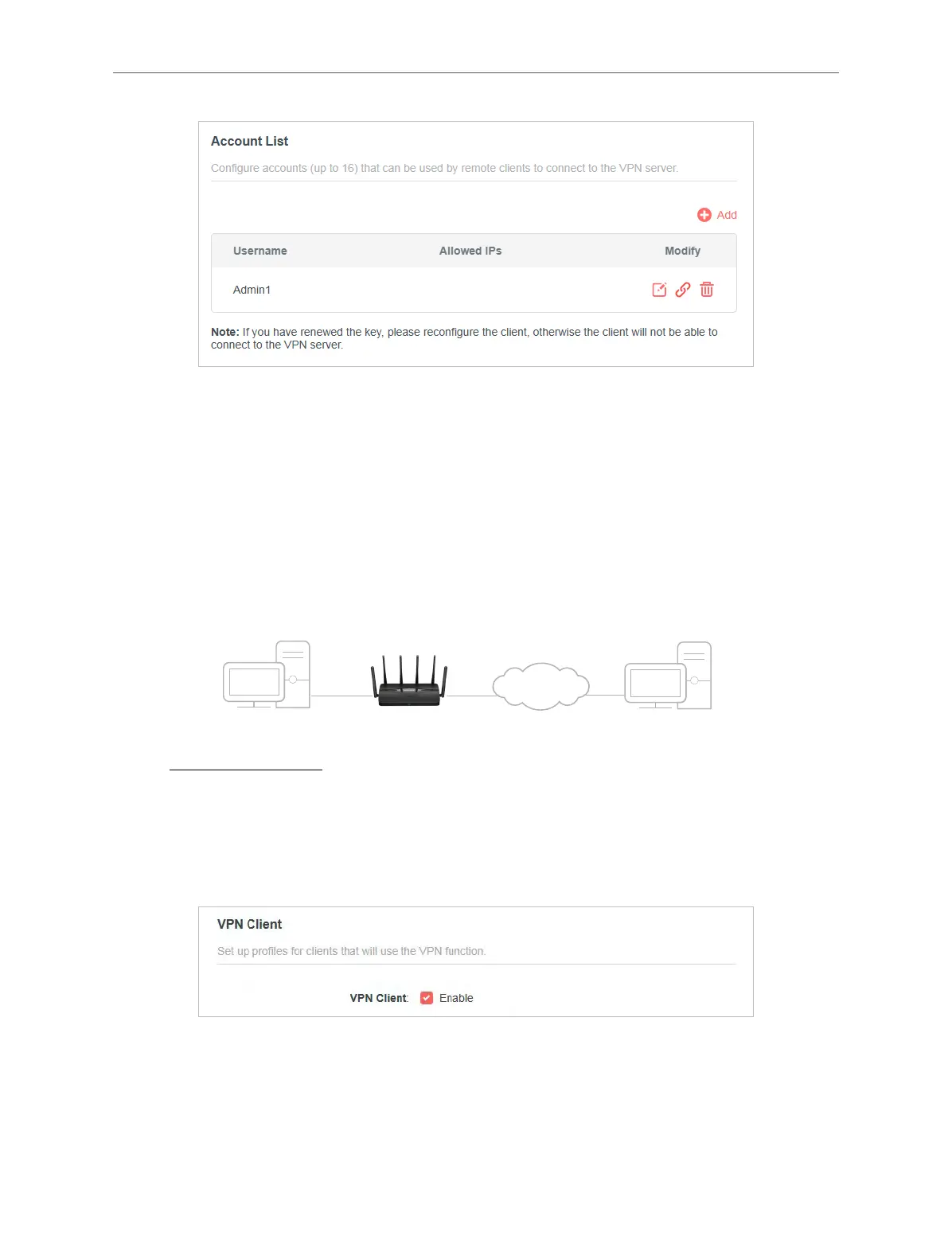
Home Devices Router (VPN Client) VPN Servers
1. Visit http://mwlogin.net, and log in with your Mercusys ID or the password you set for the
router.
2. Go to Advanced > VPN Client.
Note: Firmware update may be required to support VPN Client.
3. Enable VPN Client, then save the settings.
4. Add VPN servers, and enable the one you need.
1 ) In the Server List section, click Add.
2 ) Specify a Description for the VPN, and choose the VPN Type.



 To Next Page