69
Chapter 4 Congure the Router in Wireless Router Mode
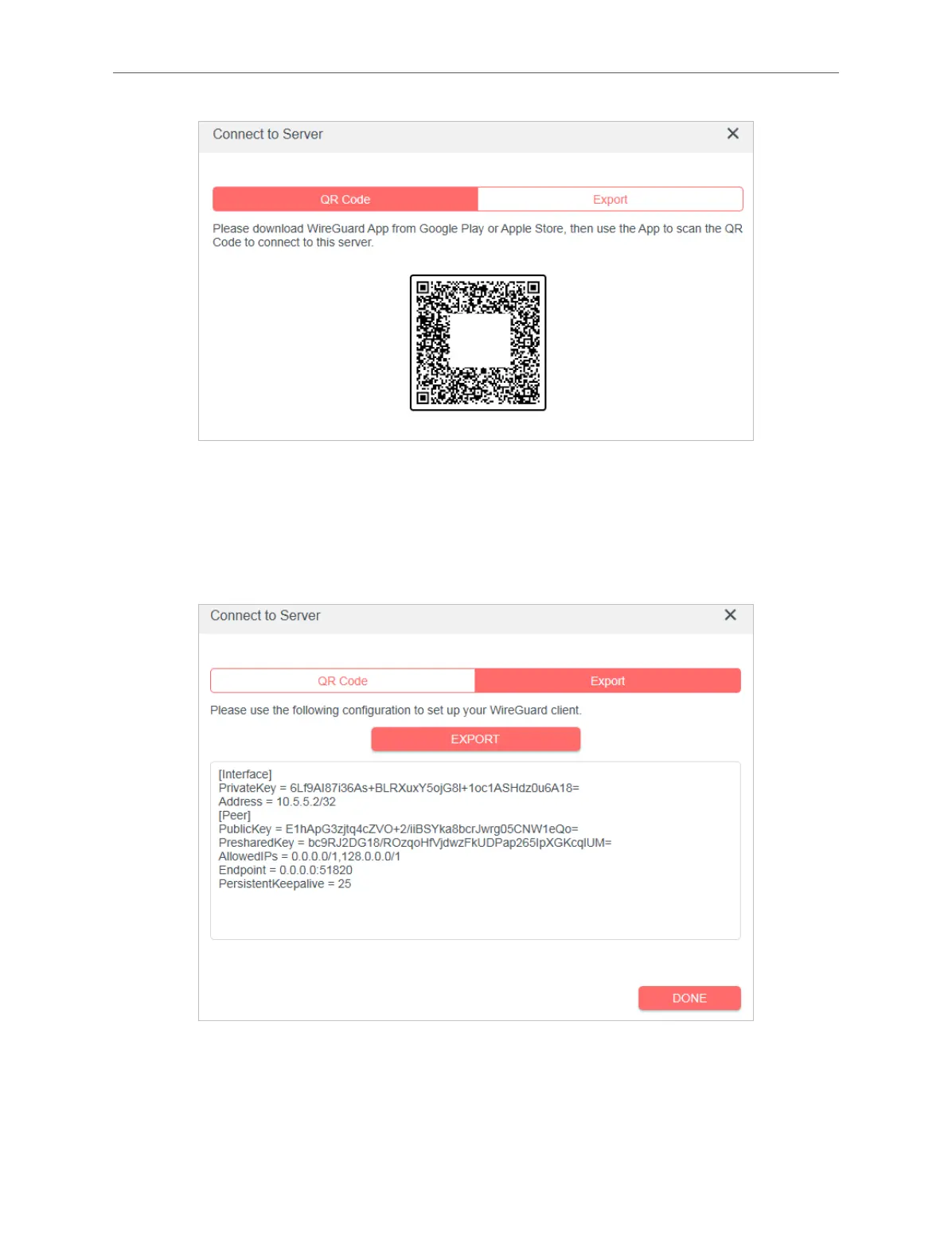
8. Connect to the WireGuard server.
• For mobile phones, download WireGuard App from Google Play or Apple Store, then use the
App to scan the QR Code to connect to this server.
• For other devices (e.g. Mercusys WireGuard VPN client), click EXPORT to save the WireGuard
VPN configuration file which will be used by the remote device to access your router.
9. On the account list, you can click the button to modify the VPN server settings, connect to
the server, or delete the account.



 To Next Page