39
Chapter 4 Congure the Router in Wireless Router Mode
Forwarding can keep the local network safe as other services are still invisible from the
internet.
Port Forwarding can be used to set up public services in your local network, such as HTTP,
FTP, DNS, POP3/SMTP and Telnet. Different service uses different service port. Port 80 is
used in HTTP service, port 21 in FTP service, port 25 in SMTP service and port 110 in POP3
service. Please verify the service port number before the configuration.
I want to:
Share my personal website I’ve built in local network with my friends through the internet.
For example, the personal website has been built in my home PC (192.168.1.100). I hope
that my friends on the internet can visit my website in some way. My PC is connected to the
router with the WAN IP address 218.18.232.154.
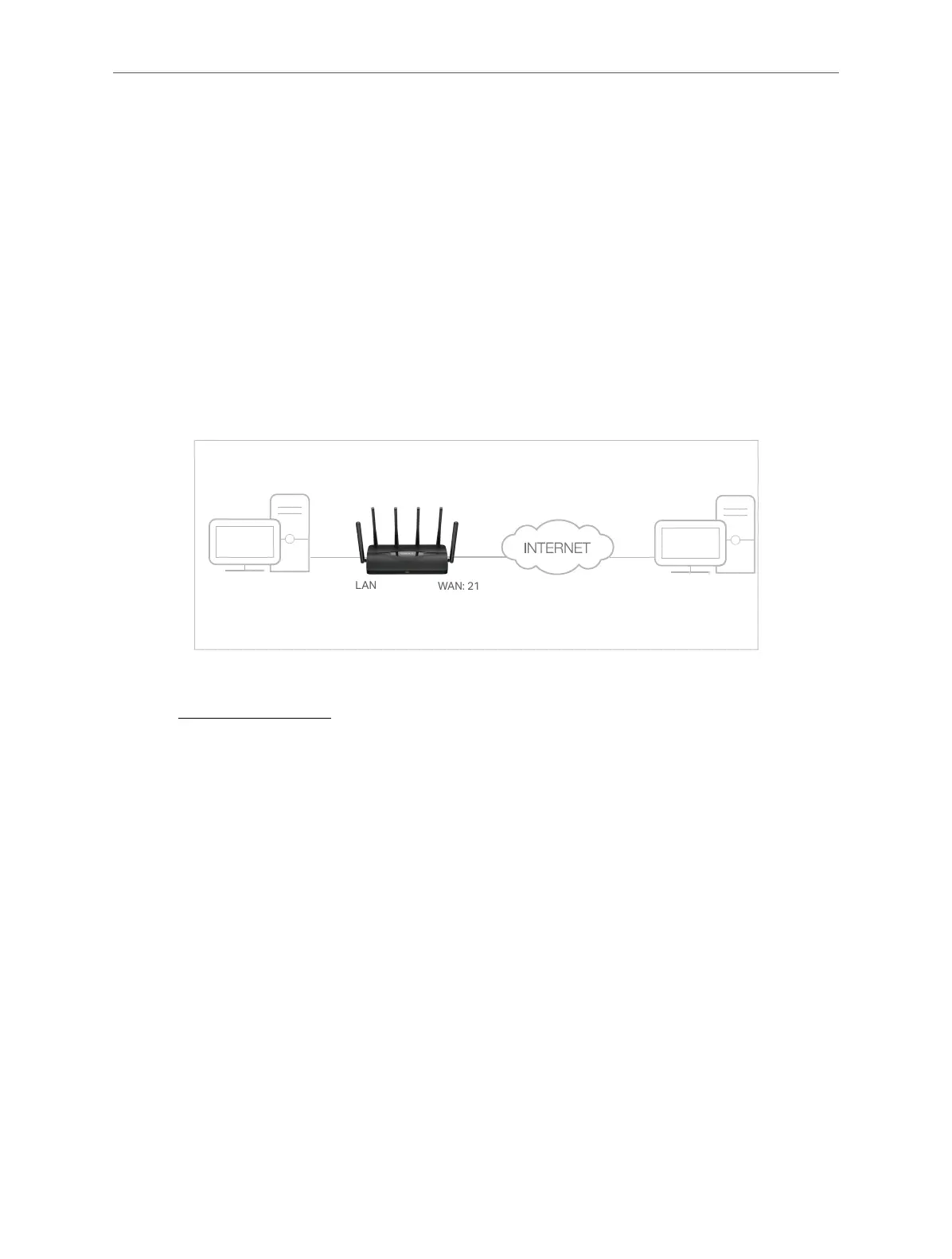
Router
WAN: 218.18.232.154
LAN
Home
Personal Website
1. Set your PC to a static IP address, for example 192.168.1.100.
2. Visit http://mwlogin.net, and log in with your Mercusys ID or the password you set for
the router.
3. Go to Advanced > NAT Forwarding > Port Forwarding.
4. Click Add.



 To Next Page