8
OPERATION
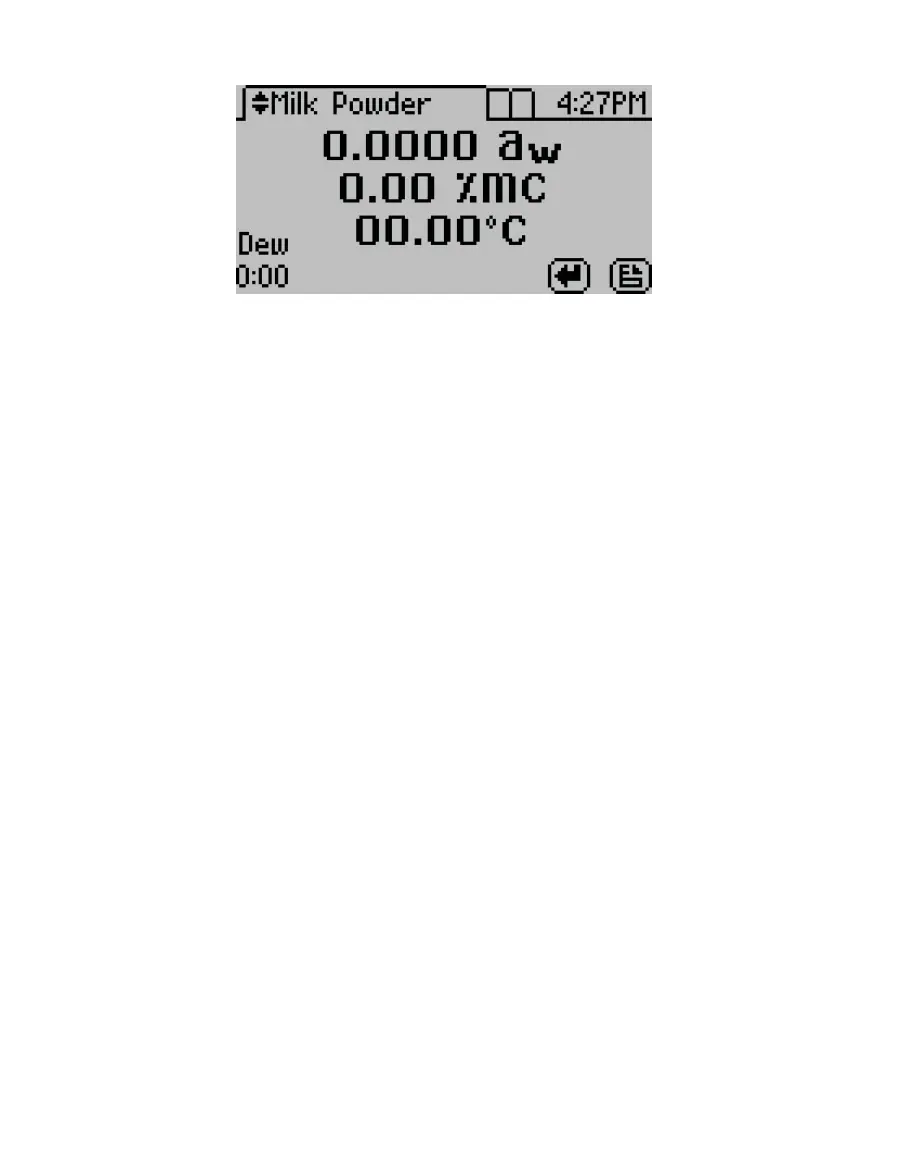
Figure4 Measurement screen for AQUALAB DUO Milk Powder product model
3. Verify cleanliness (Section4.2), calibration (Section4.1), and sample preparation
(Section2.2).
NOTE: The device fan can blow powdery substances; always verify the cleanliness of the sample chamber before
reading a new sample.
4. Move the chamber lever to the OPEN position and lift the chamber lid.
5. Check the top lip and outside surfaces of the sample cup to ensure they are free from
sample residue and conrm the sample cup is not overlled.
NOTE: Overfilling the sample cup may contaminate the chamber sensors.
The sample cup lid must be removed for correct functionality.
6. Place the prepared sample cup in the chamber.
7. Close the chamber lid.
8. Move the lever to the READ position to seal the sample chamber. The reading will
automatically start.
In 1 to 2 min, the rst measurement will display on the screen (this is an intermediate
reading). The instrument crosses the dew threshold numerous times to ensure
equilibrium and the accuracy of readings. Length of read times may vary depending
on temperature differences between the chamber and the sample as well as on other
properties of the sample (Section2.2). The default AQUALAB reading cycle continues
until the rates of change of three consecutive intermediate readings are <0.0005 a
w
of
each other.
When the instrument has nished its read cycle, results will display. The SAVE icon
replaces the spinning measurement icon, and, if enabled, a series of beeps sounds. The
results will include the water activity, read time, temperature, and, for AQUALAB DUO
instruments (Section2.5), moisture content for the selected product model (Figure5).
NOTE: Autosave only saves the moisture content value of the model selected at the end of the reading. Overwrite
the autosave by selecting the correct model using the UP and DOWN buttons and selecting SAVE.



 To Next Page