12
OPERATION
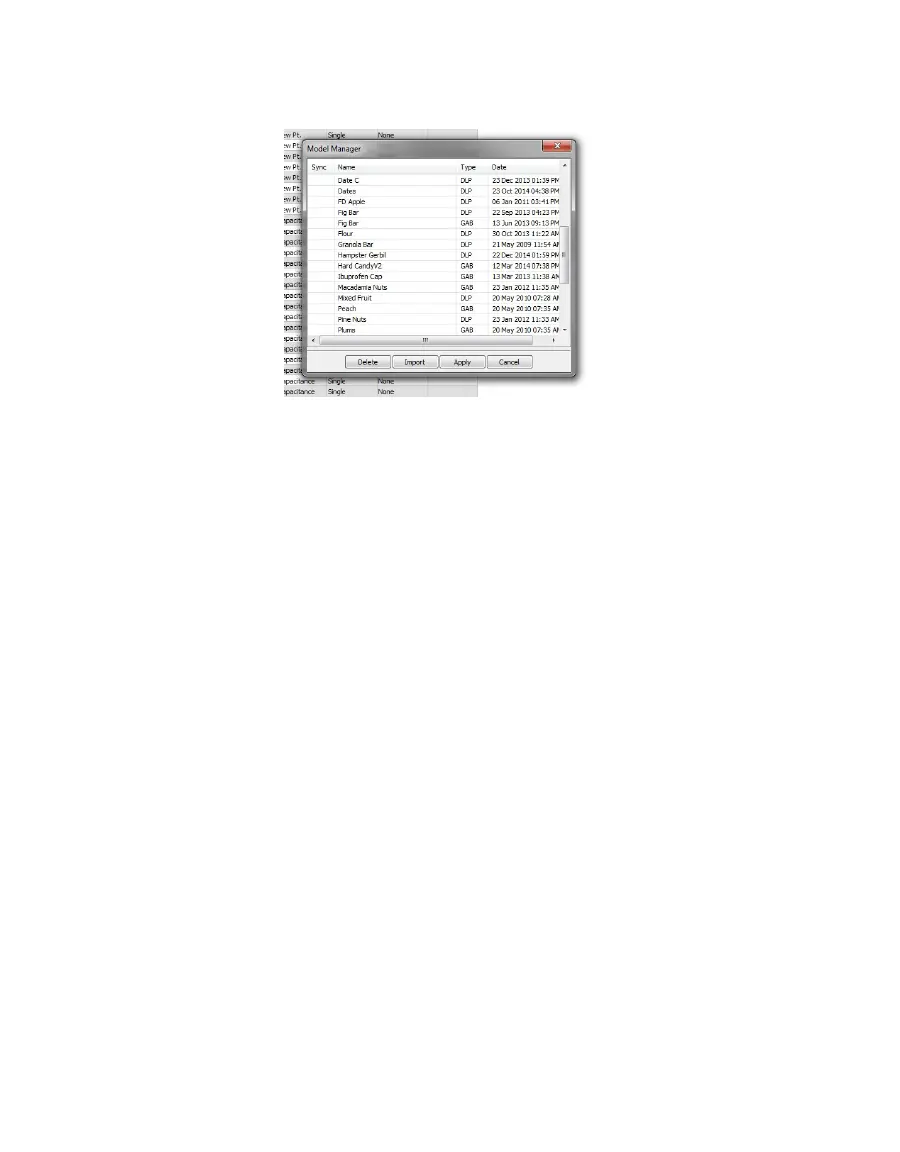
The Model Manager window will show all current models (Figure11). If no models have
been loaded, the window will be empty.
Figure11 AquaLink 4 model loading tool
9. Click Import.
10. Navigate to the model saved on the computer and select.
Each model will need to be imported individually. The models should now show up in the
Model Manager window.
11. Click in the Sync box next to each model name that will be uploaded to the AQUALAB.
12. Click Apply.
13. After a few seconds, use UP and DOWN on the AQUALAB instrument to test if the
instrument can scroll through the new models (visible at the top of the Measurement
tab). The display screen should also have a placeholder for moisture content
measurements.
14. In the AquaLink window, click Disconnect.
15. Close the AquaLink program.
16. Unplug the AQUALAB from the computer.
2.5.3 MEASURING MOISTURE CONTENT
With product models loaded onto the instrument, the AQUALAB DUO can generate moisture
content and water activity simultaneously while taking a reading.
1. Press MENU to navigate to the Configuration tab (Figure12).



 To Next Page