10
OPERATION
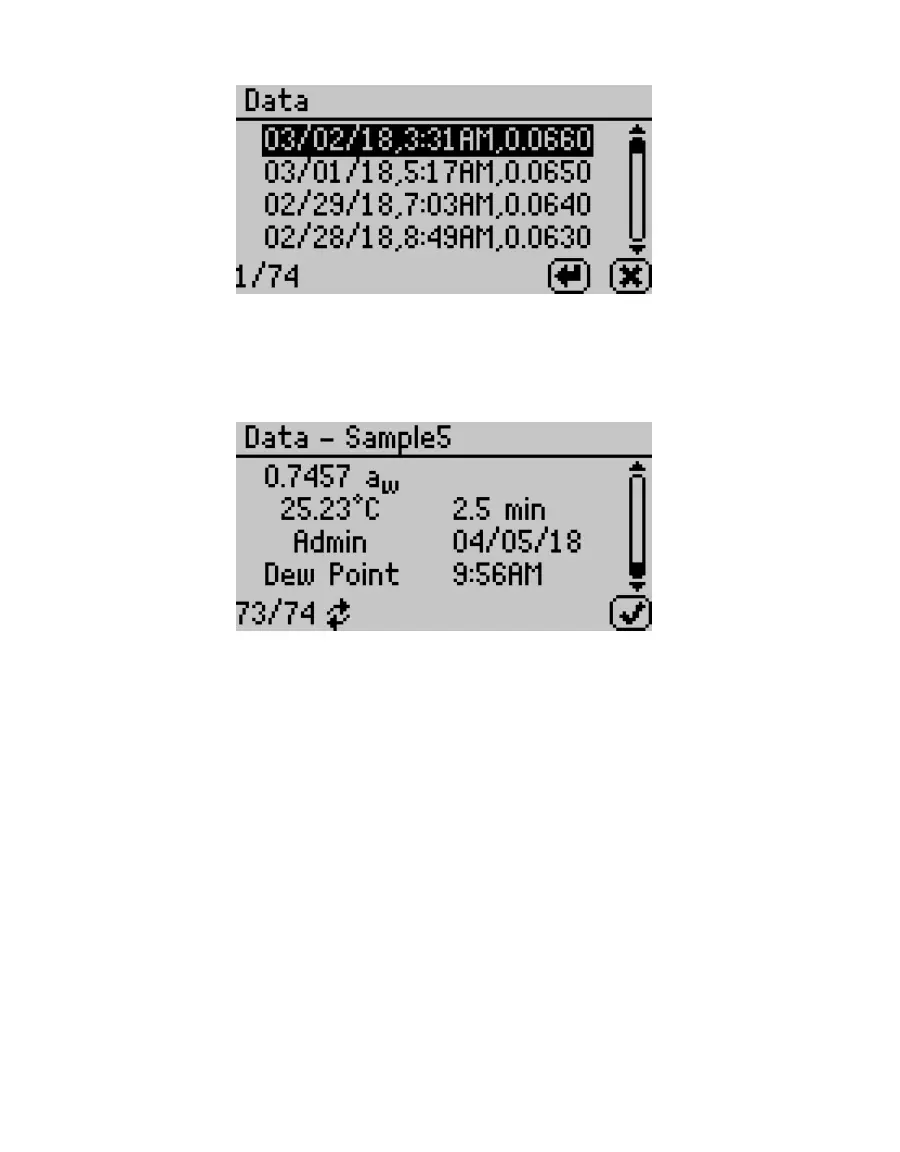
Figure8 List of saved tests
4. Select ENTER.
The detailed test results screen will appear (Figure9). Tests can also be scrolled through
using the arrow buttons on this detailed screen.
Figure9 Detailed test results screen
5. Select OK to return to the list of tests.
6. Select CANCEL to return to the Data tab.
2.5 USING MOISTURE CONTENT (AQUALAB DUO ONLY)
The relationship between water activity and moisture content is called the moisture
sorption isotherm, and it is complex and unique to each product type.
AQUALAB DUO models generate water activity values and moisture content. The DUO models
use preloaded product-specific isotherm models to calculate moisture content and present
it on the screen with the water activity (Figure10). The AQUALAB 4TE and AQUALAB 4TEV can
be upgraded to an AQUALAB 4TE DUO and AQUALAB 4TEV DUO, respectively.



 To Next Page