36
SYSTEM
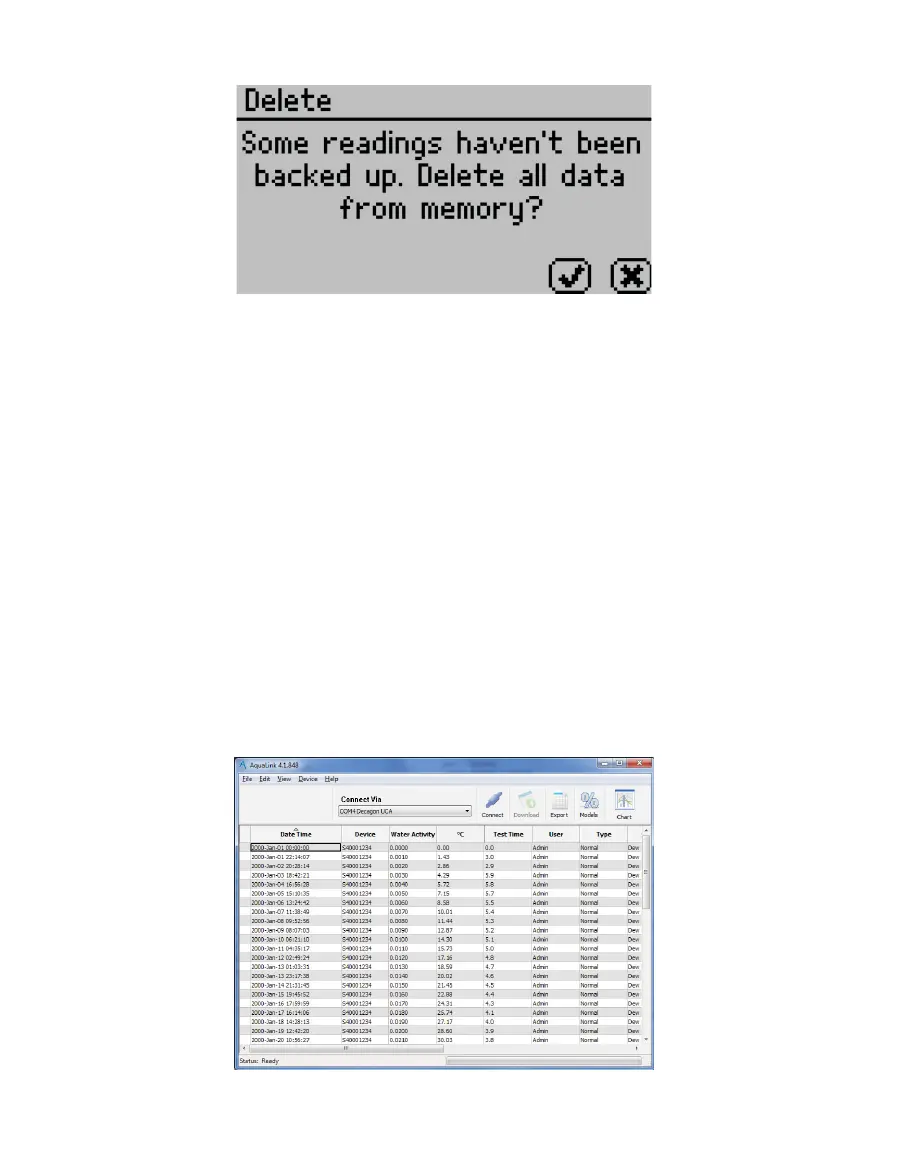
Figure56 Delete option backup reminder dialog
3.3 COMPUTER INTERFACE
The AQUALAB can connect to a computer using USB (included) or RS-232 to send
water activity data for further analysis and storage. The interface is run through the
AquaLink4 software or a terminal communication program.
NOTE: Install the USB driver before connecting the USB cable to the computer by downloading from software.
metergroup.com.
3.3.1 AQUALINK 4 SOFTWARE
AquaLink 4 is available for use with the AQUALAB. AquaLink 4 is a Microsoft
®
Windows
®
-
based program designed for data collection and customized report generation for all
AQUALAB models. AquaLink 4 logs water activity, temperature, and time and date of
measurement along with other information (Figure57). AquaLink 4 also has sample
identification and comment fields to help annotate the data the AQUALAB is gathering.
The AquaLink 4 software can also download data (including moisture content) from the
instrument, present the data in table form, filter the data, and print reports. Refer to
AquaLink 4 software help files for further instructions.
Figure57 AquaLink 4 main screen



 To Next Page