35
AQUALAB
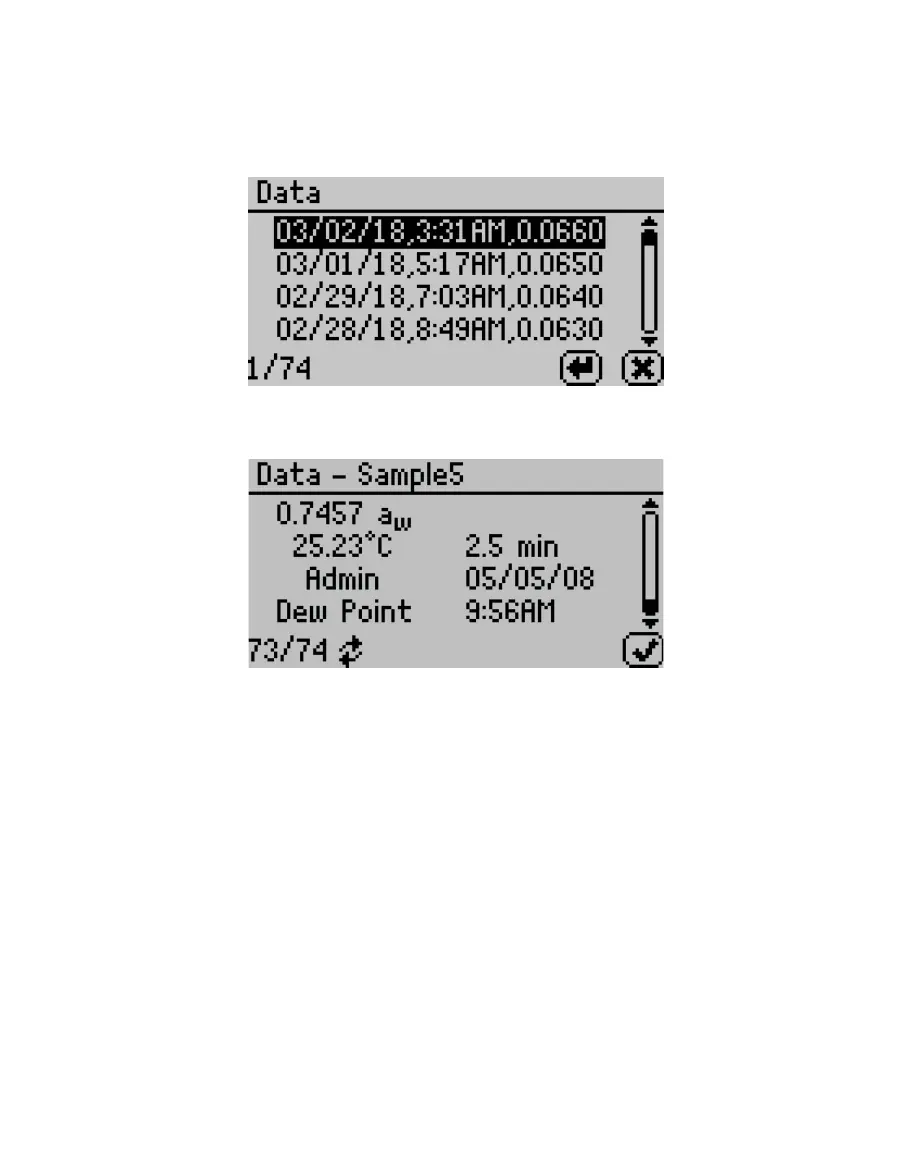
• View. Select to view stored measurements with the most recent measurements at the
top of the table (Figure54). Use UP and DOWN to move through the stored data. Use LEFT
and RIGHT to page quickly through the data. Refer to Section3.3 for information about
downloading these readings to a computer.
Figure54 View data
Select a highlighted reading to view detailed information (Figure55).
Figure55 Data sample detail screen
The screen displays the name of the reading (if annotated), the water activity of the sample,
the temperature of the sample, the test time, the user who ran the test (if set up), the
reading date, the sensor used, the time the reading was taken, and the sequence number of
the stored reading. Use UP and DOWN to scroll through readings.
• Delete. Select this option to delete all data currently stored in the instrument. Readings
cannot be deleted individually. If the information has not been backed up with AquaLink 4, a
reminder will appear (Figure56).
NOTE: Deleted data cannot be recovered.



 To Next Page