19
AQUALAB
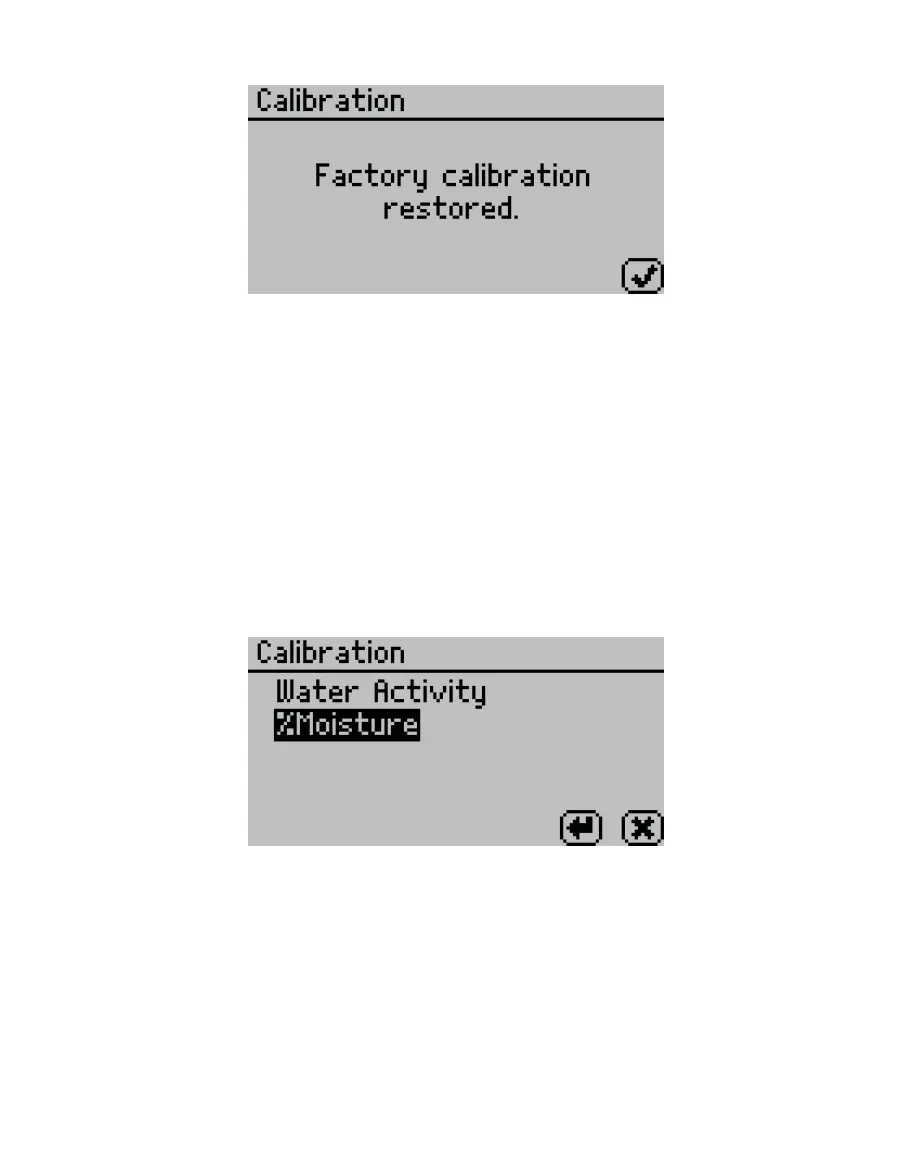
Figure26 Conrmation dialog that AQUALAB was reset to factory calibration
8. Select OK to return to the Conguration tab.
2.5.6 DELETING MODELS
If a model is no longer needed, it can be deleted directly from the AQUALAB. Models are not
user-specific, so if a model is deleted from the instrument, all users will lose access to it.
NOTE: Deleted models cannot be recovered from AQUALAB. Use AquaLink 4 to back up models.
1. Press MENU to navigate to the Configuration tab.
2. Select Calibration.
3. Select %Moisture from the list of calibration types (Figure27).
NOTE: If %Moisture is not an option, the instrument may not be an AQUALAB DUO. Contact Customer Support.
Figure27 Calibration screen listing calibration types
4. Select Delete.
5. Select the desired model from the list (Figure28).
Select CANCEL to return to the %Moisture Calibration screen.



 To Next Page