7
AQUALAB
If this error message appears,
1. Remove the sample from the instrument.
2. Place a lid on the cup.
3. Allow the sample to cool to within 4 °C of the instrument before measuring.
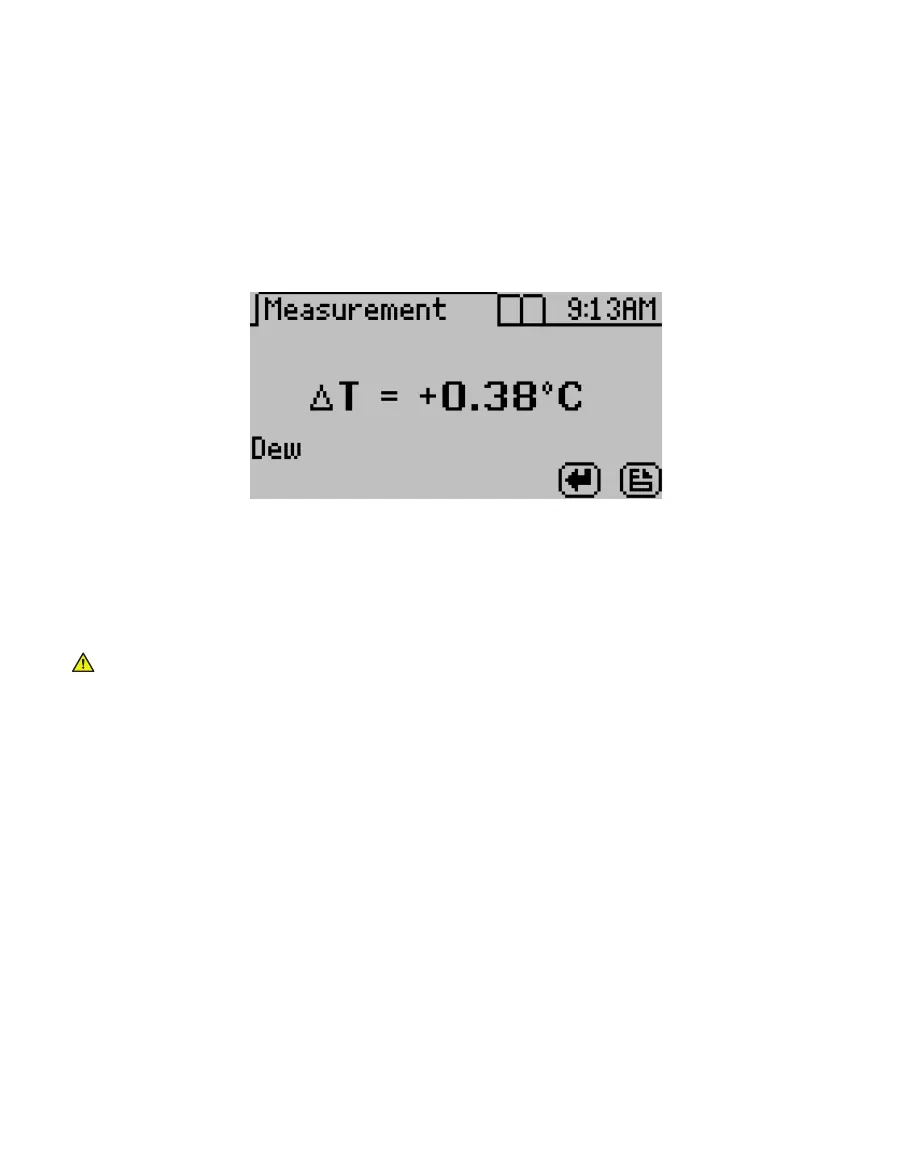
To check the differences in temperature between the sample and the chamber prior to
beginning a reading, set the sample in the chamber, close the lid without latching it, and
press the RIGHT or LEFT button. Figure3 provides an example of this screen.
Figure3 Temperature difference between sample and sample chamber
2.3 TAKING A READING
The AQUALAB provides readings in 5 min or less. Readings are reliable, providing ±0.003 a
w
accuracy.
CAUTIONS
• Never leave a sample in the AQUALAB after a reading has been taken. The sample may spill
and contaminate the instrument chamber if the instrument is accidentally moved or jolted.
• Never move the instrument after a sample has been loaded. Movement may cause the
sample material to spill and contaminate the sample chamber.
• Do not measure a sample that has a temperature greater than ±4 °C than the AQUALAB
chamber (Section2.2.2). Remove the sample until it is at room temperature.
NOTE: After measuring volatiles with the capacitance sensor, clean the chamber (Section4.2), place charcoal in the
chamber, and seal for a minimum of 5 min before switching to the dew point sensor.
Perform the following steps to take a reading.
1. Ensure the AQUALAB is plugged in and turned on.
The splash screen will appear, followed by the main Measurement tab (Section3.2.4.1).
2. For AQUALAB DUO instruments (Section2.5), use the UP and DOWN buttons to scroll
through all available product models that may be used (Figure4).
The moisture content value adjusts based on the selected model.



 To Next Page